
Bulk AI Image Upscaler
Use a clear upscale image workflow: add files or URLs, choose your resolution, and preview results before downloading.
Upload Image
Add up to 5 images at once.
Click to upload image or drag image here
Supports JPG, PNG, WEBP, ZIP formats, max 20.00MB each
You can select or drag up to 5 images.
Upload files or paste
Try an example image
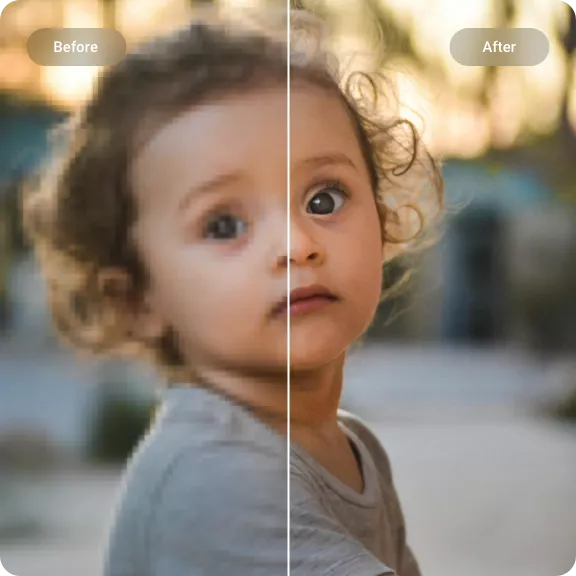
Batch image upscaling — see it happen
Drag the slider to compare the original with the AI-upscaled result. Each example shows how an AI image upscaler can increase image resolution and restore lost detail.
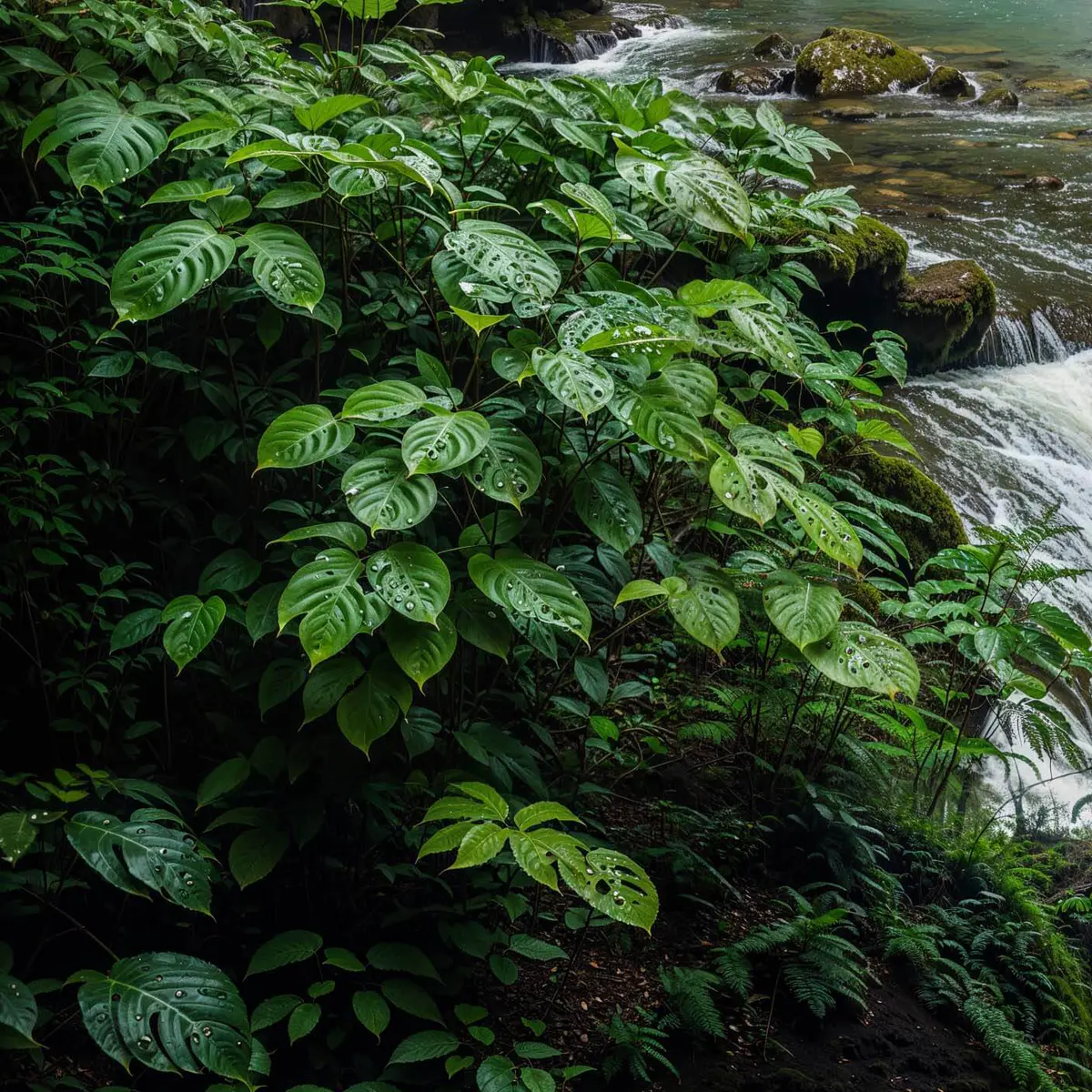
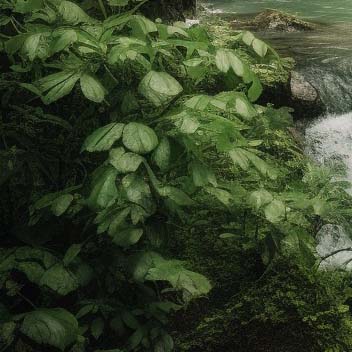
Low-res garden shot upscaled to a crisp landscape
The original photo was soft and lacked edge definition. After upscaling, foliage, pathways, and textures look noticeably sharper while keeping a natural appearance.
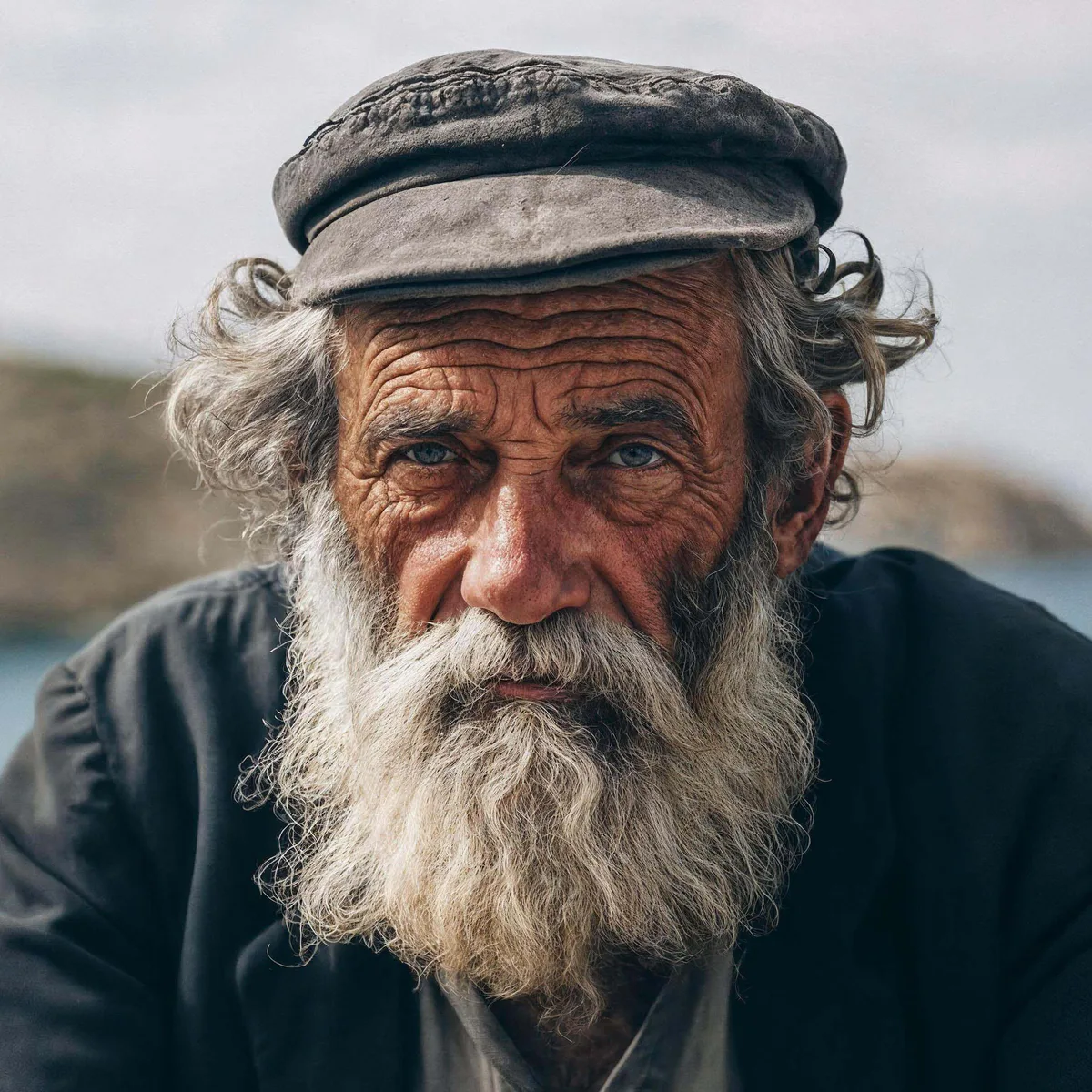
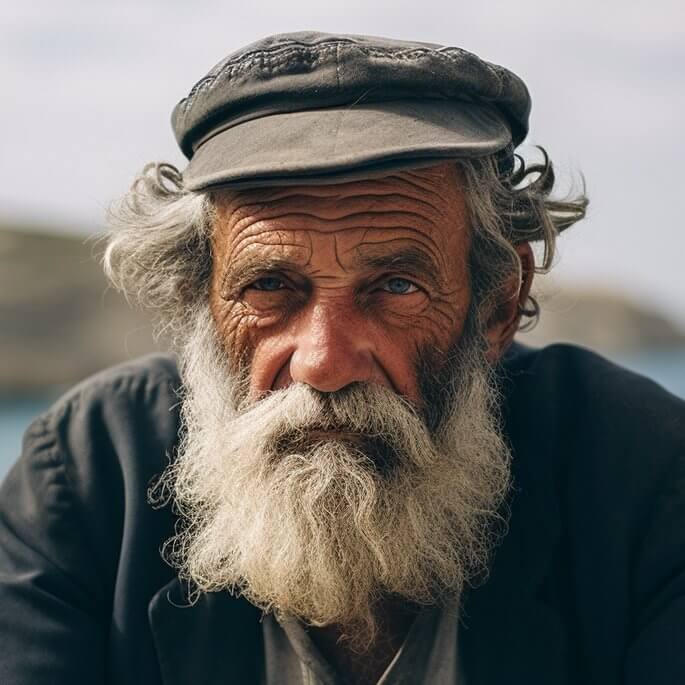
Blurry backyard restored with cleaner detail
Grass, stones, and architectural edges were hard to distinguish in the source. AI enhancement recovered texture and sharpness without introducing artifacts.
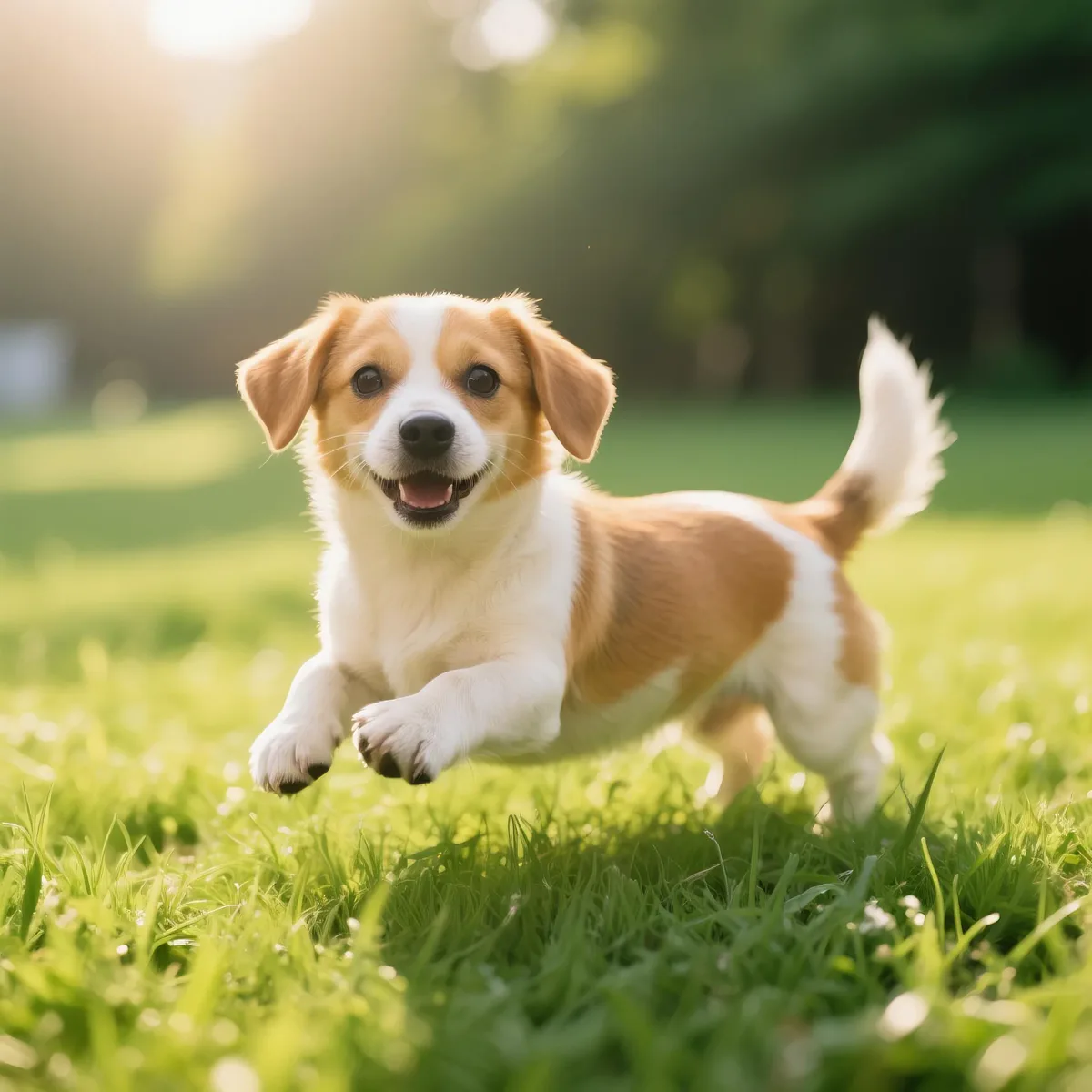
Compressed image rebuilt at higher resolution
The original file had visible JPEG compression noise. AI reconstruction smoothed out blocky areas and preserved line detail for a cleaner final result.
A smarter batch upscaler that keeps your photos sharp
Most enlargers add blur. This upscale image workflow rebuilds detail, reduces noise, and shows output choices upfront.
AI image upscaler rebuilds lost detail
AI reconstructs edges, textures, and fine detail instead of only stretching pixels.
Upscale image to 4K and beyond
Choose 2x or 4x for quick tests, or unlock 6K and 8K outputs for paid workflows.
Sharpen, denoise, and enhance in one pass
Reduce compression noise, sharpen soft edges, and enhance detail in one run.
Upscale JPG, PNG, WebP from files or URLs
Upload image files or paste direct HTTPS links without extra conversion steps.
Who needs to upscale image quality every day
Product photos, AI art, screenshots, and old pictures all lose impact when they stay small. Upscale image detail before you publish.
E-commerce teams
Make product textures, labels, and finishes easier to inspect.
AI art makers
Prepare generated images for print, display, or further editing.
Social creators
Sharpen thumbnails, posts, banners, and profile visuals.
Client-facing teams
Clean up images for landing pages, proposals, and presentations.
Family photo restorers
Improve small originals while keeping a natural photo look.
Docs and tutorial writers
Make screenshots clearer for guides, docs, and reference files.
How to upscale image files in 3 steps
Keep the workflow predictable from upload to download. Add your source, choose the output, then save the enhanced result.
Add your image source
Choose local files or paste supported HTTPS image URLs. The uploader accepts JPG, JPEG, PNG, and WebP sources.
Pick the right output level
Select the resolution your job needs. Standard outputs are available for quick tests, while 6K and 8K are paid upgrades.
Preview and download
Check the enhanced result before saving. Download one image or the full batch after processing finishes.
Upscale Image FAQ
Common questions about pricing, supported formats, output quality, and how our AI image upscaler works.
Explore other tools
Ready to upscale image quality with less guesswork?
Start with one low-resolution image, or add a small batch when you need to prepare product, content, or client visuals.