
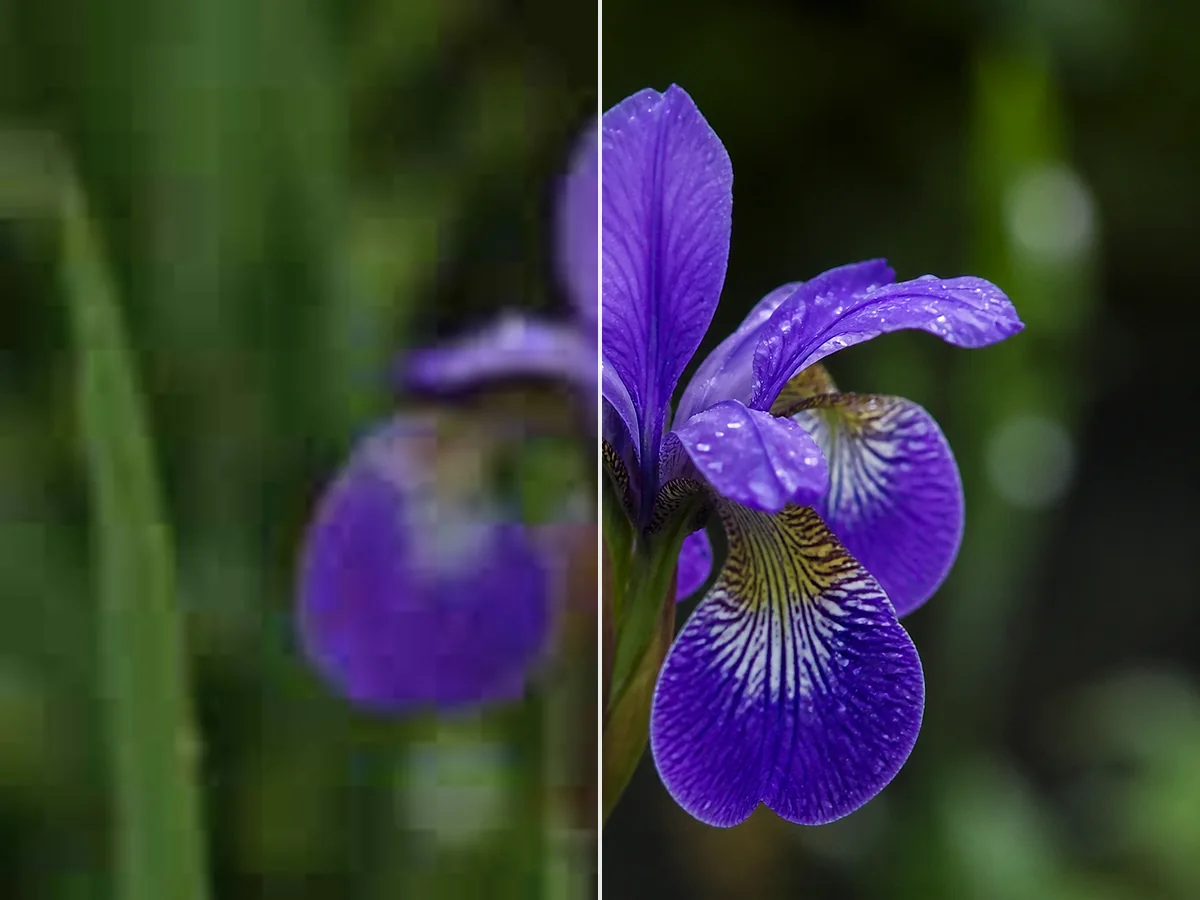
Edge Clarity
Improve the definition of important edges such as facial features, product outlines, text, and architectural lines.
Use an AI image sharpener to improve edge clarity and preview a sharper JPG, PNG, or WebP image before downloading it.
Upload Image
Add up to 5 images at once.
Click to upload image or drag image here
Supports JPG, PNG, WEBP, ZIP formats, max 20.00MB each
You can select or drag up to 5 images.
Upload files or paste
Try an example image
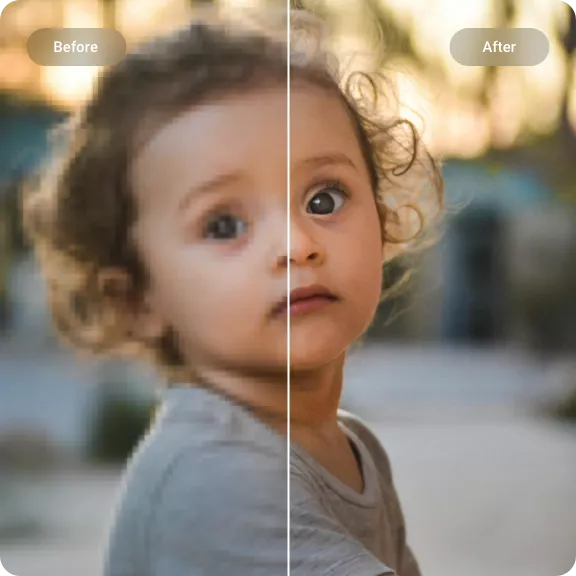
Choose a JPG, PNG, or WebP image with soft edges, compression softness, or reduced detail.
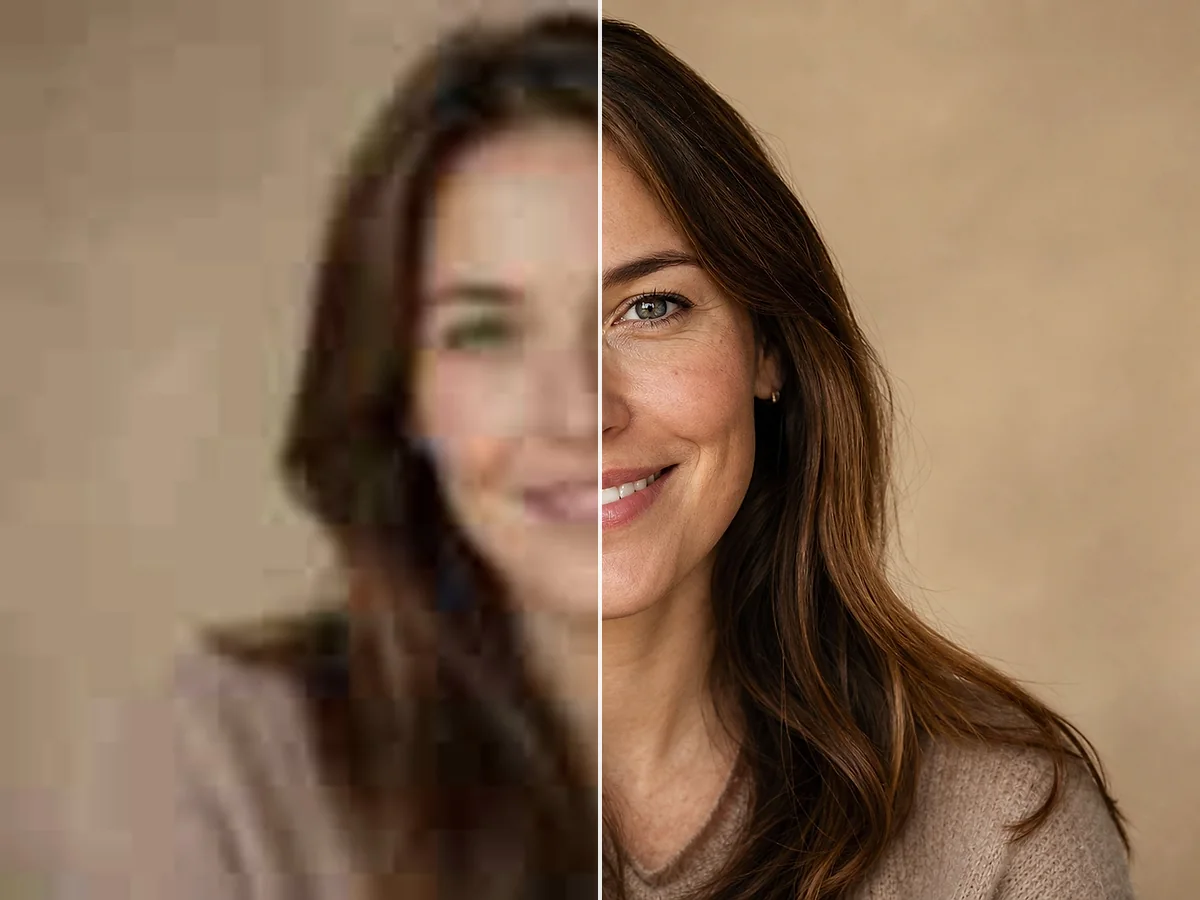
AI analyzes visible edges and textures, then applies a focused sharpening pass to improve clarity without manual sliders.
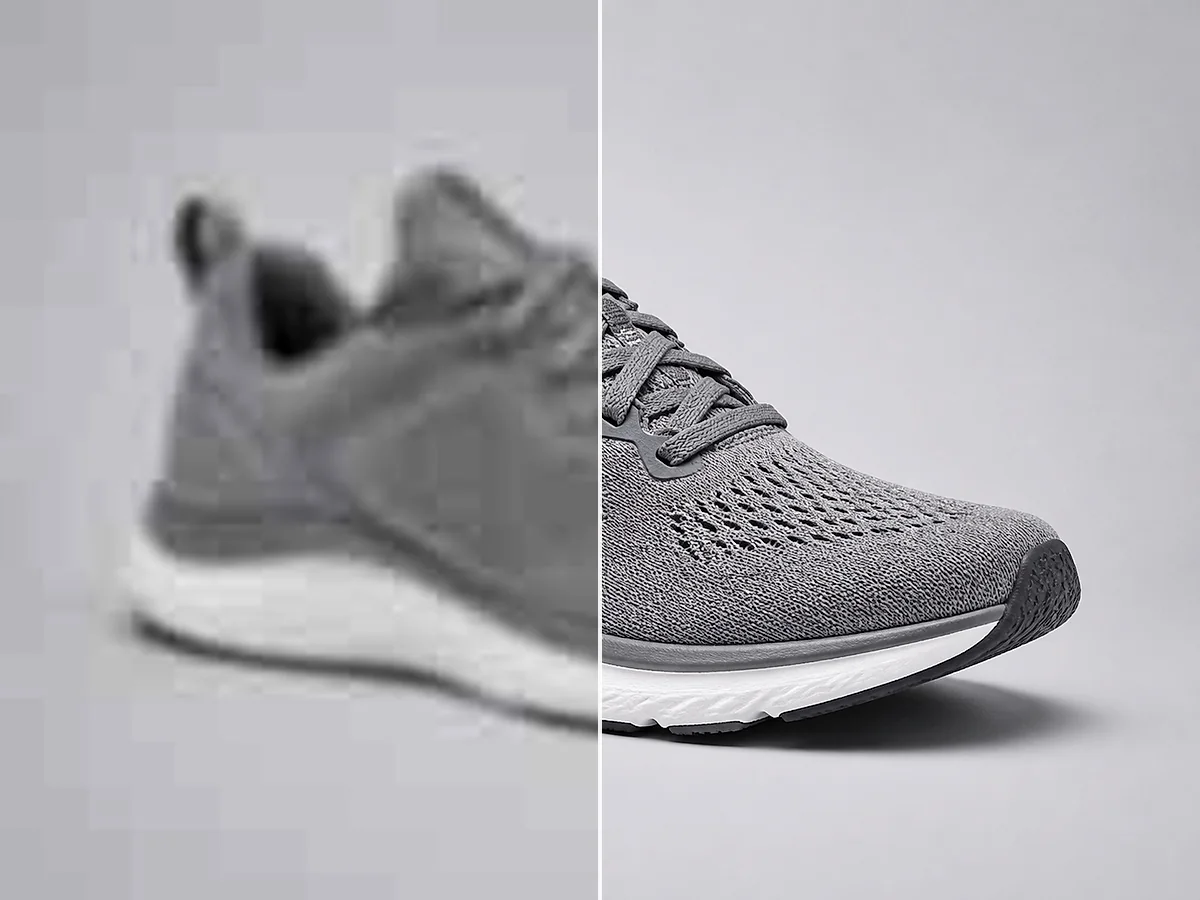
Compare the result with the original and download the sharpened image when it looks right.
Improve the definition of important edges such as facial features, product outlines, text, and architectural lines.
Restore fine details softened by light blur, resizing, or compression while keeping the overall image natural.
Reduce mild softness around characters and interface elements so screenshots, signs, and scanned pages are easier to inspect.

Refine eyes, hair, and facial contours in soft portraits and headshots without turning skin texture unnaturally harsh.
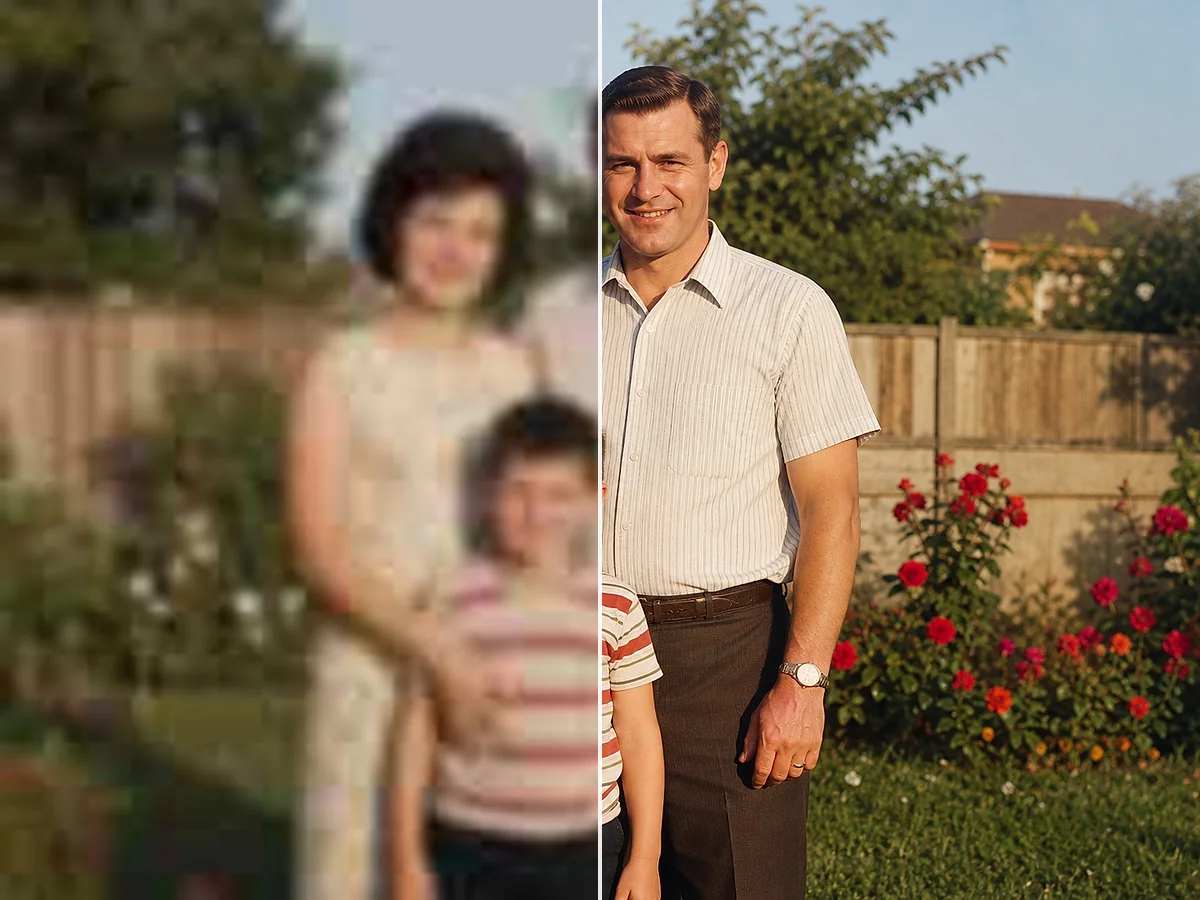
Make packaging, labels, seams, and product edges clearer for ecommerce listings, catalogs, and marketing graphics.
Upload, process, preview, and download from a modern desktop or mobile browser without installing editing software.
Bring out clearer eyes, hair, and facial edges in soft focus photos, while keeping the result natural rather than over-processed.
Sharpen Your ImageMake labels, packaging, seams, and product edges easier to see while you enhance image clarity for catalog images, store listings, and marketing content.
Sharpen Your ImageImprove mild softness around letters, interface elements, and scanned pages so screenshots and documents are easier to inspect.
Sharpen Your ImageRefine eyes, hair, and facial contours in soft portraits and headshots without turning skin texture unnaturally harsh.
Portrait and Face Detail
Improve soft edges and fine detail
Make packaging, labels, seams, and product edges clearer for ecommerce listings, catalogs, and marketing graphics.
Product Image Sharpening
Make text and screenshots easier to inspect
Upload, process, preview, and download from a modern desktop or mobile browser without installing editing software.
Works in Your Browser
Refine portraits, products, and everyday photos
Upload a photo and see what focused AI sharpening can improve.
Sharpen Your ImageCommon questions about improving image sharpness and fine detail with AI.
It analyzes visible edges and textures in a photo, then improves perceived sharpness and clarity. It can make soft details easier to see, but it cannot recreate detail that was never captured.
They overlap, but the focus is different. Sharpening emphasizes edges and fine detail, while unblurring is aimed more directly at reducing visible blur and soft focus.
Upload a soft or blurry photo, let the AI analyze its edges and textures for AI image sharpening, then preview and download the sharpened result. Mild blur and compression softness usually respond better than severe motion blur.
It can improve mild softness around letters in screenshots, signs, and scanned pages. Very small or heavily blurred text may still be difficult to read.
Yes. Sharpening can make product edges, labels, packaging, and fine textures clearer for ecommerce listings, catalogs, and social posts.
The main goal is clearer edges and detail, not simply a larger pixel dimension. For a dedicated resolution increase, use an image upscaling workflow.
No. You can upload, process, preview, and download your image in a modern browser.
You can upload JPG, JPEG, PNG, and WebP images. The available download format is shown with the generated result.
Yes. The page works in modern mobile browsers, including Safari and Chrome on iOS and Android.
New accounts receive trial credits to test the tool. Processing uses credits according to the current account rules shown in the app.