
Upscayl AI UpscalerUpscayl AI

Anime Upscaler – Upscale Anime Images to 4K | Upscayl

Upload Image

Add up to 5 images at once.

Click to upload image or drag image here

Supports JPG, PNG, WEBP, ZIP formats, max 20.00MB each

You can select or drag up to 5 images.

Upload files or paste

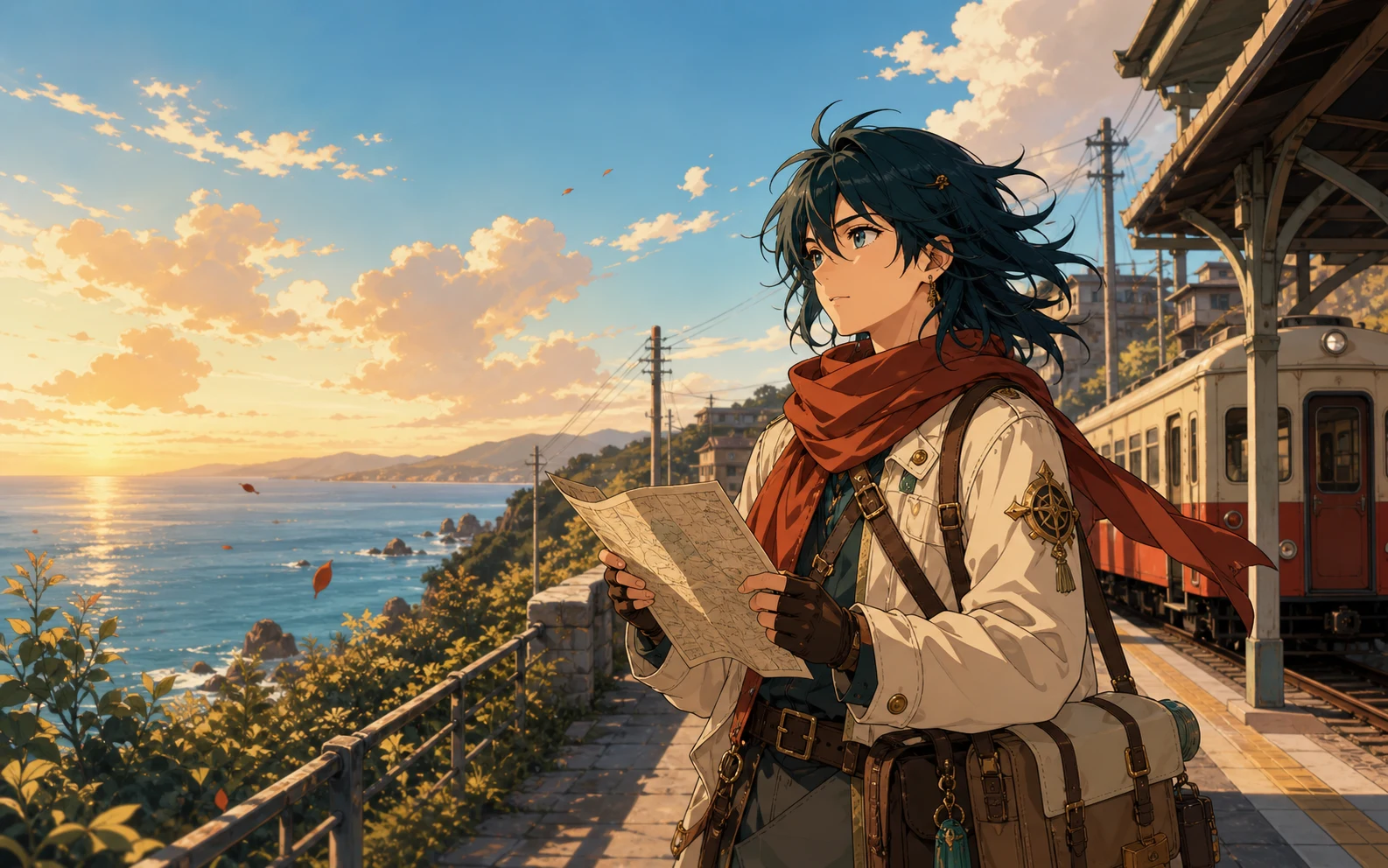
Original anime-style courier illustration on a coastal train platform

Make small anime images easier to use

What Is an Anime Upscaler?

The Anime Upscaler rebuilds missing pixels when a small screenshot looks blocky after a basic resize. You get a larger image while keeping the original character, composition, and drawing style recognizable.

  1. 01

    Turn Small Anime Artwork into Larger Images

    Make a screenshot, character image, manga panel, or wallpaper large enough for displays, layouts, social posts, and print preparation.

  2. 02

    Keep Lines and Character Details Clear

    AI estimates missing pixels around outlines, eyes, hair, clothing, text, and background shapes instead of simply stretching the original pixel grid.

  3. 03

    Reduce Pixelation and Compression Artifacts

    Low-quality reposts and screenshots often look blocky or show halos around lines. Anime-focused processing can make those artifacts less distracting in a larger image.

Anime-focused settings without a separate workflow

Why Choose Upscayl for Anime Upscaling?

Upscayl combines an illustration-focused mode with the output controls needed for one image or a coordinated batch.

What the job requires

  • An illustration-aware starting point

    Anime, manga, and digital art need different treatment from photographic texture.

  • A useful output size

    A manga panel, profile image, wallpaper, and print layout rarely need the same final dimensions.

  • One image or a connected set

    A creator may need one character image today and a full set of panels or stream assets tomorrow.

  • A result you can verify

    AI estimates new pixels, so small text, facial features, screentones, and accessories still need a human check.

How Upscayl helps

  • An illustration-aware starting point

    Anime / Art mode is selected when you open this page, so the first upload starts with the intended enhancement mode.

  • A useful output size

    Choose a 1×, 2×, 4×, 6×, or 8× scale based on the source and where the finished image will be used.

  • One image or a connected set

    Use the same workspace for a single image or a batch, with individual scale and output settings available in the queue.

  • A result you can verify

    Review each completed image, retry when needed, and download results individually or together as a batch.

Three simple steps

How to Upscale Anime Images Online

Upload one image or a batch, choose the size you need, and check the result before you download it. Anime / Art mode is already selected.

  1. Step 1

    Upload Anime Artwork

    Choose a JPG, PNG, or WebP anime screenshot, manga panel, AI-generated illustration, character image, or wallpaper from your device.

  2. Step 2

    Choose the Output Size

    Keep Anime / Art mode selected, then choose the scale and output format that fit your screen, publishing, or print workflow.

  3. Step 3

    Review and Download

    Inspect outlines, faces, small text, screentones, and gradients at full size. Download the result when the important details still match your source.

For artwork you own or are allowed to edit

Practical Uses for an Anime Image Upscaler

Create a larger working file for a real publishing, display, or production task while keeping the source artwork and its usage rights in view.

Open the Anime Upscaler
Original artwork01

Enlarge Character Illustrations

Prepare your own character portrait, commission, or licensed illustration for a larger profile image, presentation, or portfolio layout.

Comics and manga02

Prepare Panels for Digital Reading

Enlarge comic or manga pages you created or can edit, then inspect lettering, ink lines, and screentones before publishing.

Displays03

Adapt Artwork for Larger Screens

Create a larger version of authorized artwork for a desktop, tablet, event display, or presentation without relying on a basic stretched resize.

AI art04

Finish AI-Generated Anime Art

Increase the working size of an image you generated, then inspect faces, hands, accessories, gradients, and background geometry before sharing it.

Creator assets05

Build Consistent Stream Graphics

Upscale a related set of VTuber portraits, overlays, emotes, and scene elements in one queue for channel and presentation layouts.

Print06

Create a Larger Print Working File

Prepare owned or licensed art for a poster, proof, or merchandise mockup, then confirm final dimensions and print requirements with the producer.

Questions before you upscale

Anime Upscaler FAQ

Find quick answers about image sizes, manga, style preservation, free access, batch uploads, and video support.

What does an anime upscaler do?

It uses AI to enlarge illustrated images while paying close attention to outlines, flat colors, cel shading, and other details common in anime, manga, and digital art.

Can I upscale an anime image to 4K?

You can choose a larger scale and create an output suitable for many 4K layouts. The exact final dimensions depend on the width and height of the source image, so check the exported pixel dimensions rather than relying only on the 4K label.

Is the anime upscaler free?

You can start with the free usage available on Upscayl. Anime / Art processing uses the credit amount shown in the upload workspace, and higher-volume or higher-scale work may require additional credits.

Does anime image upscaling work for manga?

Yes. Manga panels, comic art, monochrome illustrations, and ink drawings can be uploaded. Review small lettering, screentones, and very fine cross-hatching carefully because repeated patterns can change during AI reconstruction.

Will upscaling change the original anime style?

Anime mode is intended to preserve illustrated edges and color regions, but every AI upscaler estimates missing pixels. Compare faces, line weight, gradients, text, and small accessories with the source before publishing or printing the result.

Can I upscale anime-style AI images?

Yes. Upscaling can create a larger working file and reduce some visible softness or pixelation. It may also make generation artifacts easier to see, so inspect eyes, hands, accessories, and background geometry after processing.

Can I batch upscale anime images?

Yes. The upload workspace supports single and batch image queues. Add the related images, keep Anime / Art mode selected, choose the output settings, and review each completed result before downloading.

Does this page upscale anime videos?

No. This page is for still images such as screenshots, wallpapers, manga panels, character art, and illustrations. It does not accept episodes, clips, GIF animations, or other video files.

Which image formats can I upload?

The image upscaling workspace accepts JPG, PNG, and WebP files. Choose the output format in the workspace based on whether you need a compact image file or a lossless asset for further editing.

Your artwork, at a more useful size

Try the Anime Upscaler on Your Artwork

Upload one image or a batch, choose the output size, and check the details that matter to your drawing style.

Upscale Your Anime Images