
Product photos
Create clean studio shots, lifestyle scenes, and seasonal product images. Describe the background, lighting, camera angle, and product position.
Create images with the Nano Banana 2.5 AI Image Generator. Turn text prompts and reference photos into product shots, portraits, ads, and AI art online.
Write a prompt or upload a reference photo, choose the image settings, and generate your result.
The created image result will appear here
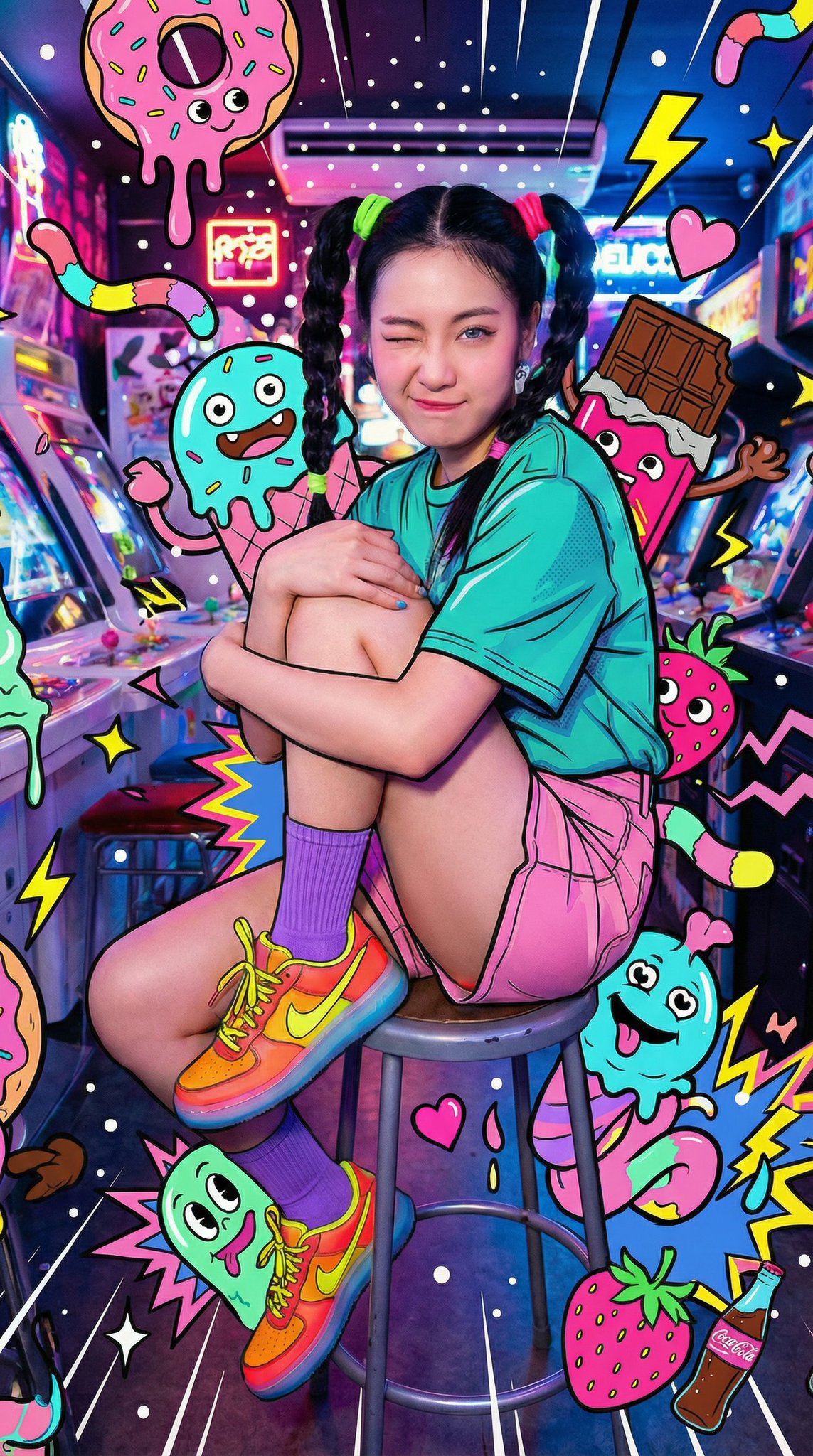
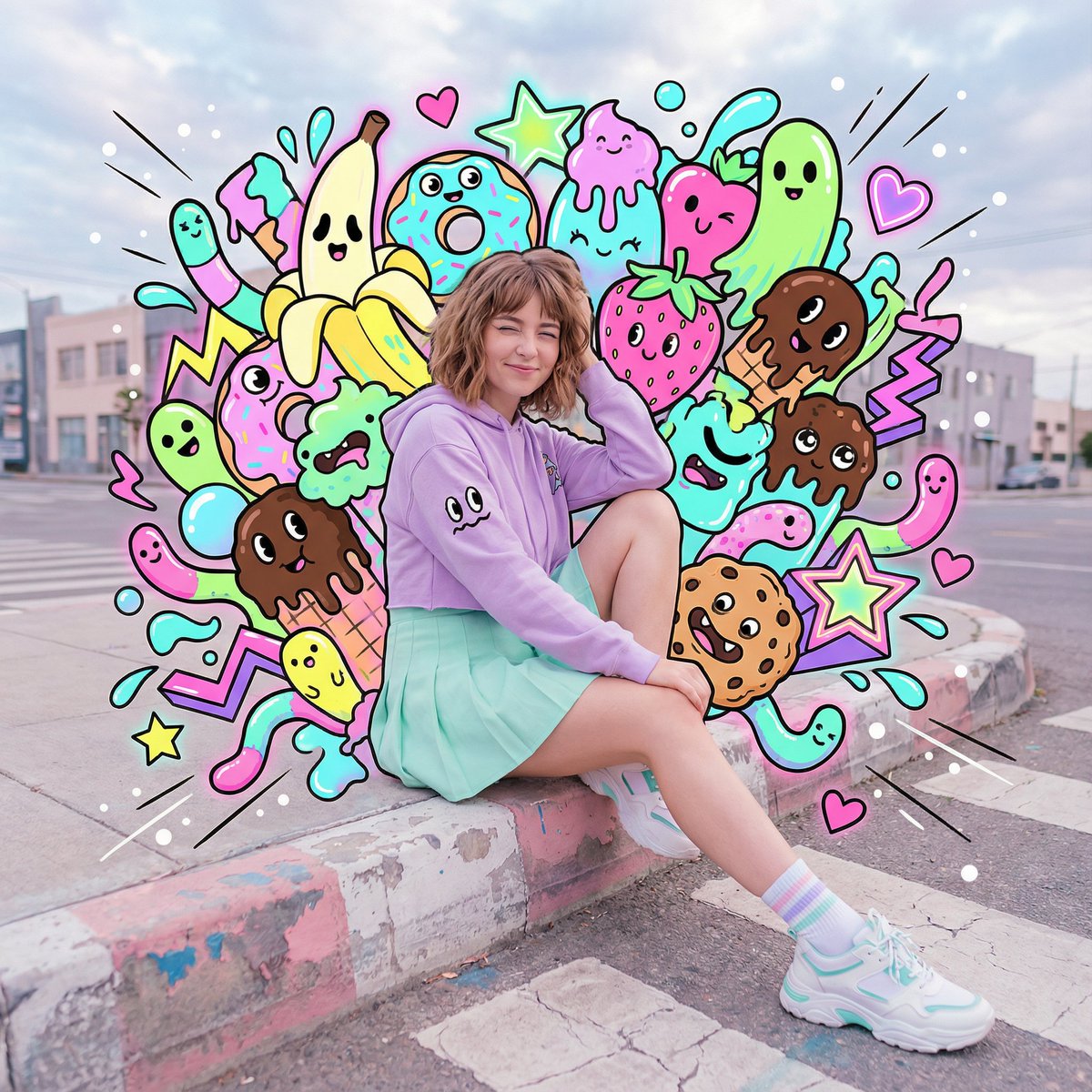
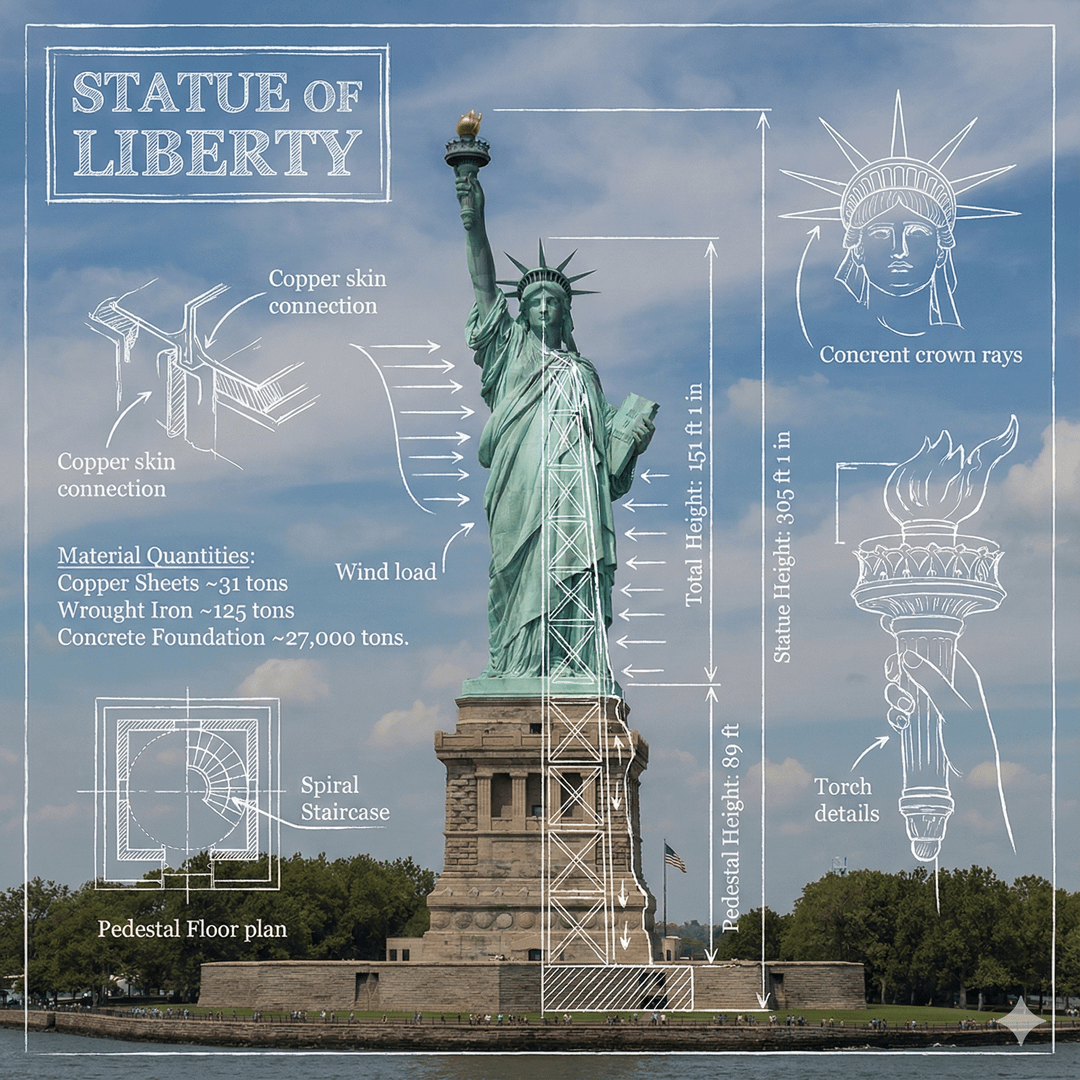
Click image to view full size • Swipe or use arrows to see more
What you can create
Create useful visuals from a text prompt or a reference image. Start with the subject, then add the setting, style, lighting, and image size you need.
Create clean studio shots, lifestyle scenes, and seasonal product images. Describe the background, lighting, camera angle, and product position.
Generate visuals for posts, stories, thumbnails, and announcements. Pick an aspect ratio that fits the channel where you will publish.
Build a portrait or character around an outfit, pose, location, and mood. Add a reference photo when the visual direction matters.
Create watercolor, pencil, 3D, anime, or digital art. Use clear style words, colors, and composition details in your prompt.
Turn a campaign idea into several visual directions. Describe the audience, product, setting, and space needed for a headline.
Upload a photo and request a new background, color, object, or style. State what should change and which details should stay.
Why use it
Move from an idea to a finished image in one browser workspace. The controls keep prompts, reference photos, image size, results, and downloads in one place.
Describe the subject, scene, style, and lighting in everyday words. A focused prompt gives the generator a clear visual direction.
Upload a photo to guide the composition or look. Pair it with a direct prompt that explains the result you want.
Choose the available model, aspect ratio, and number of outputs before you generate. Review the settings and credit cost in the workspace.
Write prompts, upload photos, review results, and download images in your browser. The full workspace adapts to smaller screens.
How it works
Create an AI image in three clear steps. You can begin with text alone or add a reference photo to give the result more visual direction.
Describe the subject first, then add the background, style, lighting, color, and camera angle. Upload a reference image when needed.
Choose an available image model, aspect ratio, and output count. Check the displayed credit cost, then select Generate.
Inspect the result at full size. Download the image you like, or change one prompt detail and generate a new version.
Who it is for
The AI image generator supports fast visual work for people who publish content, sell products, plan campaigns, or explore new creative ideas.
Create images for social media posts, videos, thumbnails, blogs, and newsletters. Test several visual styles around the same idea.
Plan product photos, listing images, and seasonal scenes. Review logos, labels, and product details before using any generated result.
Turn a brief into ad concepts, landing page visuals, and email graphics. Compare several directions before choosing a campaign look.
Explore color, mood, and composition without starting from a blank canvas. Use each result as a draft for the next design step.
It is an online workspace for creating images from text prompts and reference photos. You can choose the available image model, aspect ratio, and output count before generating.
Yes. Enter a text prompt, choose the image settings shown in the workspace, and generate. Start with the subject, then add the scene, style, lighting, and composition.
Yes. Upload a reference photo and describe the image or edit you want. Use a clear file and explain which details should remain and which should change.
Use specific, common words for the subject, setting, style, lighting, color, and camera angle. Add only the details that matter to the final image.
Yes. The responsive workspace lets you write a prompt, upload a photo, change settings, review results, and download an image from a mobile browser.
The workspace shows the current credit cost before you generate. The selected model and number of outputs determine the total shown for the request.
Yes. Use the result as a reference for a new request, describe the change you want, and keep the rest of the prompt stable while you refine one detail.
Choose from the aspect ratios available in the workspace, including square, portrait, and landscape formats. Pick the shape that fits your post, ad, product page, or design.
Start with a text prompt or reference photo, choose your image settings, and generate a visual for your next project.
Create an image