
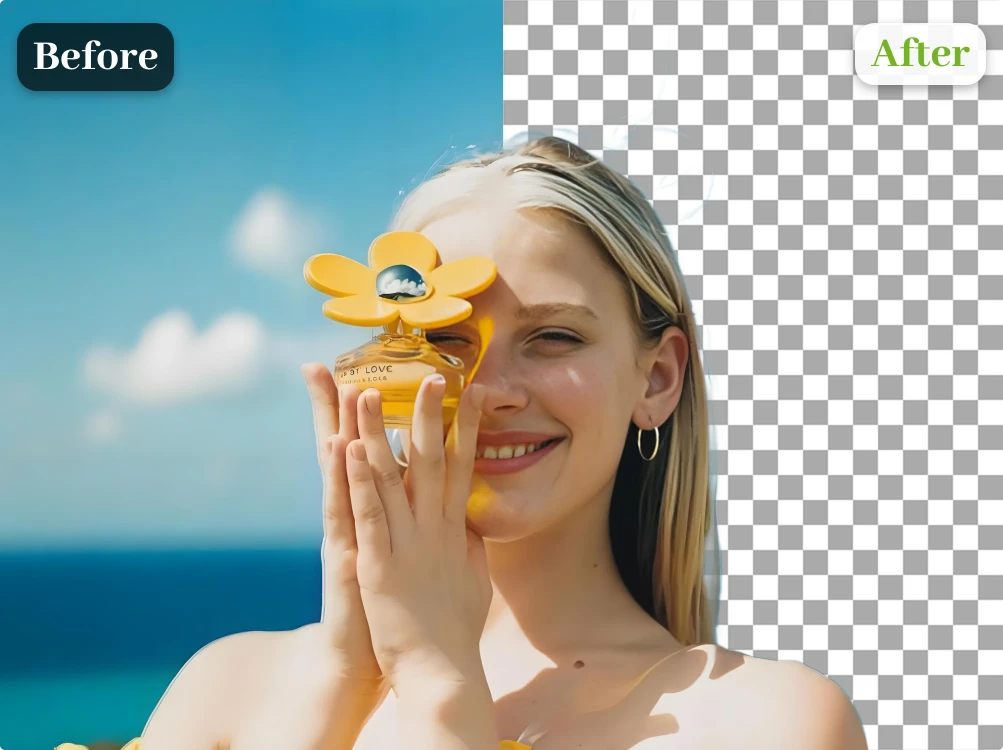
Private Image Processing
Your images are processed securely and never shared. Uploaded files are used only to deliver your result.
Use the background remover to create a clean transparent PNG for products, profiles, and designs.
Upload Image
Add up to 4 images at once.
Click to upload image or drag image here
Supports JPG, PNG, WEBP, ZIP formats, max 20.00MB each
You can select or drag up to 4 images.
Upload files or paste
Try an example image
Removing backgrounds from several images?
Use the Bulk Background Remover
Select a JPG, PNG, or WebP file, or paste a supported HTTPS image URL. Each file can be up to 20 MB.
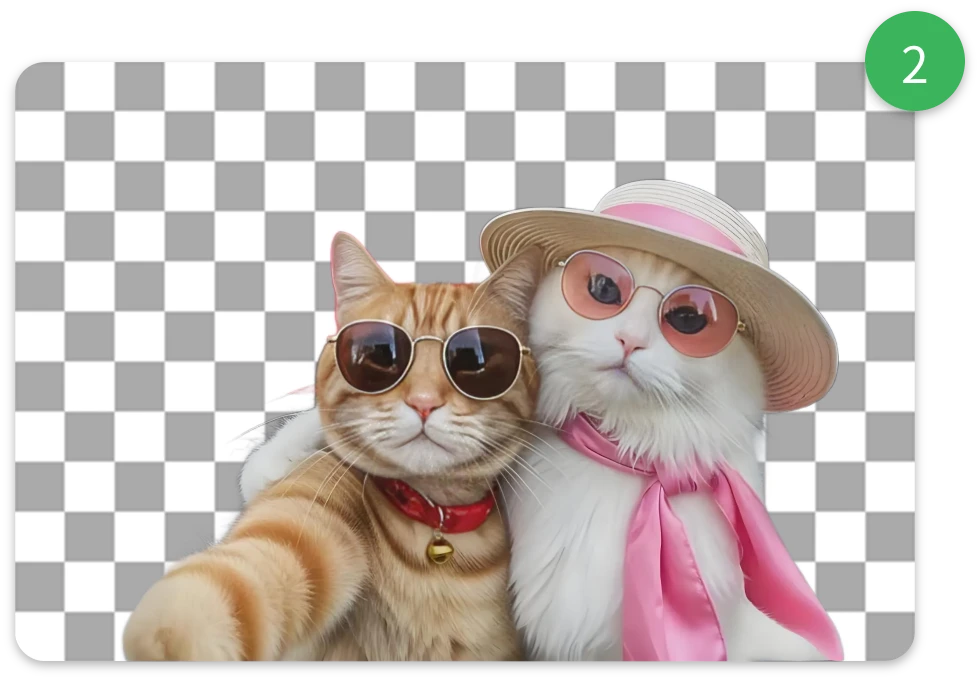
Start the job and AI identifies the foreground subject. It removes the background without hand tracing, masks, or selection brushes.
Compare the original with the cutout, then download the result as a PNG. Each successful background remover job uses 1 credit.
Your images are processed securely and never shared. Uploaded files are used only to deliver your result.
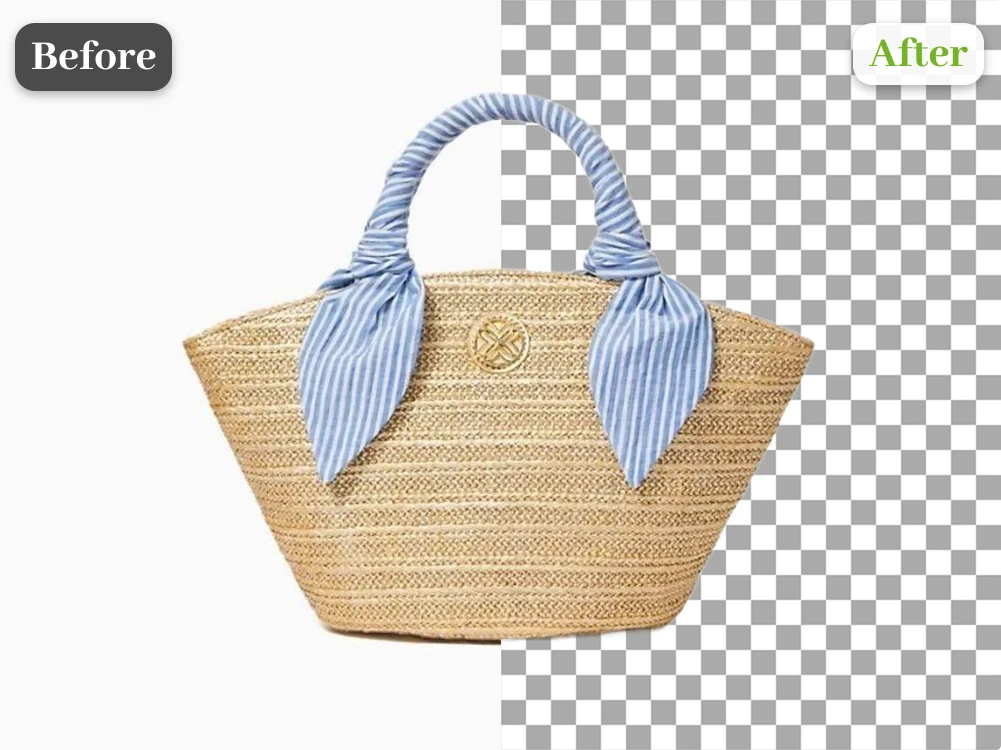
Good lighting and clear subject separation help the background remover produce cleaner cutouts around portraits, pets, and product outlines.
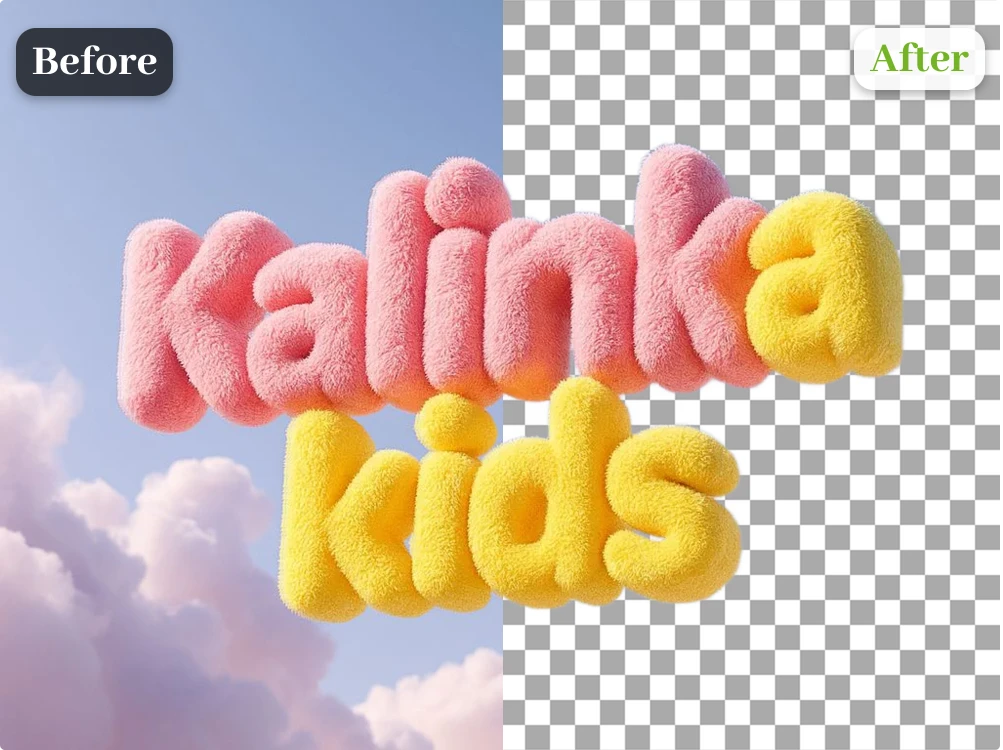
Create transparent product cutouts for Amazon, Shopify, Etsy, eBay, catalogs, ads, and landing pages.
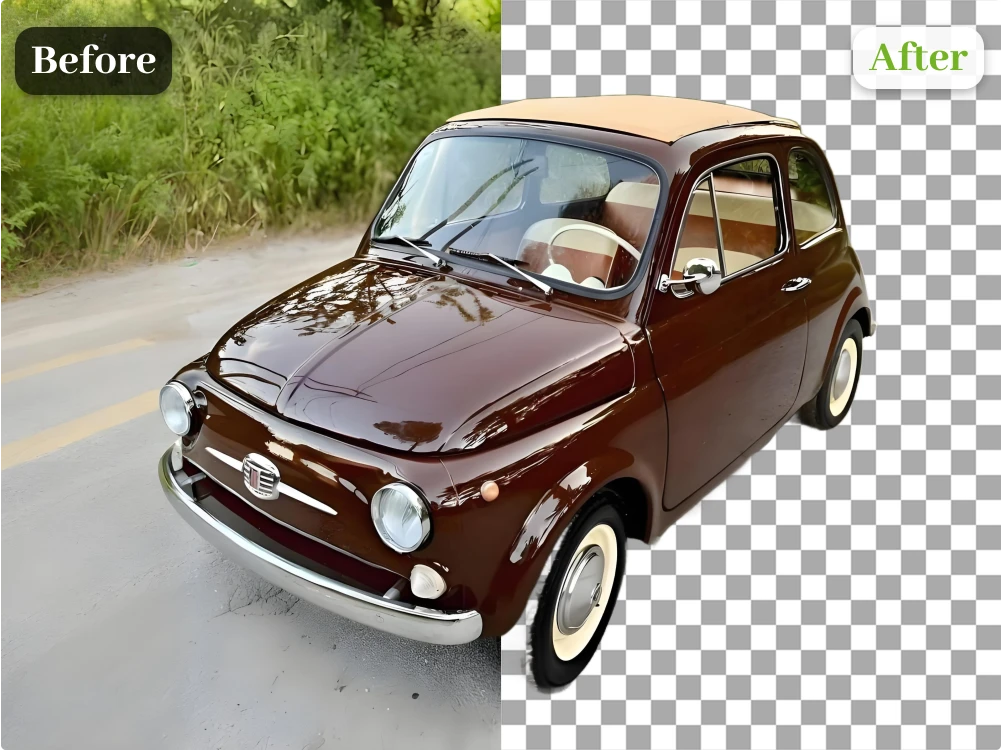
Upload, process, and download from any device. No desktop software, no masking tools, and no design experience required.
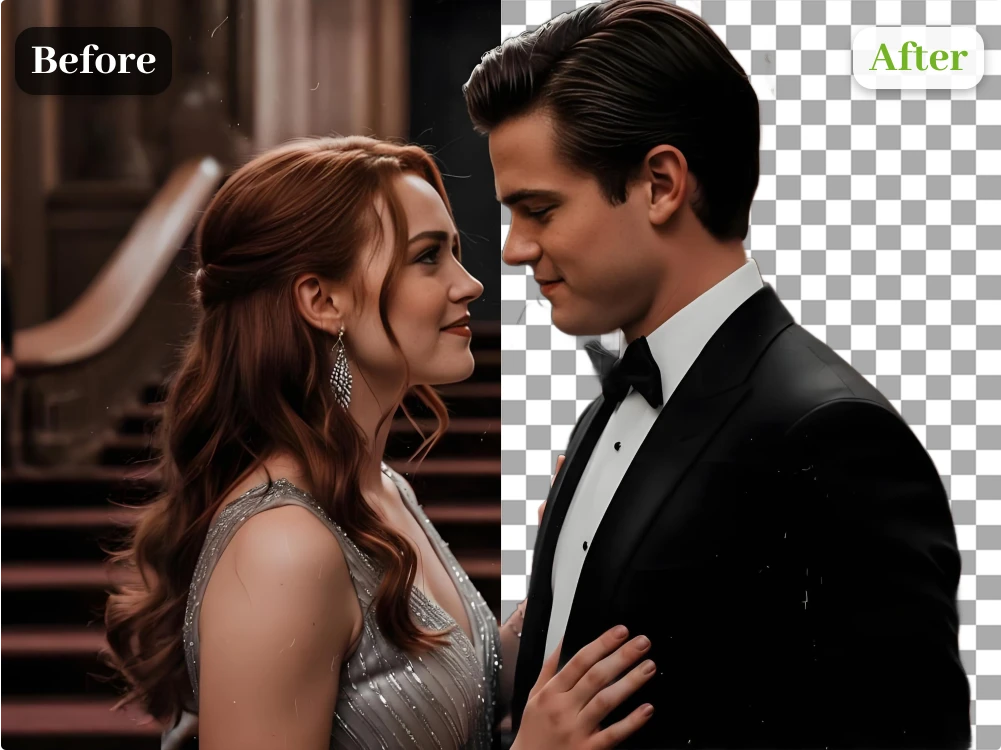
Compare the source with the finished cutout, then use Erase or Restore to refine important edges before downloading.
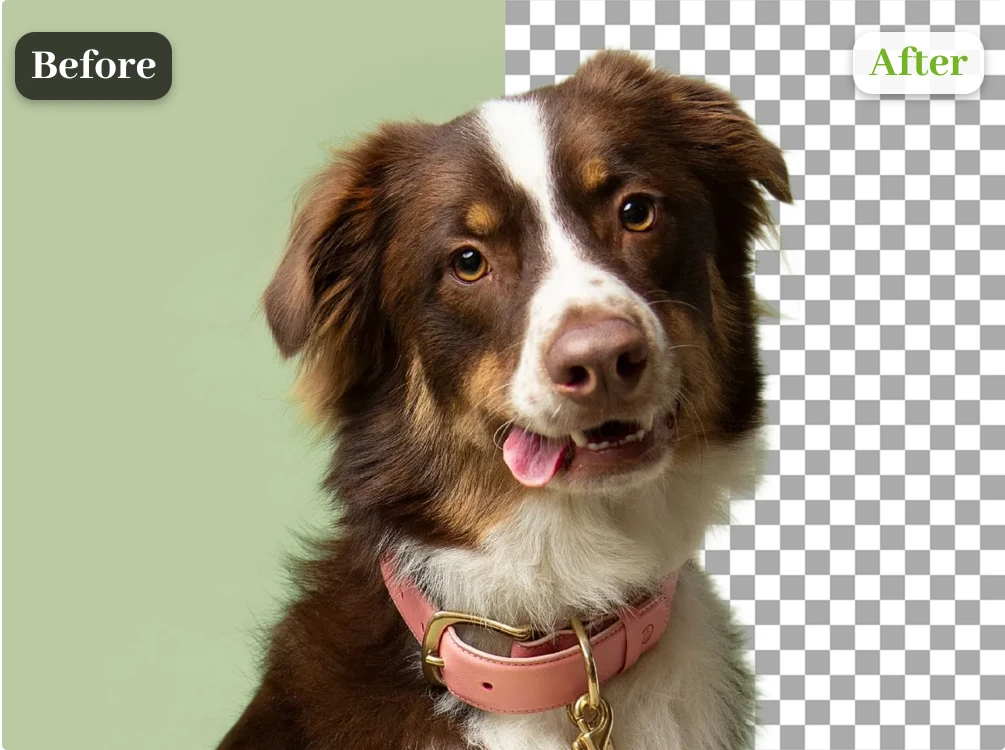
Download watermark-free PNG cutouts and place them on white, colored, branded, or photographic backgrounds in your design tool.
Use the background remover for clothing, furniture, electronics, beauty products, and other ecommerce photos. The transparent cutouts fit Amazon, Shopify, Etsy, and eBay listings.
Use Product Background Remover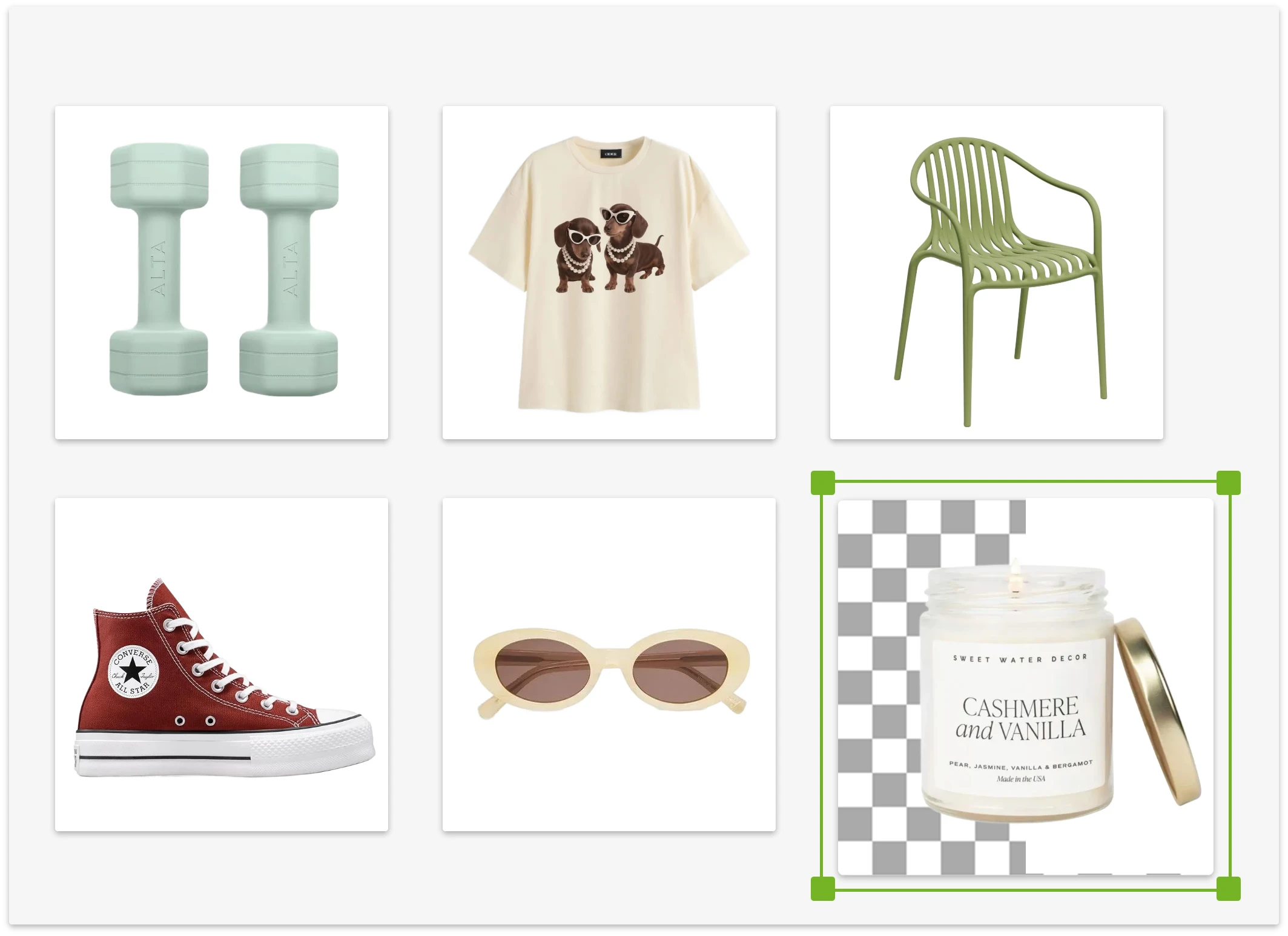
Cut a person out of a busy room, outdoor scene, or event photo. Reuse the portrait on LinkedIn, team pages, speaker cards, and social posts.
Use Portrait Background Remover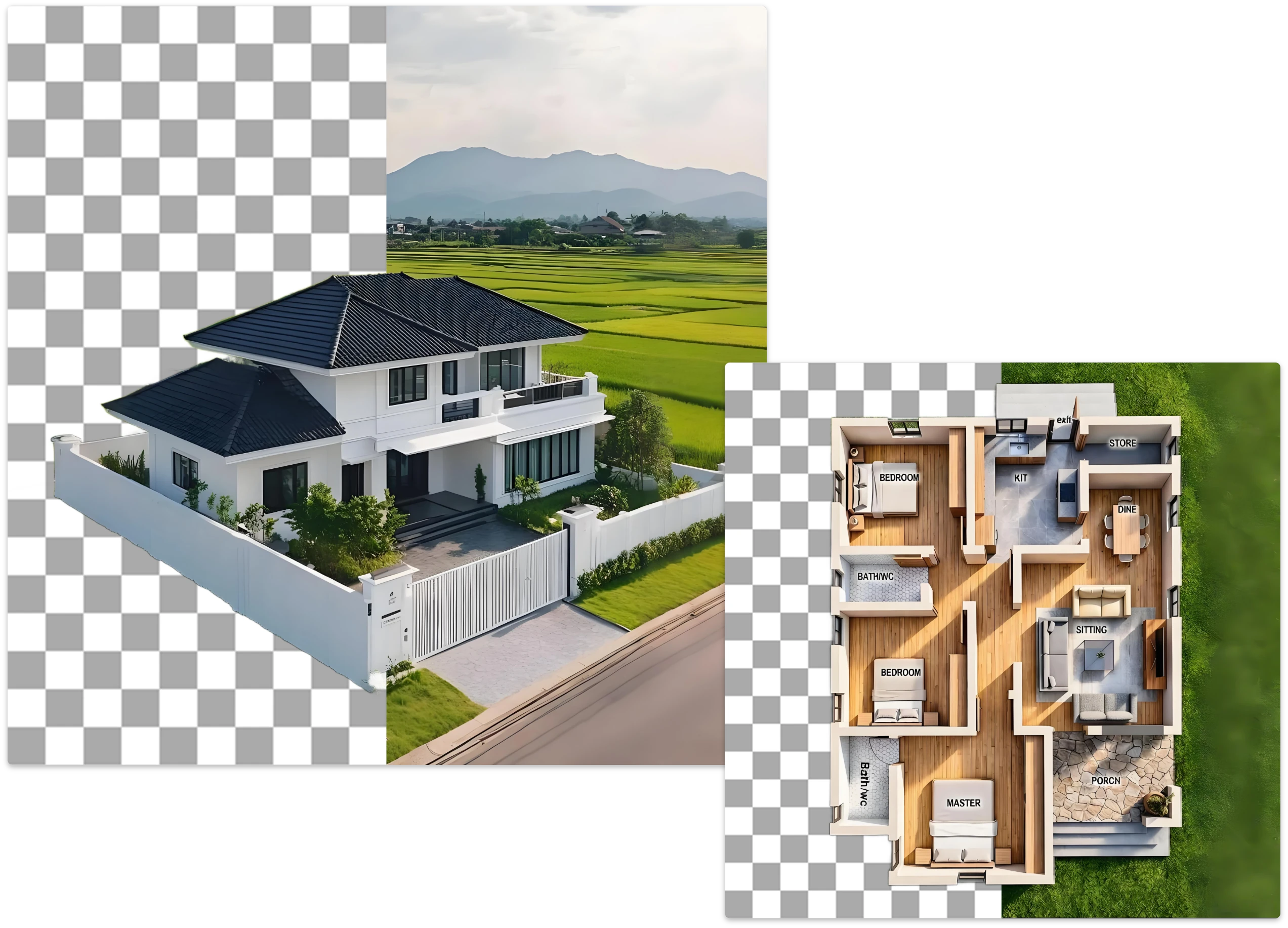
Prepare people, products, pets, and logos as PNG assets, then drop them into Canva, Figma, Photoshop, ads, presentations, and social graphics.
Use Design Background Remover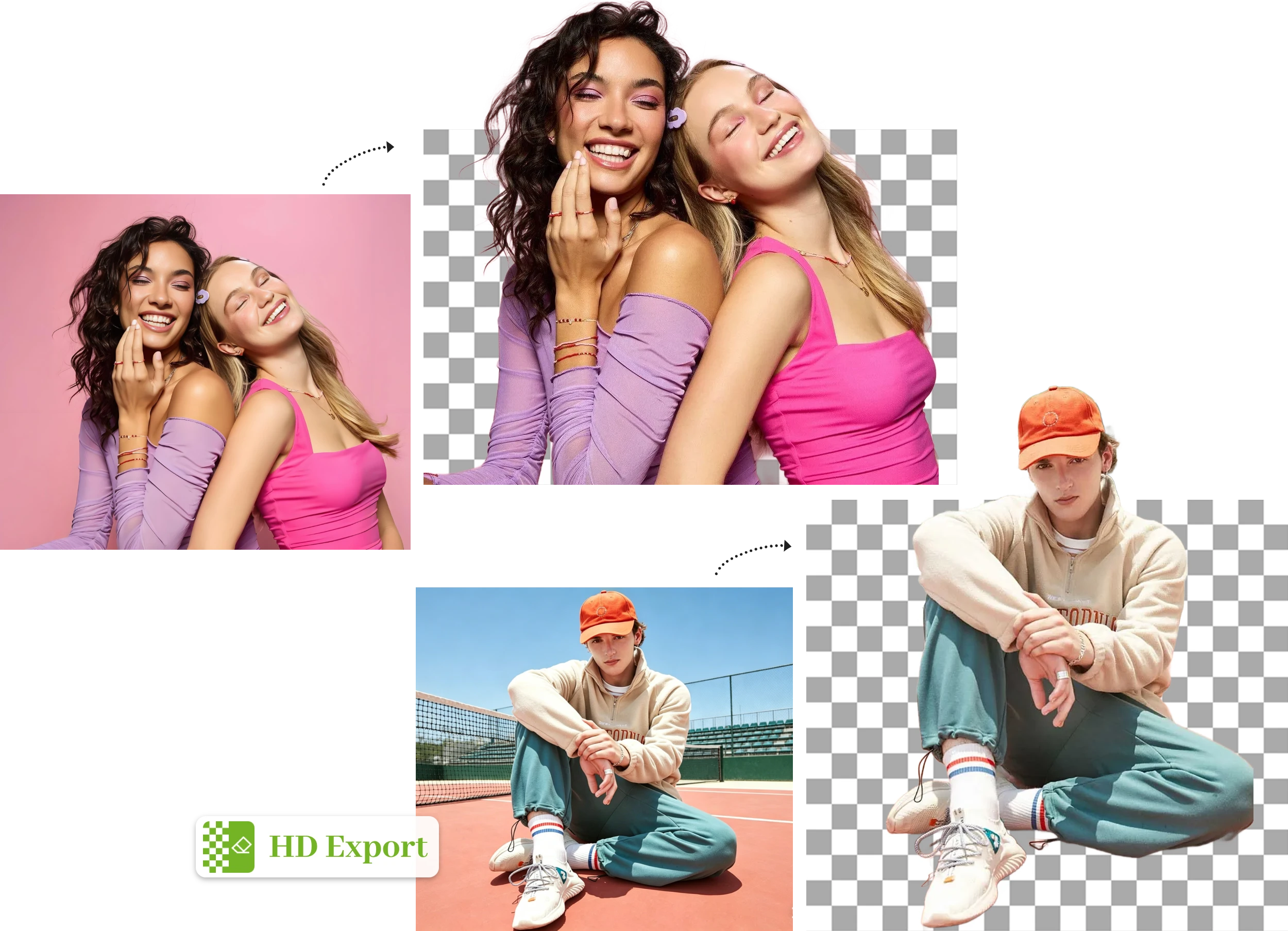
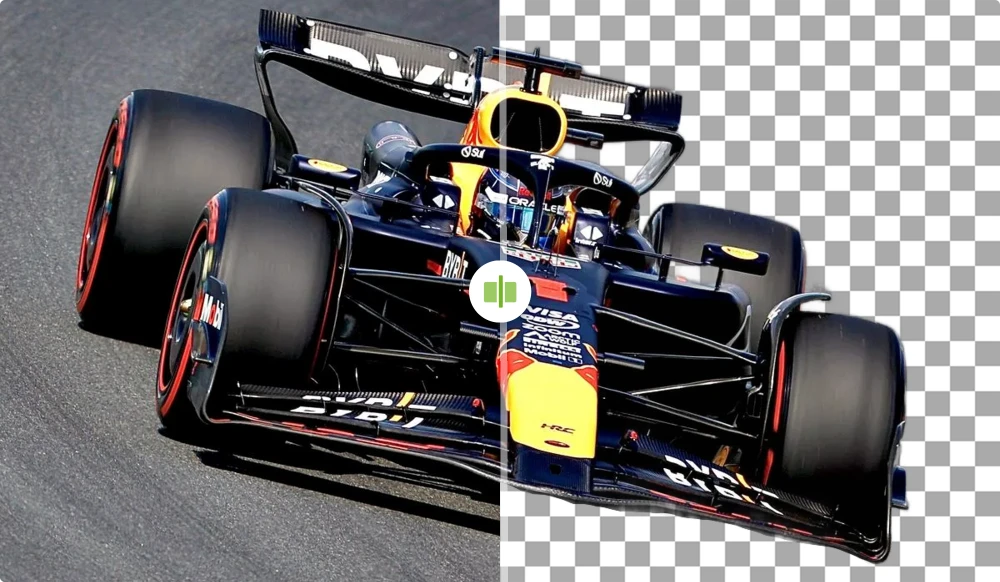
Product teams can turn mixed shooting backgrounds into clean catalog cutouts for stores, ads, and seasonal promotions.
Product Catalog Updates
For ecommerce sellers
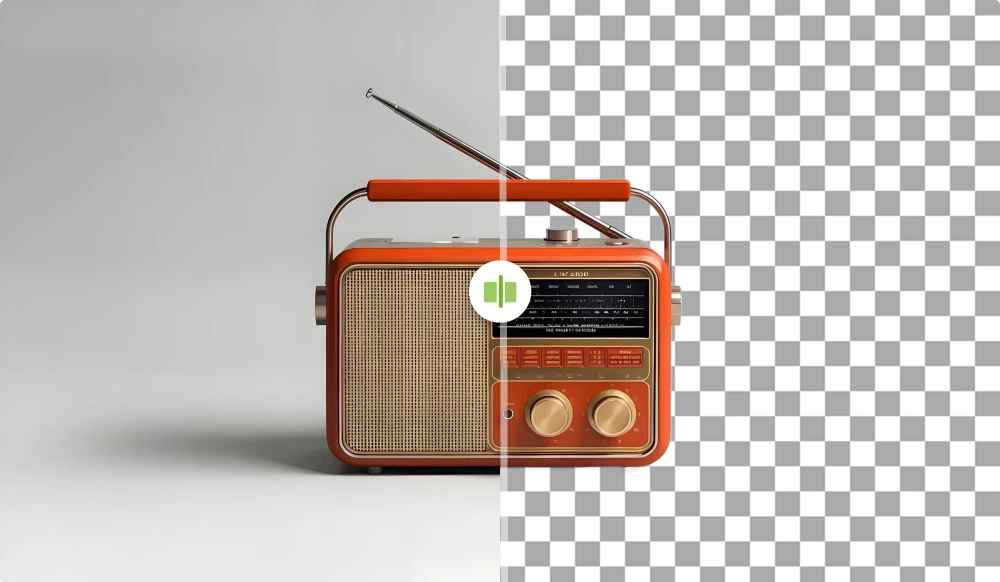
Creators can cut out one portrait and reuse it across team pages, profile cards, slide decks, thumbnails, and social posts.
Profile and Team Photos
For creators and small teams
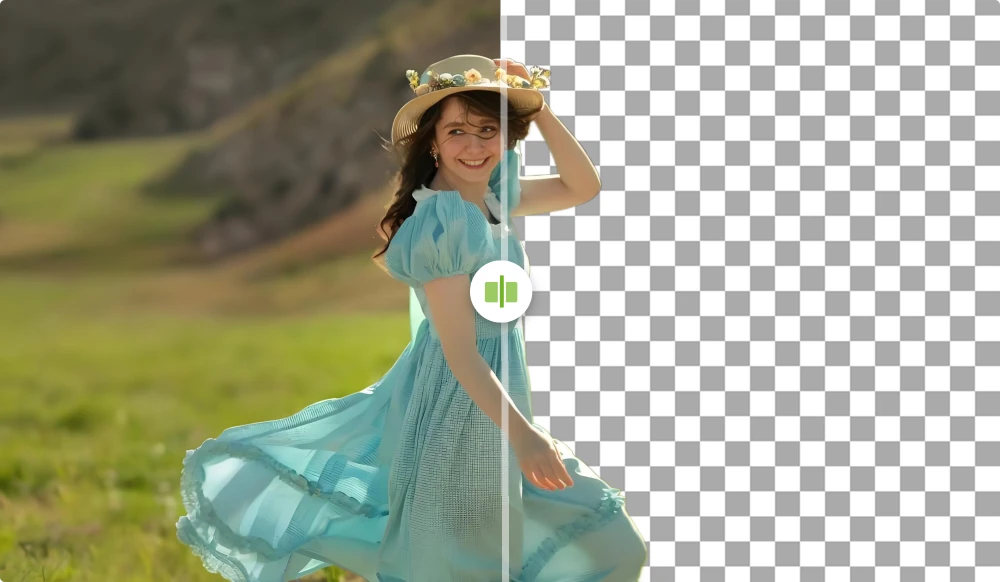
Design teams can turn people, products, and logos into reusable cutouts before building campaign visuals.
Campaign Asset Production
For designers and marketers
Start with one JPG, PNG, or WebP file. Review the cutout and spend 1 credit only when processing succeeds.
Use Background RemoverFind answers about pricing, privacy, supported formats, transparent PNG output, and tips for cleaner background remover results.
Eligible new accounts receive trial credits. Each successfully processed image uses 1 credit. If a job fails, you are not charged.
Upload a JPG, PNG, or WebP file, or paste an HTTPS image URL. Click Use Background Remover, preview the result, then download the image.
You can upload JPG, JPEG, PNG, and WebP files up to 20 MB each. Direct image URLs must use HTTPS and end with a supported file extension.
Your images are processed securely. Uploaded files are not shared or used for any purpose beyond delivering your result.
Yes. The result is delivered with a transparent background, so you can place the subject on any backdrop.
Yes. The tool detects the main subject and removes a white background, leaving the subject on a transparent canvas.
It can handle fine details, but results depend on the source image. Clear lighting, sharp focus, and good contrast produce cleaner edges.
Yes. Use the background remover for Amazon, Shopify, Etsy, eBay, catalogs, ads, and landing pages.
Yes. The background remover runs in your browser, so you do not need Photoshop, design software, brushes, masks, or manual tracing.
Yes. Add up to 4 images to one queue, then refine and download each finished cutout separately.
No. This tool removes the area around the main foreground subject. It is not designed to erase specific objects within a scene.
Credits are only deducted for successful jobs. If the AI cannot process the image, it is marked as failed and you are not charged.