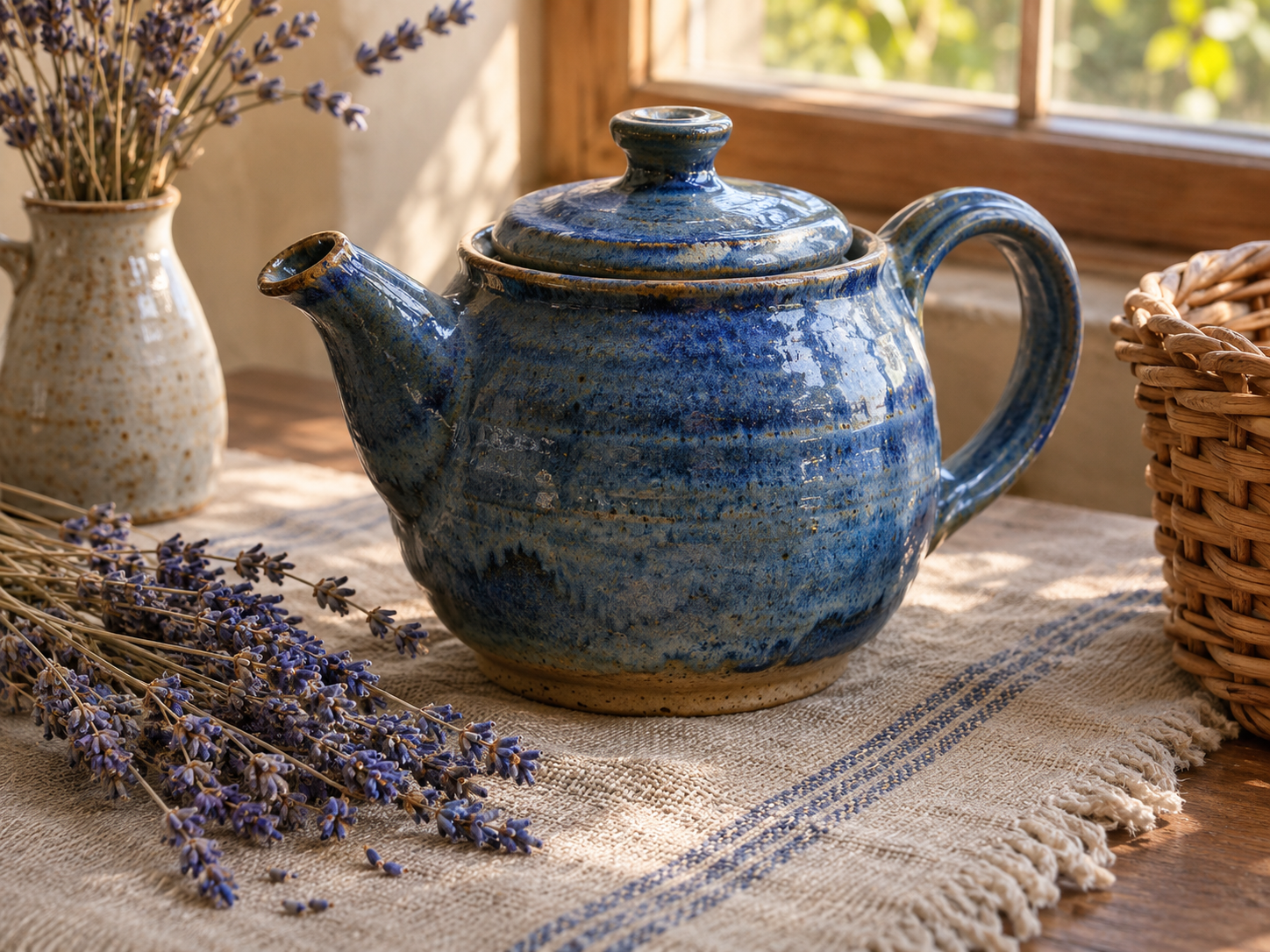
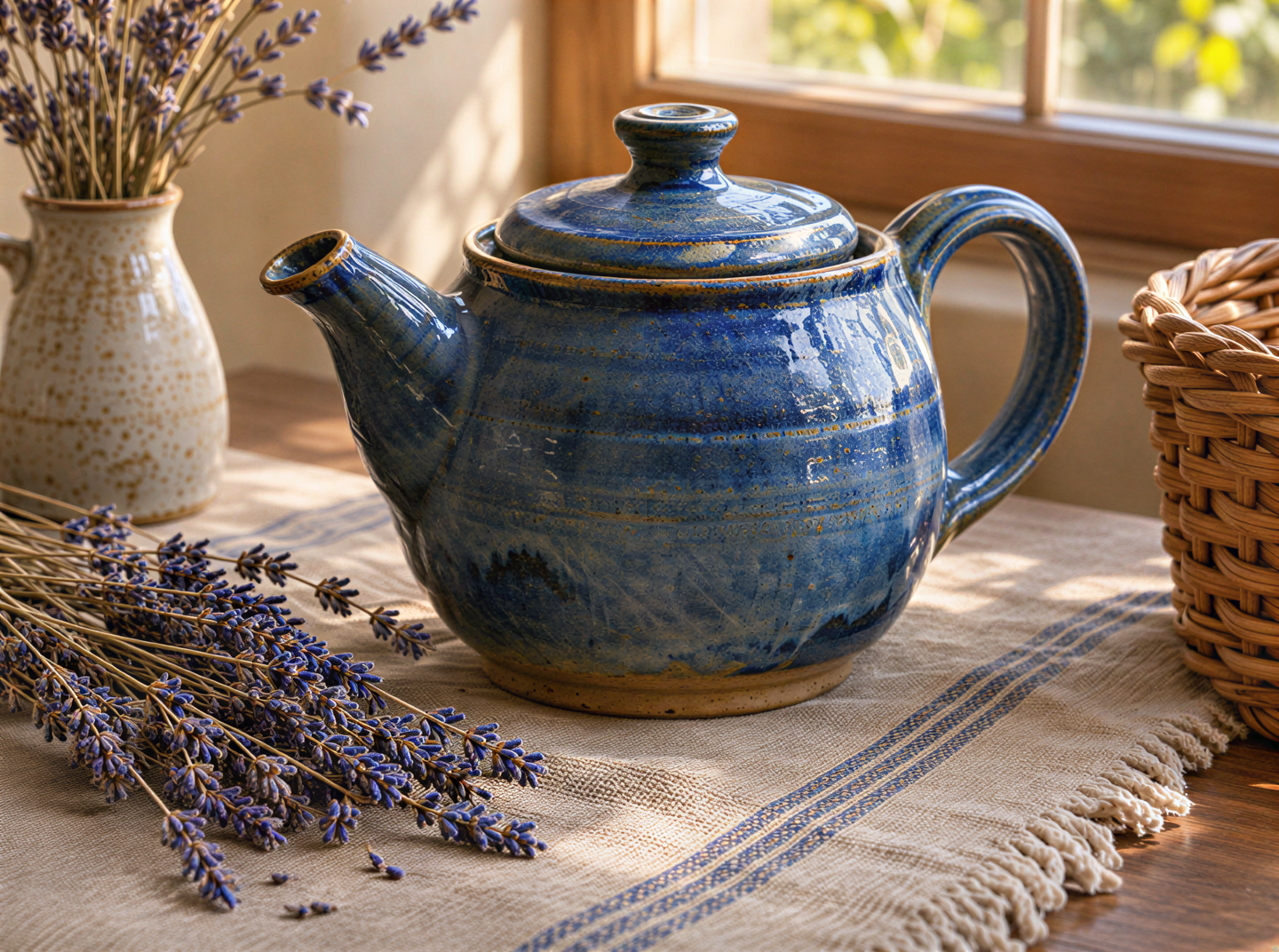
Clearer detail in blurry photos
Try improving blurry edges and textures in fabric, leaves, or everyday objects. The result may look sharper, but newly generated detail may differ from the source.
Upload a photo or AI image, enhance its detail online, and compare the result. No ComfyUI setup or local GPU needed.
Upload Image
Add up to 5 images at once.
Click to upload image or drag image here
Supports JPG, PNG, WEBP, ZIP formats, max 20.00MB each
You can select or drag up to 5 images.
Upload files or paste
Try an example image
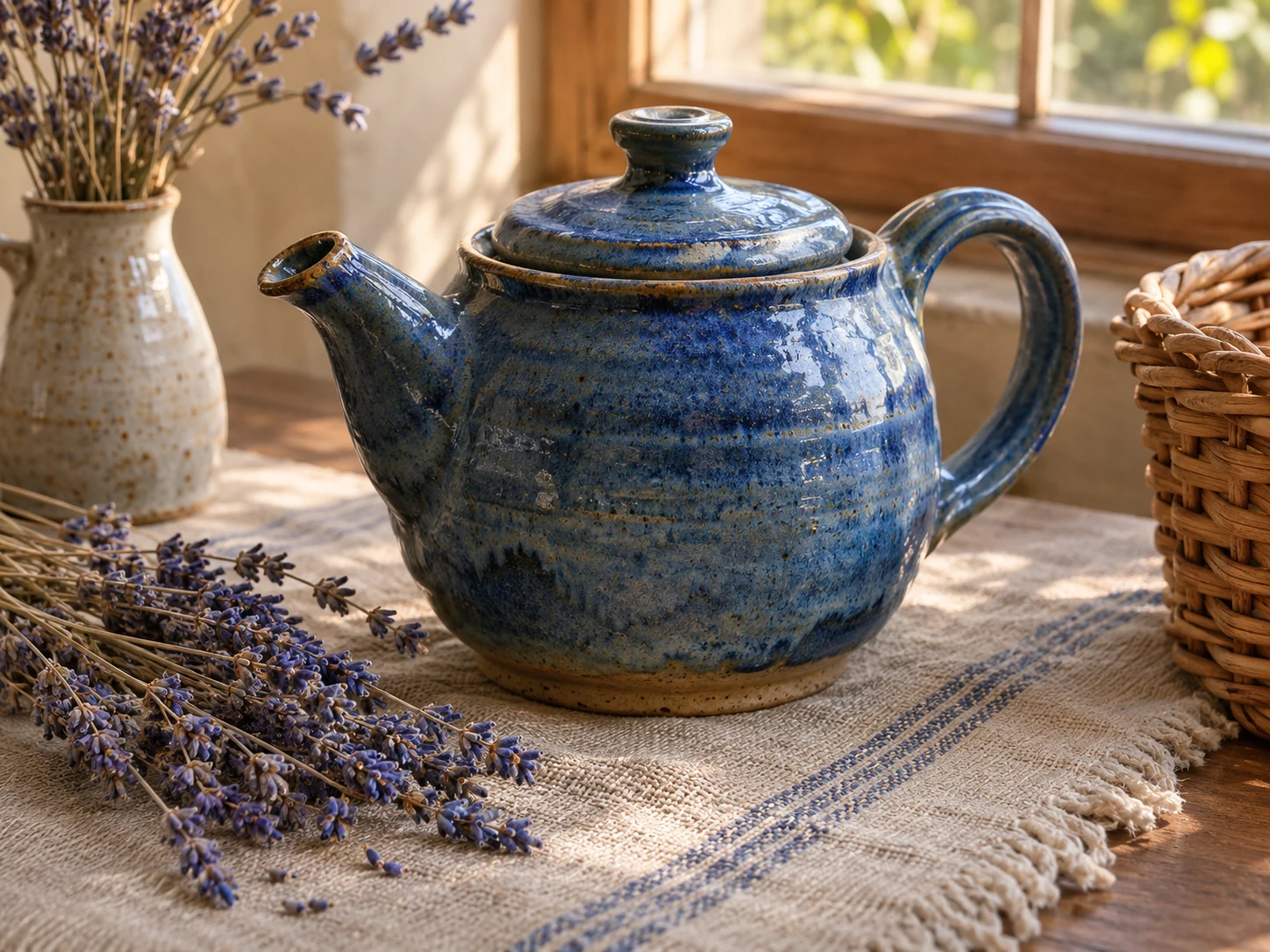
SeedVR2 helps improve detail in low-resolution photos and AI-generated images. It creates new texture, so compare the result with your source to decide which version you prefer.
Try improving blurry edges and textures in fabric, leaves, or everyday objects. The result may look sharper, but newly generated detail may differ from the source.
Enhance a finished AI image when surfaces or textures look blurry. Compare both versions before choosing the one to share.
Original image
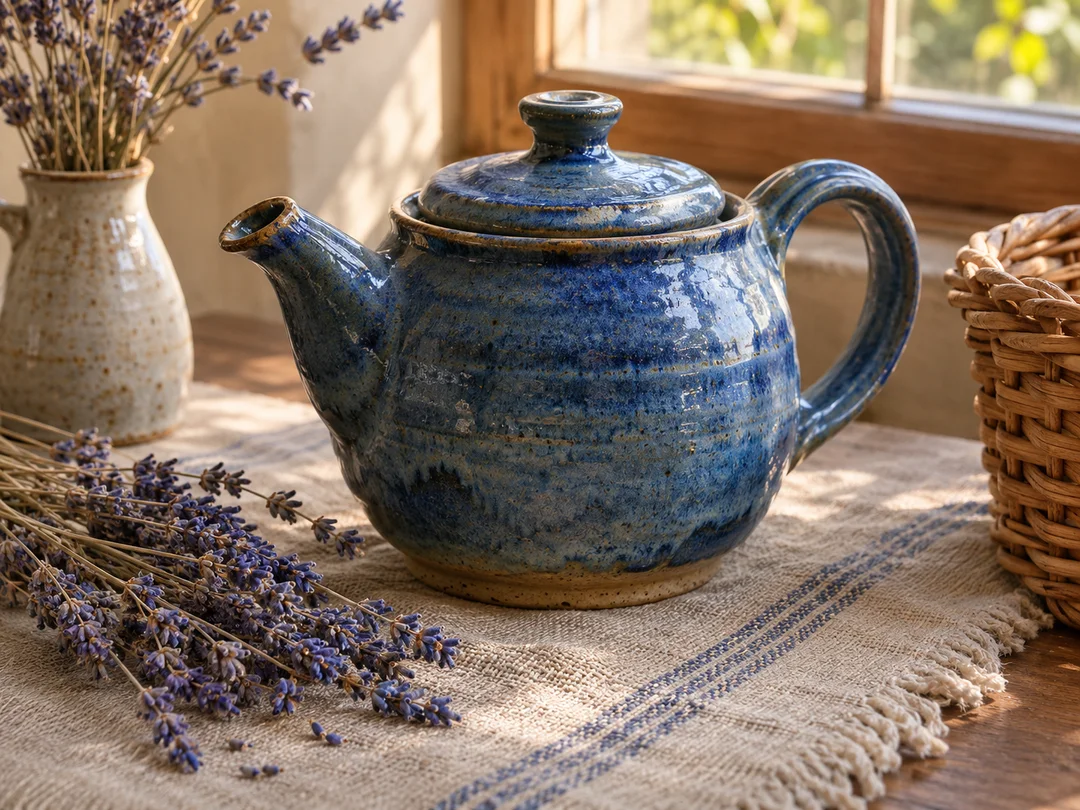
Actual output
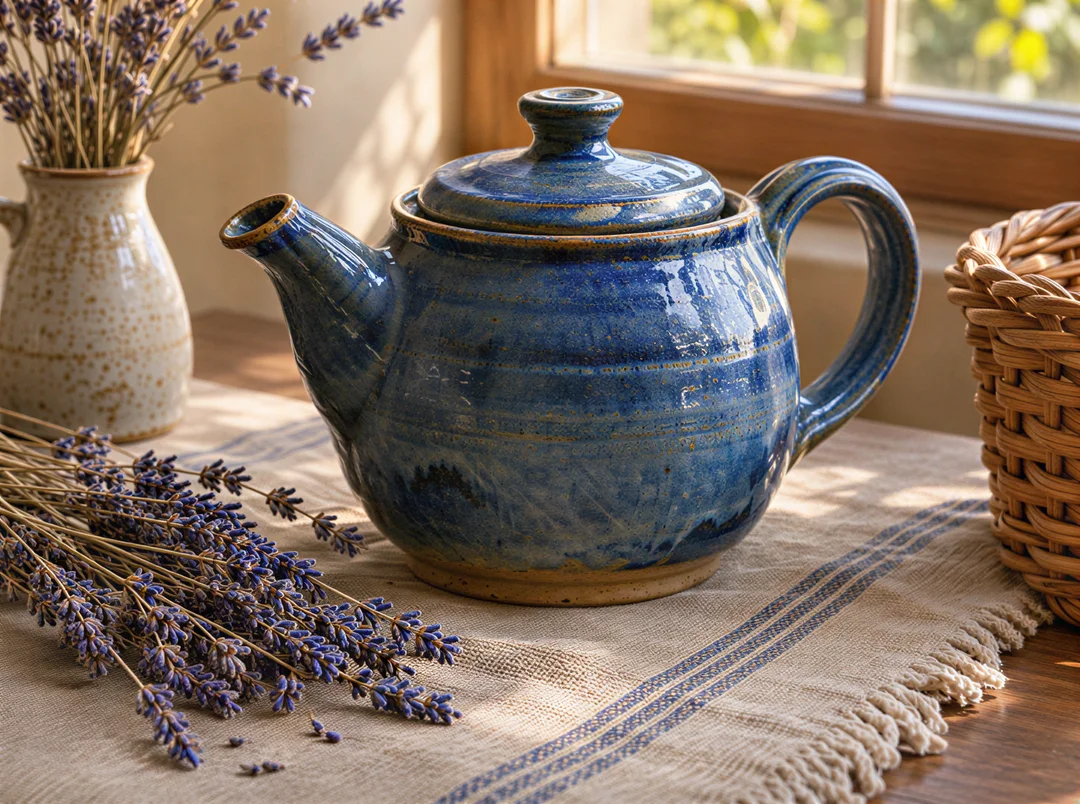
AI-generated demonstration source. The result was processed by this tool.
Upload a still image rather than a video or a screenshot of the photo. Use a source up to 2 megapixels and 20 MB for this preset.
Sign in, check the 15-credit cost, and start processing. The image settings are ready to use; no model setup is needed.
Compare faces, lettering, and repeated patterns with the original. Download the result when its changes suit your intended use.
Try enhancing a compressed photo before adding it to a slide or web page. Compare it at the size you plan to display.
Make blurry textures clearer in an AI illustration before sharing it online. Check small text and logos, since the model can change their shapes.
Try enhancing a scanned photo for a digital album. Use photo restoration to fix scratches, or photo colorization to add color.
No. You submit an image from this workspace and the model runs through our hosted provider. An account and sufficient credits are required.
No. The SeedVR research project includes video restoration, but this workspace accepts still images only.
No. They are separate models. This page submits to SeedVR2; the Real-ESRGAN page uses a different enhancement pipeline. Compare both on your own source rather than assuming one is always better.
No model can guarantee that. SeedVR2 generates detail and may change faces, letters, or textures. Inspect the result alongside the original.
Credits are refunded for confirmed failed tasks. If your image is still processing, wait for the final status before starting another task.
Try another image enhancement model on the same source.
Add estimated color to a black-and-white photograph.
Turn a raster logo or flat illustration into SVG paths.
Upscayl is an independent service. SeedVR2 is a project by ByteDance Seed and its research collaborators.