
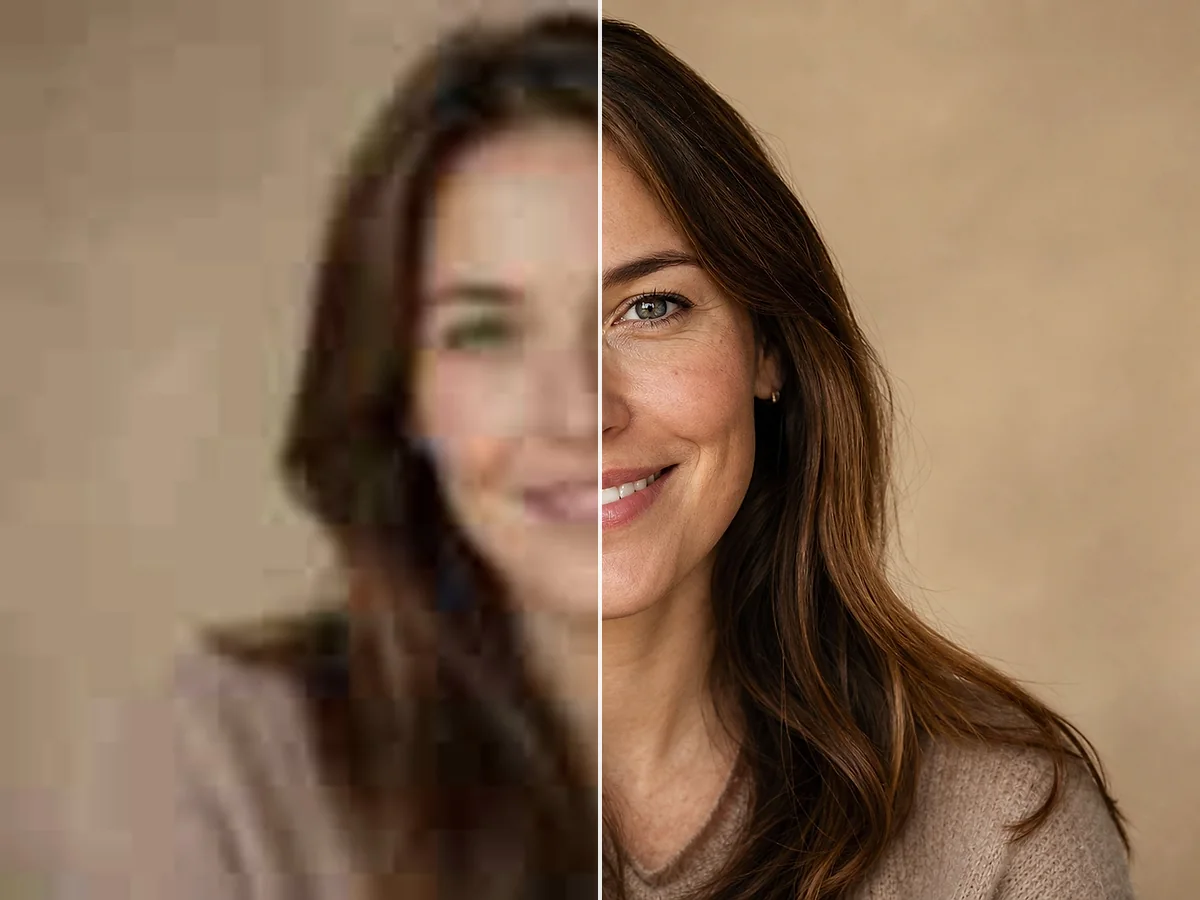
Remove Scratches, Dust, and Water Stains
Clean visible scratches, dust spots, age stains, light water damage, and surface marks that distract from people and important details.
Repair damage, restore faded colors, colorize black-and-white photos, and recover facial details with AI.
Upload Image
Add up to 5 images at once.
Click to upload image or drag image here
Supports JPG, PNG, WEBP, ZIP formats, max 20.00MB each
You can select or drag up to 5 images.
Upload files or paste
Try an example image
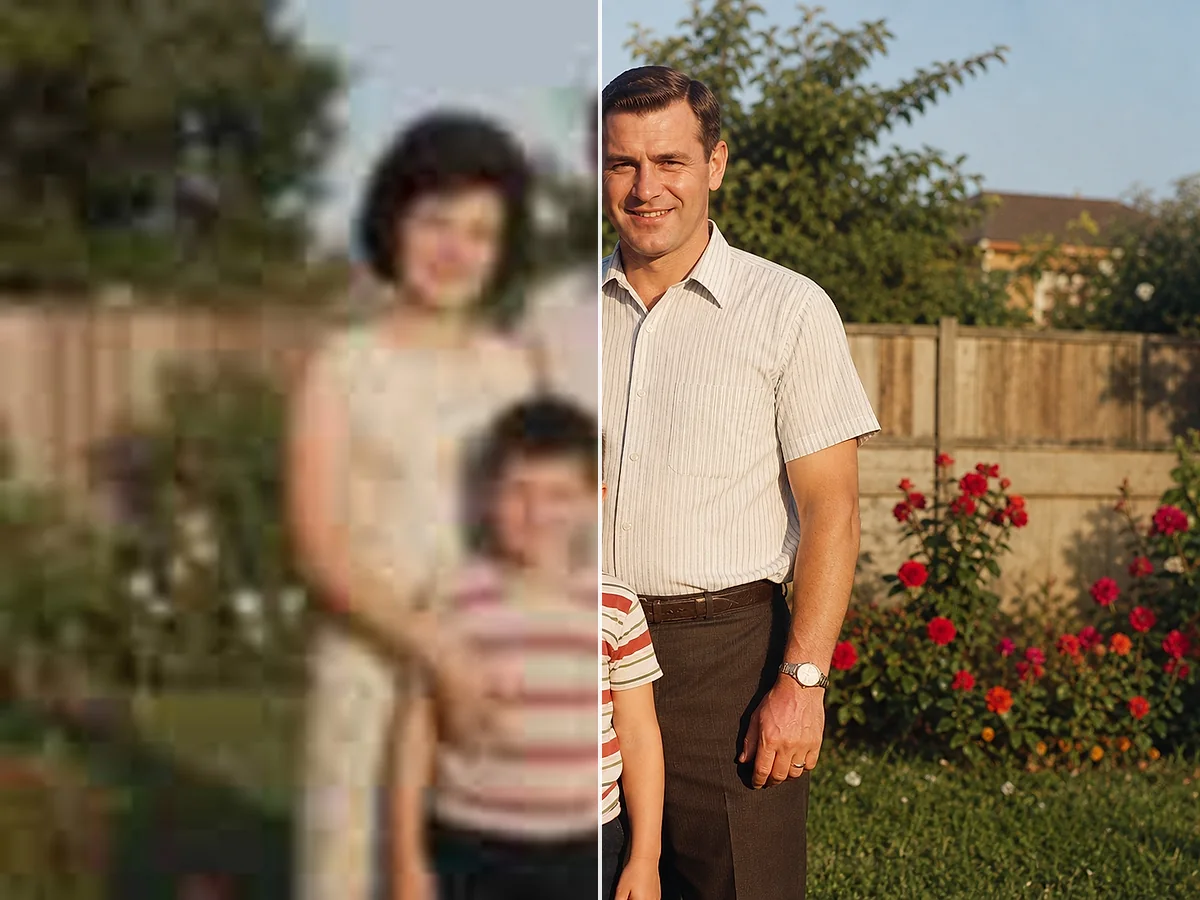
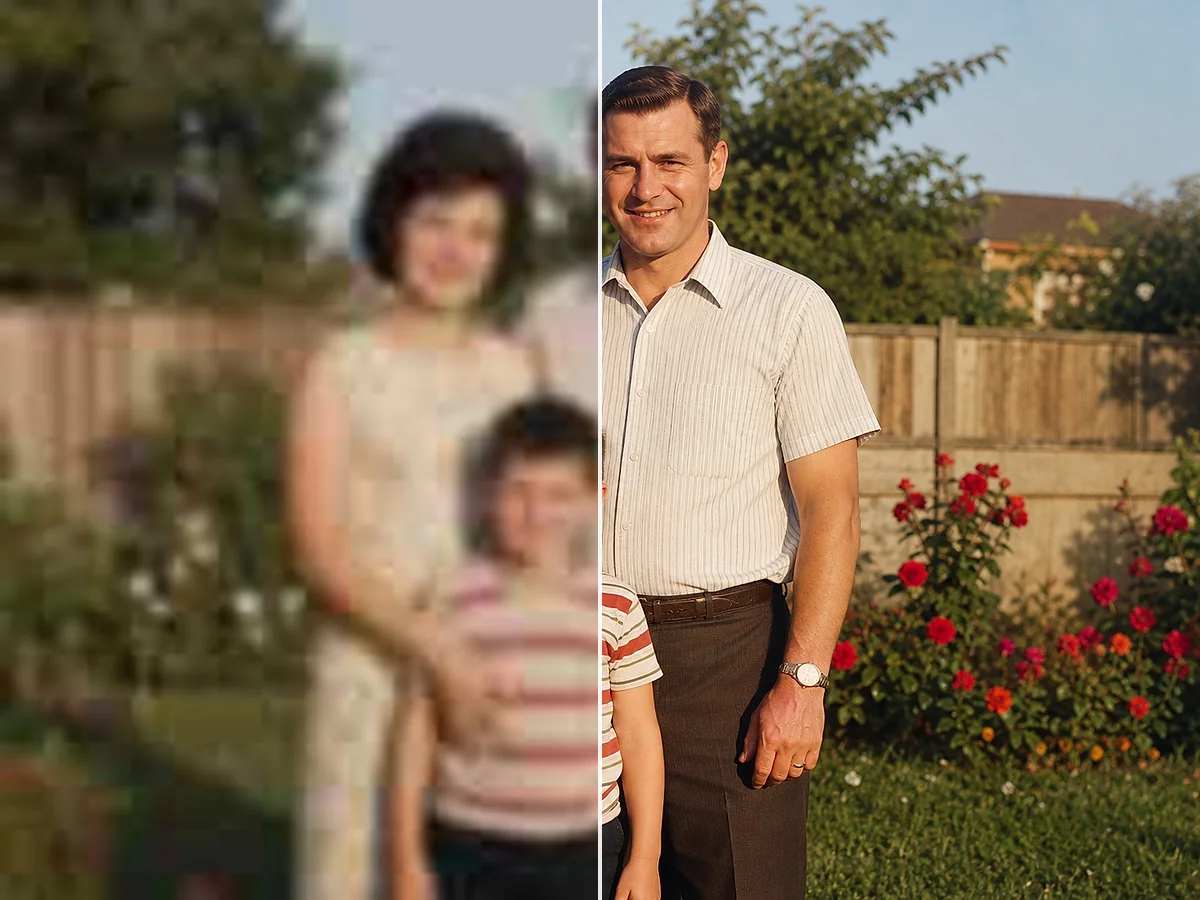
Choose a supported image up to 20 MB. A clean, straight scan with visible facial detail gives the AI more useful information to work with.
AI detects scratches, tears, stains, faded color, missing details, and damaged faces, then restores the photo as a complete image.
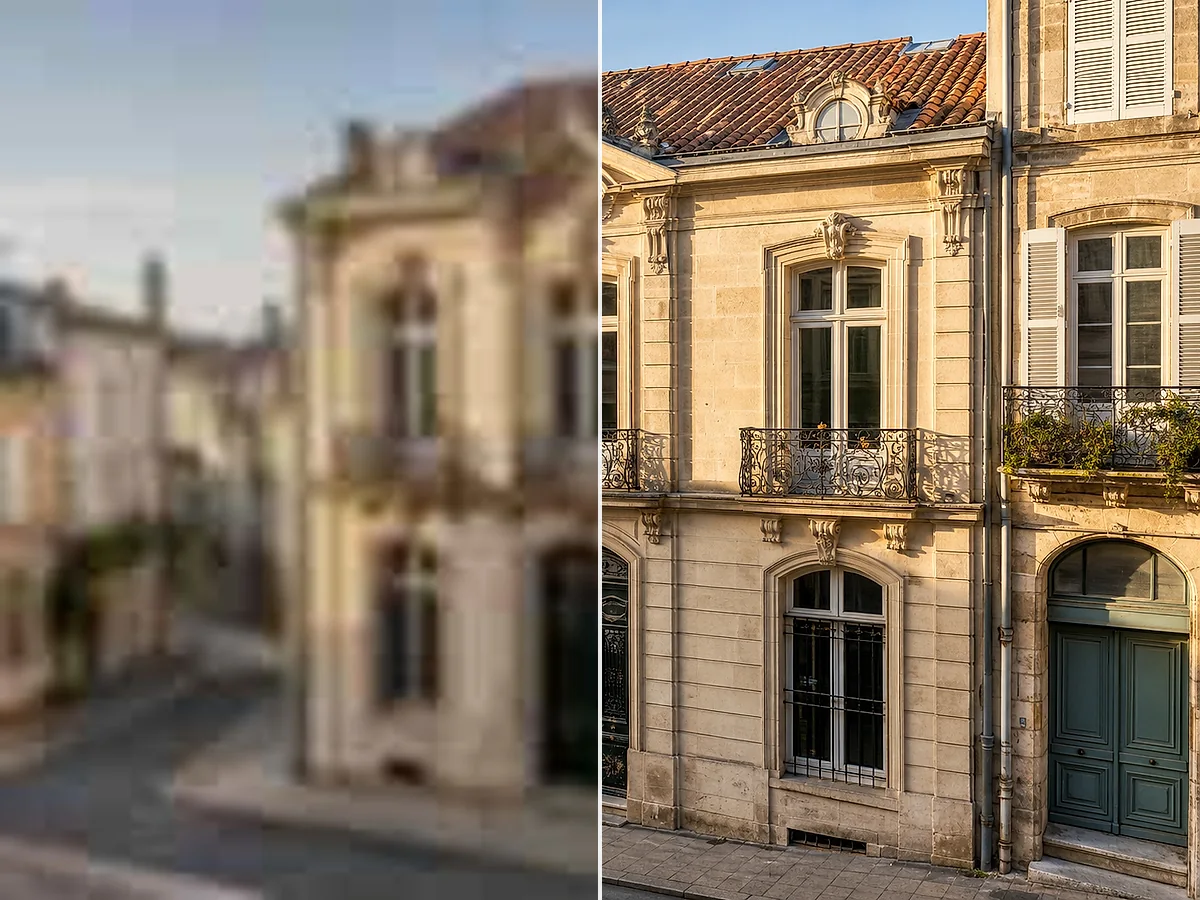
Review the result beside the source scan, check reconstructed details, and download the restored photo for sharing, archiving, or printing.
Clean visible scratches, dust spots, age stains, light water damage, and surface marks that distract from people and important details.
Rebuild cracks, creases, torn edges, and missing sections with details that blend into the surrounding photo.
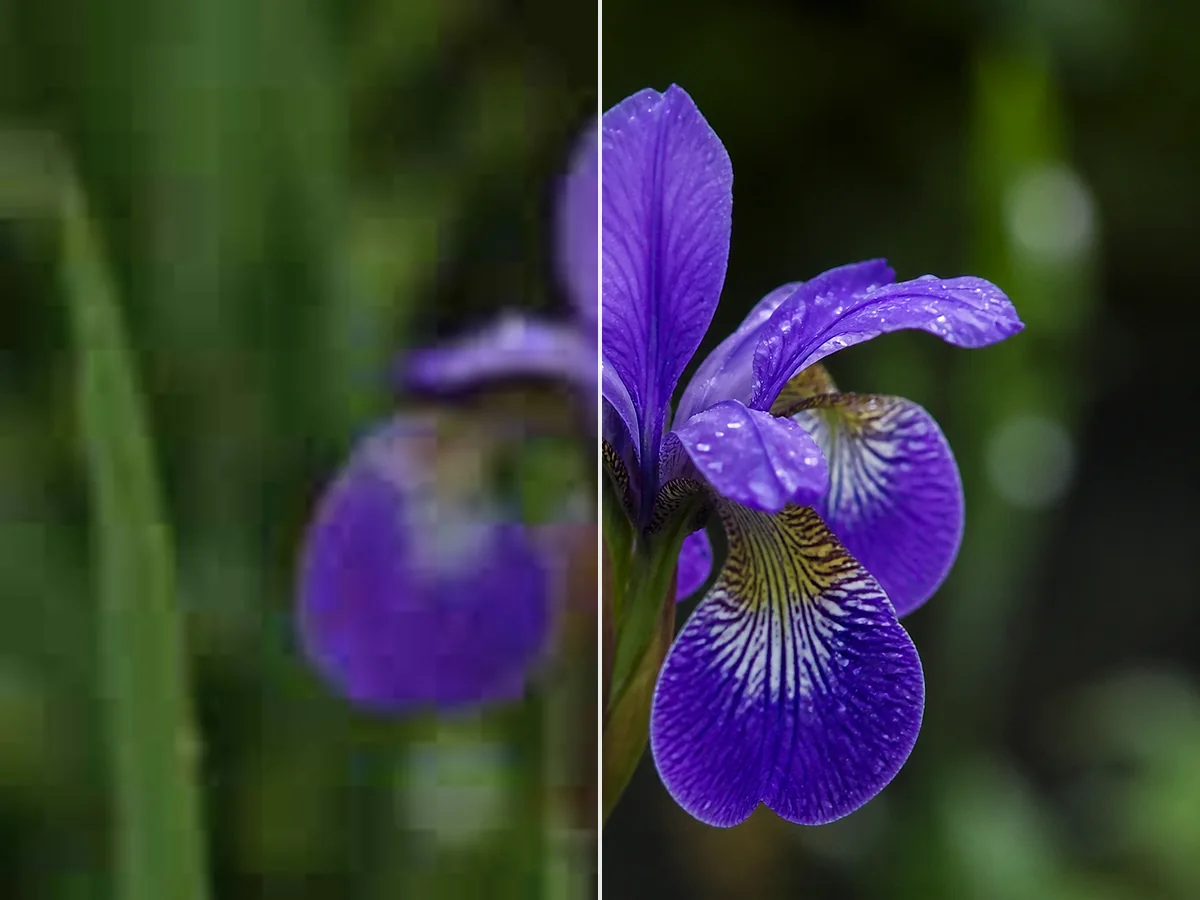
Correct faded contrast, yellowing, dull tones, and color loss so aging prints look balanced and vivid again.
Add natural-looking color to monochrome family photos, vintage portraits, and historical images while preserving their period character.
Restore soft or damaged eyes, facial contours, hair, and skin texture while aiming to keep each person recognizable.
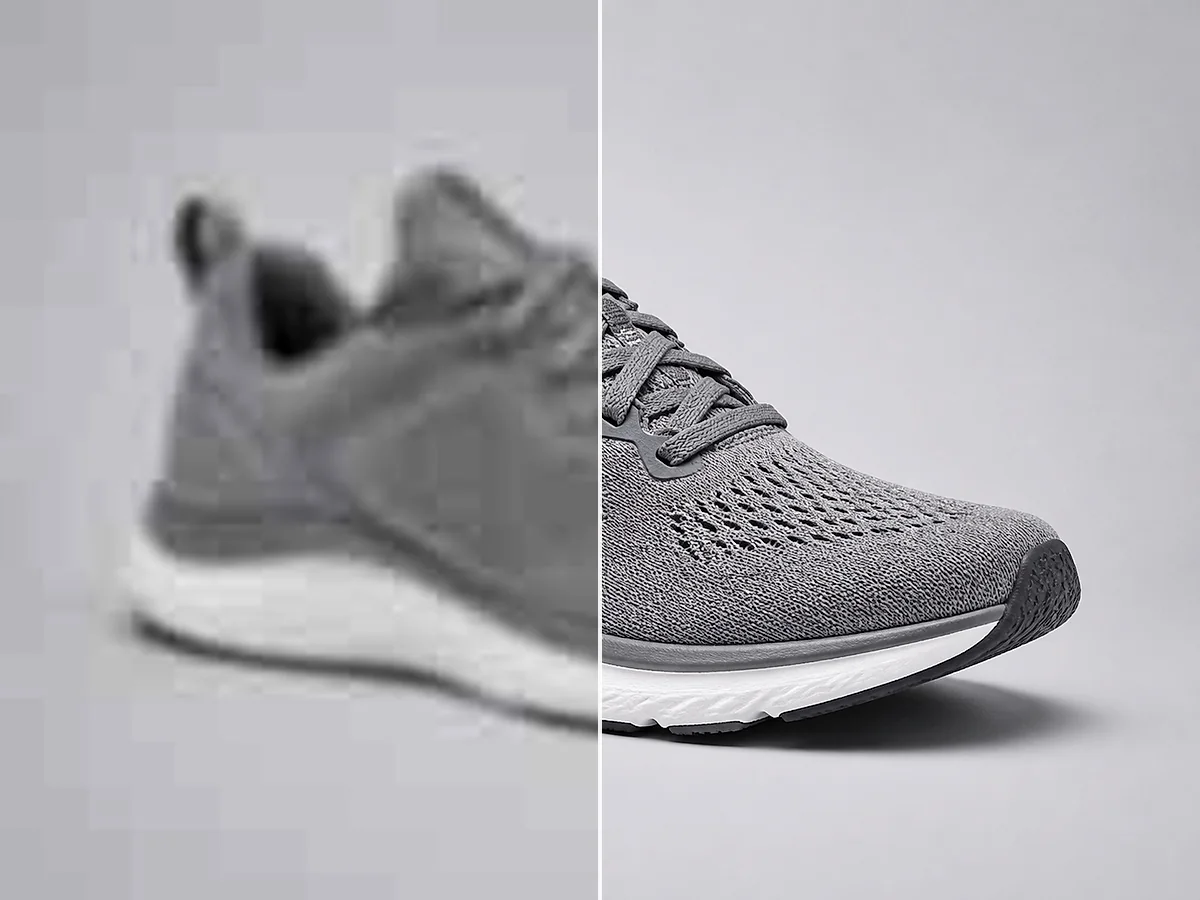
Reduce grain and digital noise, sharpen soft details, and increase resolution so restored photos are ready for albums, screens, archives, and larger prints.
Preserve Family History
Old prints continue to fade, crack, and collect damage over time. Restoring a digital copy helps preserve family history, makes important faces easier to recognize, and prepares the photo for sharing, archiving, or printing.
AI photo restoration can address scratches, tears, water stains, faded colors, damaged faces, grain, noise, and missing details across the people and background.
AI interprets areas that are badly torn, hidden, or missing. Compare the restored image with the original, especially when facial identity or historical accuracy matters.
Old photo restoration helps repair scratches, tears, water stains, and faded areas in childhood photos, wedding pictures, reunions, and everyday family snapshots.
Restore a Family PhotoRecover facial details and faded tones in inherited portraits, or add natural-looking color to black-and-white photos for framed prints and keepsakes.
Restore a Vintage PortraitRepair damaged edges, missing details, dust, and age marks in genealogy photos, local archives, and inherited collections while preserving the original scene.
Restore an Archive PhotoUse AI photo restoration to repair damage, recover color and detail, and restore old photos for sharing or print.
Restore My Old PhotoCommon questions about old photo restoration, repairing physical damage, restoring faded color, and preparing family photos for sharing or print.
AI photo restoration analyzes aging and physical damage in the source image, then repairs scratches, tears, stains, fading, missing details, and damaged faces. It can also restore color, add color to monochrome photos, reduce blur, and improve resolution.
Yes. Upload a family photo, vintage portrait, or historical scan in your browser. AI repairs the damage and restores the image, then you can review both versions and download the result.
It is free to try with credits provided to new accounts. An account is required to process and download images, and each successful restoration uses credit according to the current plan rules.
AI photo restoration can repair common age and storage damage, including scratches, dust, stains, light water damage, creases, tears, faded color, yellowing, grain, noise, blur, and small missing areas.
Yes. AI can recover eyes, facial contours, hair, skin texture, and other recognizable details in old portraits and group photos. Compare heavily reconstructed faces with the original when identity accuracy matters.
Yes. AI can remove surface scratches and dust, repair cracks and creases, reconnect torn sections, and rebuild damaged edges using visual information from the surrounding photo.
Yes. AI can add natural-looking color to black-and-white and sepia photos while restoring faded contrast and tonal detail. Because historical colors may be interpreted, keep the original scan for reference.
AI can reconstruct small missing corners, torn edges, damaged backgrounds, and obscured details by matching nearby shapes, texture, lighting, and color. Large missing faces or historically important details should be reviewed carefully.
You can upload JPG, JPEG, PNG, and WebP images up to 20 MB per file. For better results, scan the original print straight and at the highest practical quality.
Yes. After repairing damage and restoring color, AI can improve clarity and resolution for framed prints, photo books, family-history displays, memorial keepsakes, and archival copies.