
01
写实照片
生成逼真的人像、风景、美食照片和日常场景,光线和细节自然。
新用户可获免费额度
把你的提示词变成图片,选择格式,下载你满意的结果。
描述你的想法,选择设置,然后生成。
创建的图片结果将显示在此处
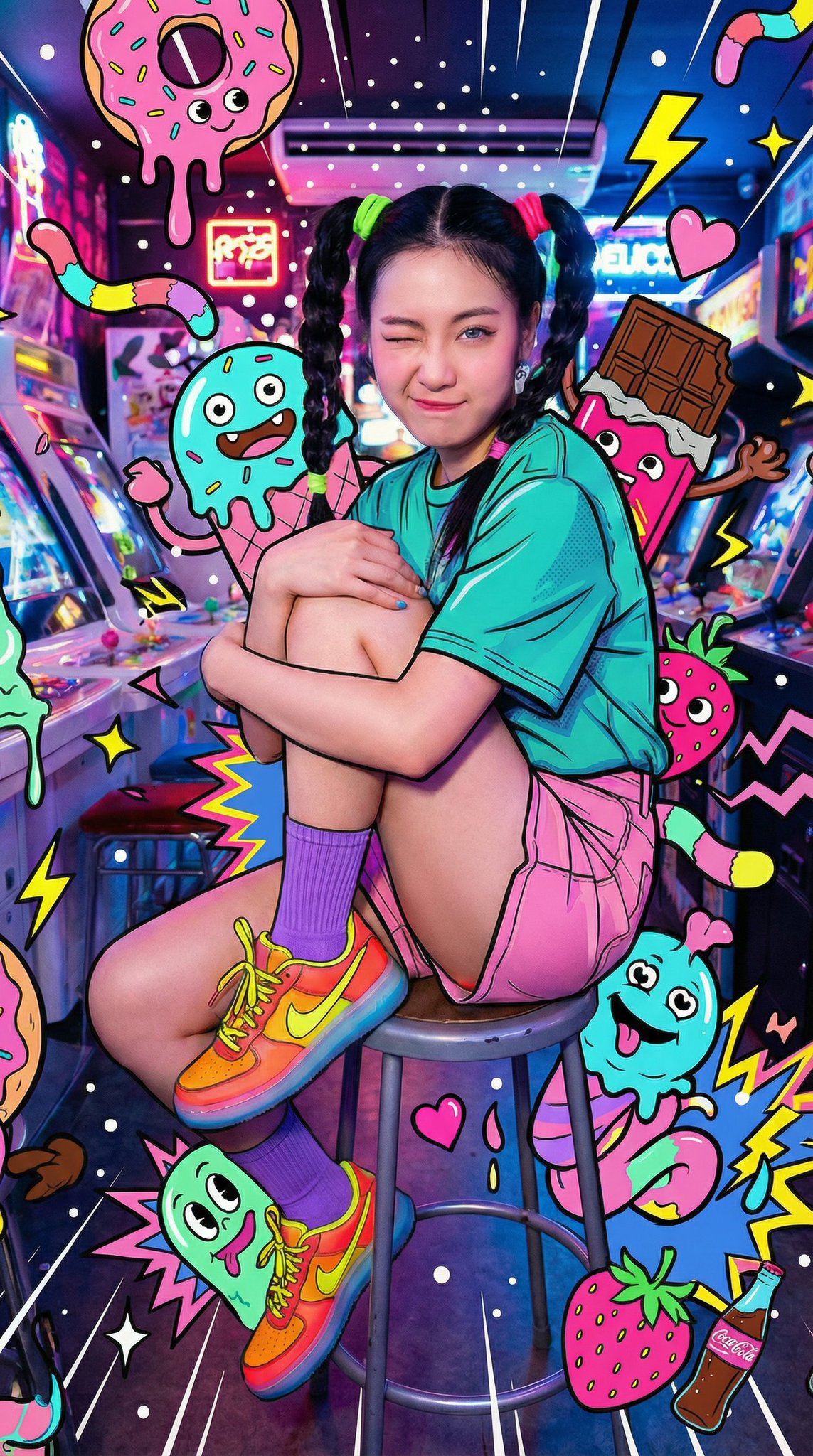
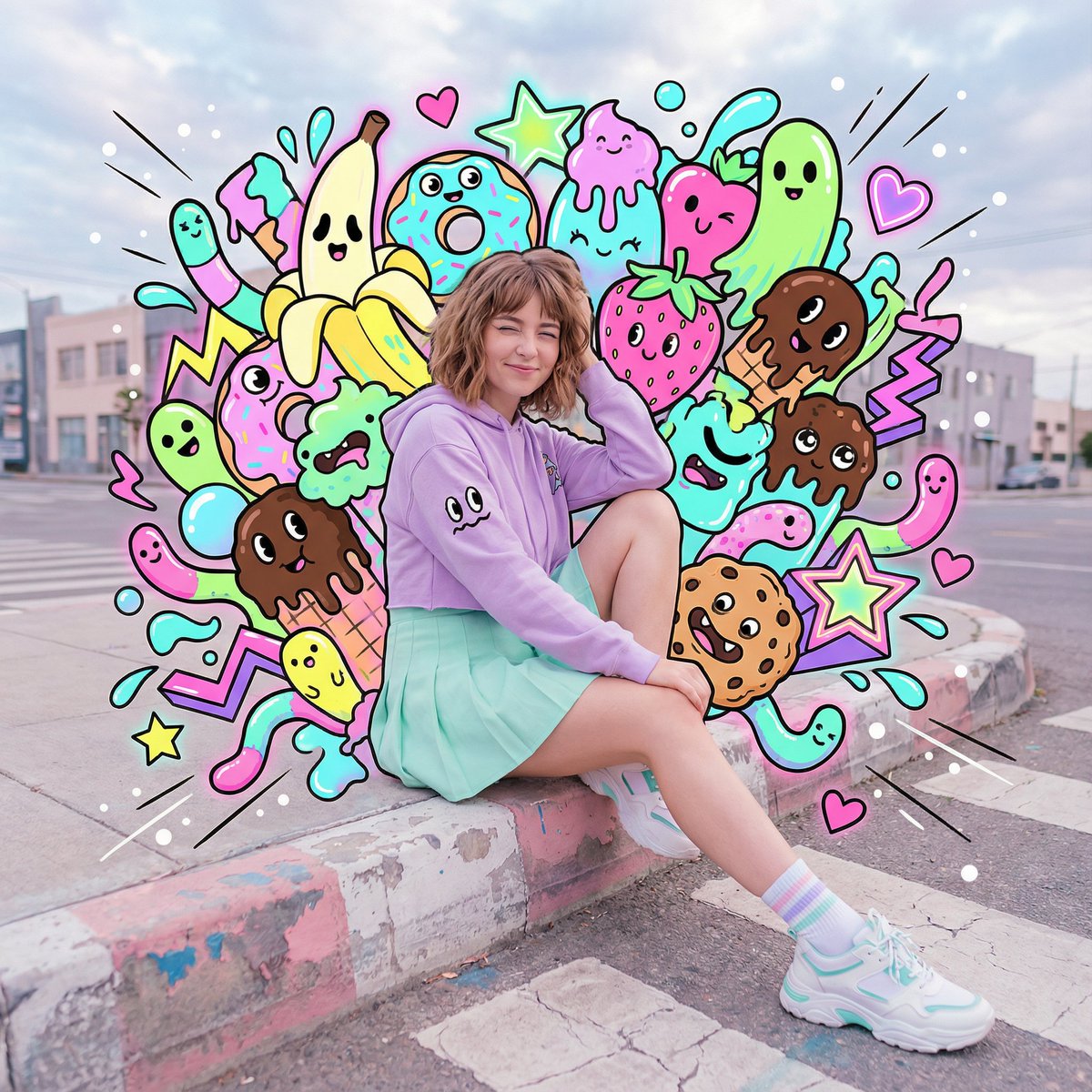
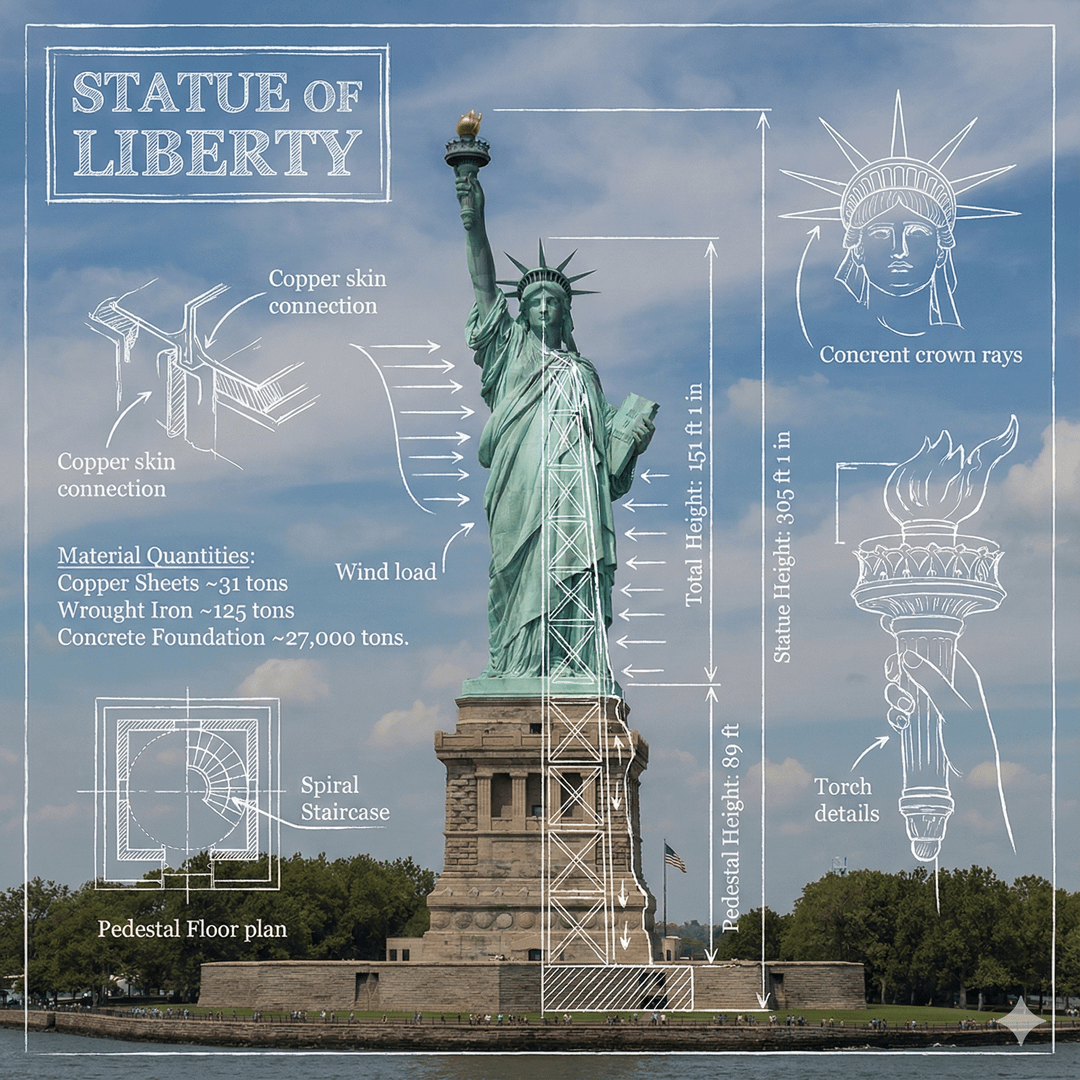
点击图片查看完整尺寸 • 滑动或使用箭头查看更多
根据文字生成图片
用一句简单的提示词,生成照片、产品图、插画等更多内容。
生成逼真的人像、风景、美食照片和日常场景,光线和细节自然。
在正式拍摄前,预览产品背景、棚拍灯光、材质、配色和展示方案。
生成动漫角色、绘本场景、数字绘画、海报等各种插画风格。
按你需要的尺寸,为帖子、快拍、缩略图、横幅和节日活动制作配图。
为故事、游戏、漫画或个人项目,可视化角色、服装、道具、场景和关键画面。
生成城市街景、室内空间、自然风景、幻想世界和干净的背景,方便后续处理。
从清晰的提示词开始
用这些示例,把清晰的提示词变成精美的图片。
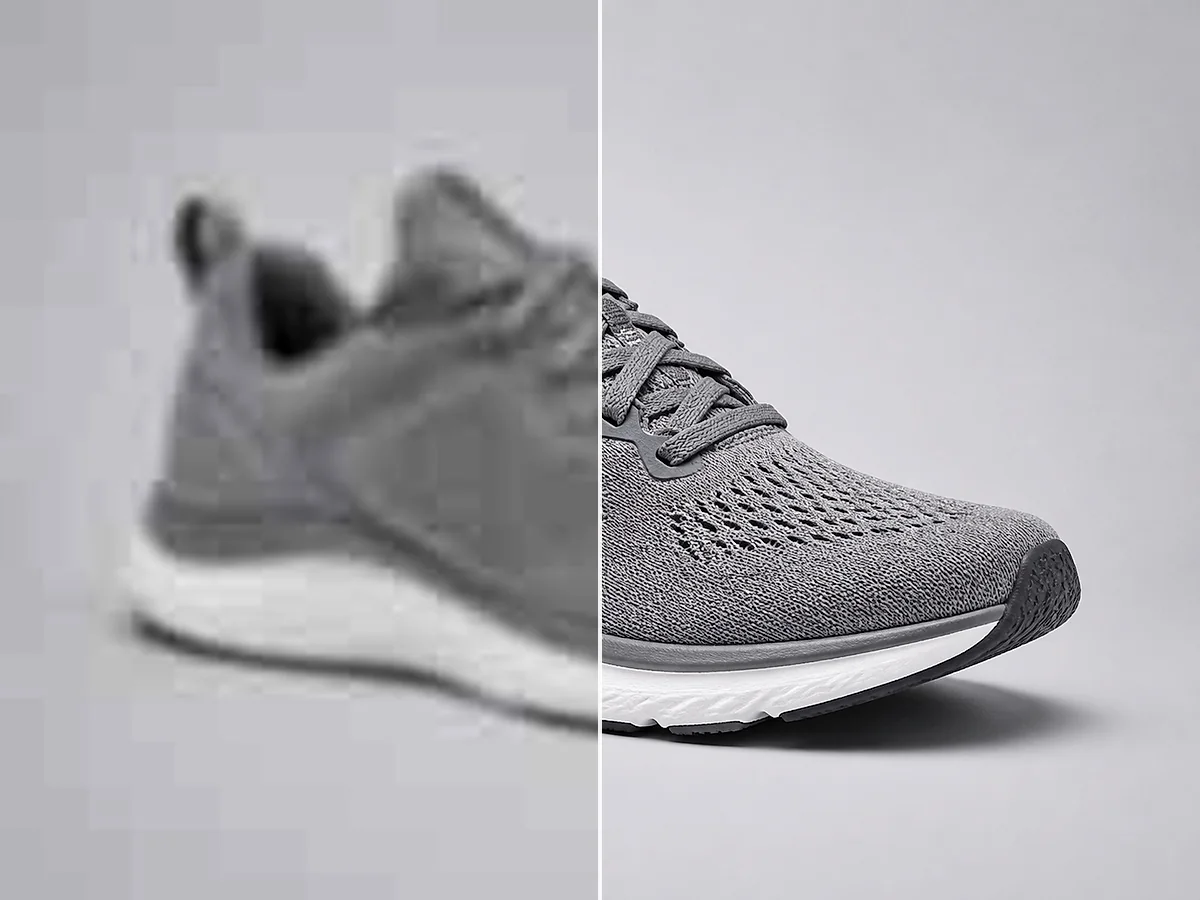
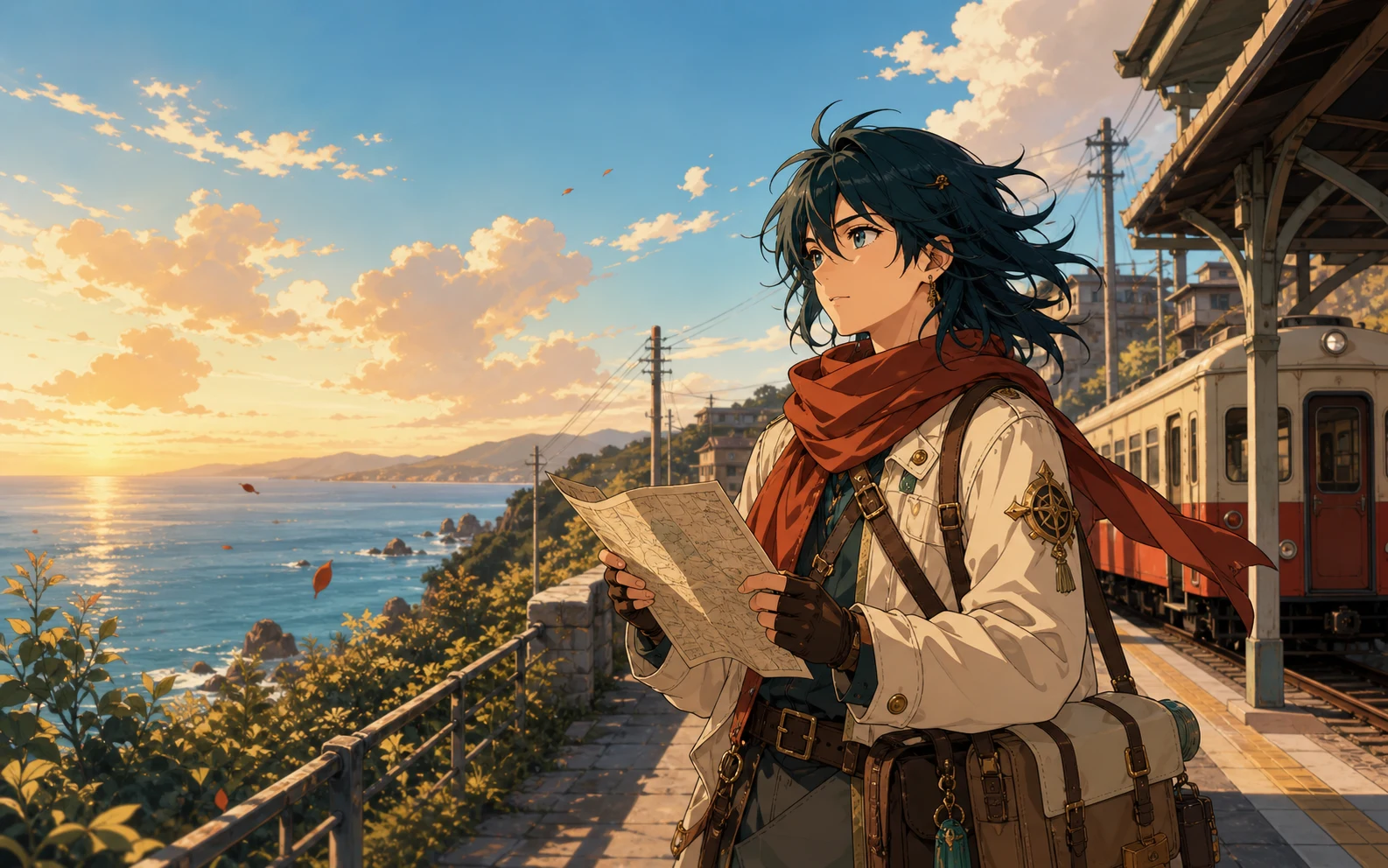
描述、生成、下载
描述你的想法,选择设置,然后下载结果。
写下你想看到的内容。在需要时,注明主体、场景、风格、配色、光线和拍摄角度。
选择AI模型和图片比例,决定生成一张、两张、三张还是四张图片。
生成图片,对比结果,下载最符合你想法的版本。
更多灵感,更少准备
无需从空白画布开始,就能生成并对比图片。
用日常语言描述图片,而不是从零绘制每个元素。
用一条提示词生成最多四张图片,对比不同的构图、配色和细节。
用方形、竖版、横版或宽幅比例,适配帖子、快拍、演示文稿、缩略图和横幅。
图片需要最后润色时,可以继续使用图片编辑、增强、去背景或放大功能。
日常项目灵感
为营销、产品、故事和演示文稿制作原创配图。
社交媒体与营销
为社交帖子、广告、缩略图、横幅和节日活动生成图片。
产品设计
在投产前,测试背景、灯光、材质、配色、包装创意和展示风格。
故事与游戏
为故事、游戏、漫画或个人项目,创建角色、环境、道具和关键场景。
博客与演示文稿
当通用图库照片不合适时,制作与主题和语气匹配的配图。
完善你生成的图片
编辑、增强或放大你生成的图片。
关于AI图片生成的问题
关于提示词、积分、模型和下载的快速解答。
AI图片生成器会把一段文字提示词变成一张新图片。它会理解主体、场景、风格、配色、光线和构图等细节,然后根据描述生成画面。
可以。新用户会获得免费额度,可以用来体验AI图片生成器。生成前会显示你的可用额度和总费用。
每张生成的图片消耗4个积分。如果用一条提示词生成多张图片,工作区会在生成前显示总积分费用。
输入描述目标图片的提示词,选择AI模型和图片比例,设置图片数量,然后点击“生成图片”。
从主体和场景开始。在重要时补充风格、配色、光线、氛围和拍摄角度。清晰的细节通常能让模型更准确地理解需求。
工作区提供 Nano Banana 2、Nano Banana Pro、Nano Banana 和 GPT Image 2。你可以在选择前对比各模型的说明和预估生成时间。
可以。用一条提示词最多可生成四张图片,下载前可以先对比结果,选择最喜欢的一张。
你可以从九种宽高比中选择,包括方形、竖版、横版、垂直和宽幅格式,满足不同的发布需求。
可以。你生成的图片可用于商业项目,包括营销物料、社交媒体内容、演示文稿、产品概念和网站配图。
私密生成和无水印选项对 Pro 用户开放。你可以在生成工作区中开启其中任一选项。