图像增强器 — 在线提升您的照片质量

上传图片

一次最多添加 10 张图片。

点击上传图片,或将图片拖到这里

支持 JPG、PNG、WEBP 格式,每张最大 20.00MB

你可以选择或拖入最多 10 张图片。

上传文件或粘贴

放大时同时运行 GFPGAN 人脸增强

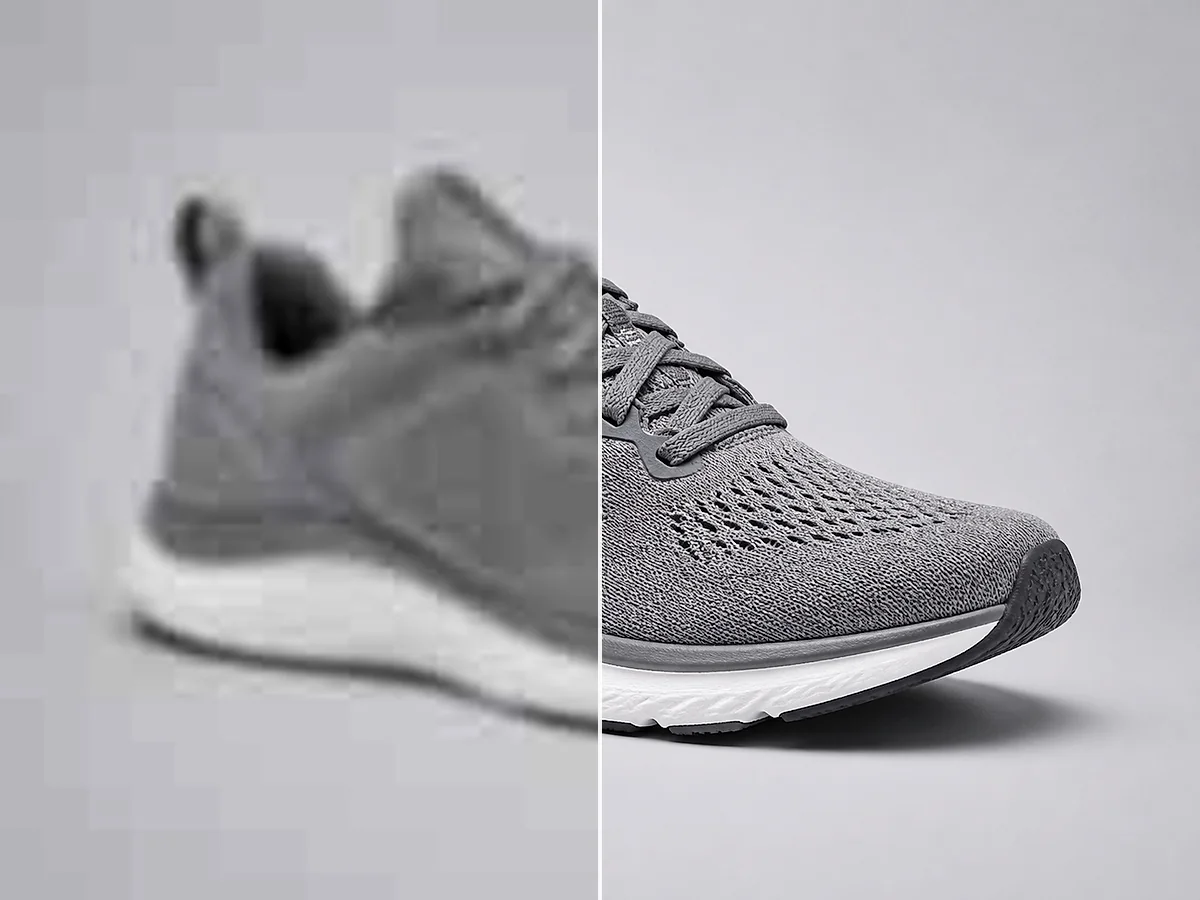
Upscayl AI Upscaler Example - Before and After AI Enhancement
JPG, PNG, and WebP
20 MB per file
4K-ready output

How to Enhance Image Quality in 3 Simple Steps

Upload Your Photo background remover preview
1

Upload Your Photo

Choose a JPG, PNG, or WebP file up to 20 MB. You can also paste a direct HTTPS image URL or add multiple photos to a queue.

AI Analyzes and Enhances the Image background remover preview
2

AI Analyzes and Enhances the Image

The AI identifies areas that need improvement — soft edges, noise, low resolution — and reconstructs missing detail. Sharpening, denoising, and upscaling happen in a single pass.

Preview and Download the Result background remover preview
3

Preview and Download the Result

Compare the enhanced image with the original side by side. Download the high-resolution version for social media, printing, ecommerce listings, or personal use.

Why Use This AI Image Enhancer

Detail Reconstruction background remover preview

Detail Reconstruction

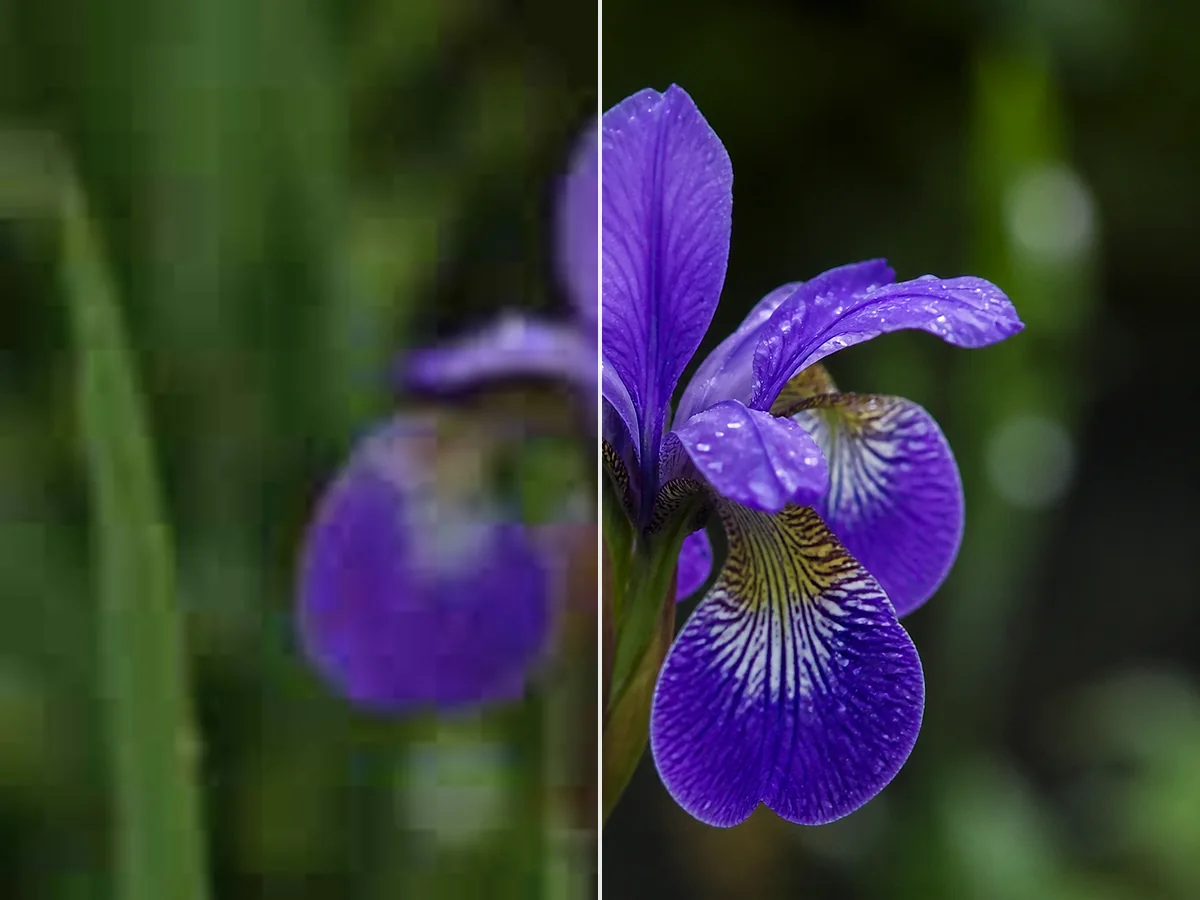
Missing or softened details are rebuilt by the AI — not just sharpened with a filter. The result is genuine-looking texture and clarity rather than an artificially crisp overlay.

Resolution Upscaling to 4K background remover preview

Resolution Upscaling to 4K

Increase image resolution without losing quality. The AI generates new pixels that match the original content, so the enlarged image stays sharp and natural.

Blur and Softness Reduction background remover preview

Blur and Softness Reduction

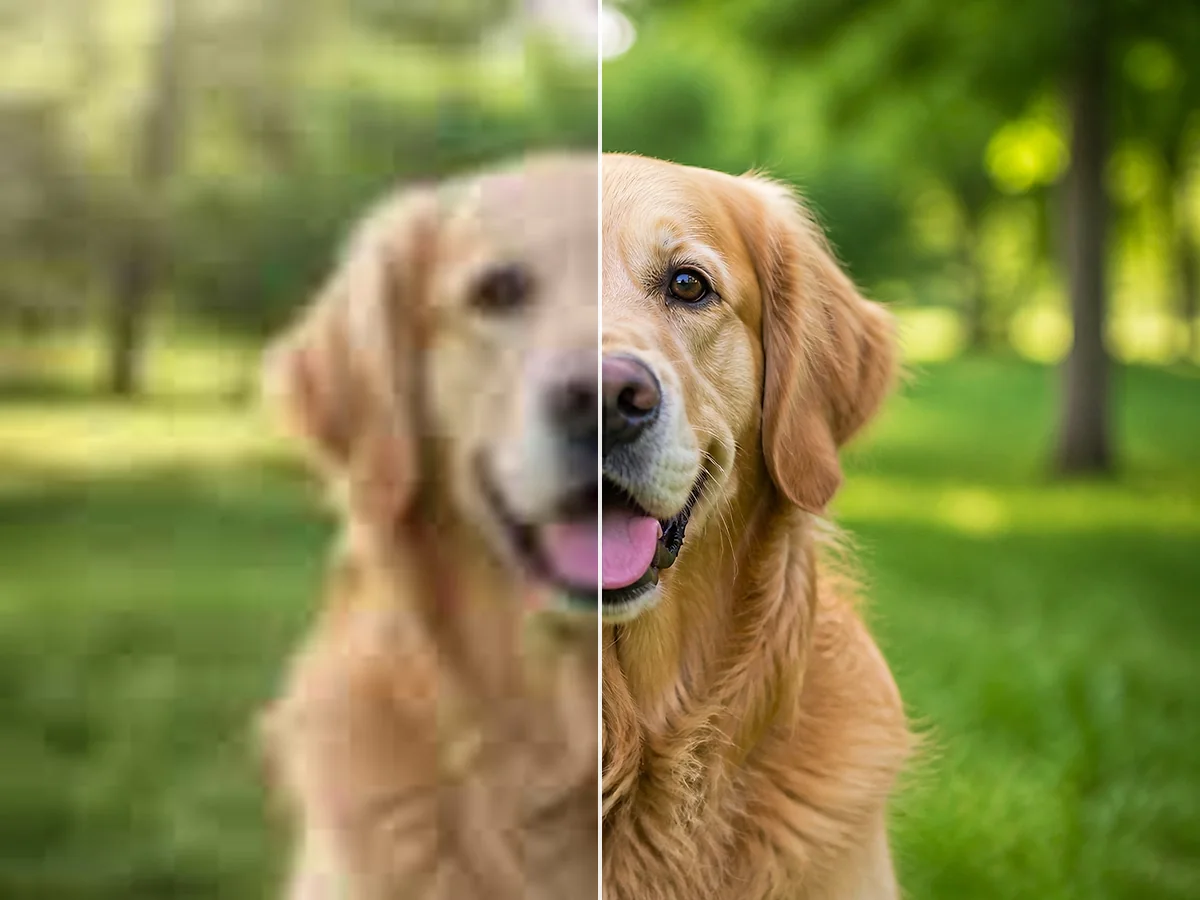
Out-of-focus areas, motion blur, and lens softness are identified and sharpened automatically. The result is a cleaner image with visible improvement in edge definition.

Portrait and Face Enhancement background remover preview

Portrait and Face Enhancement

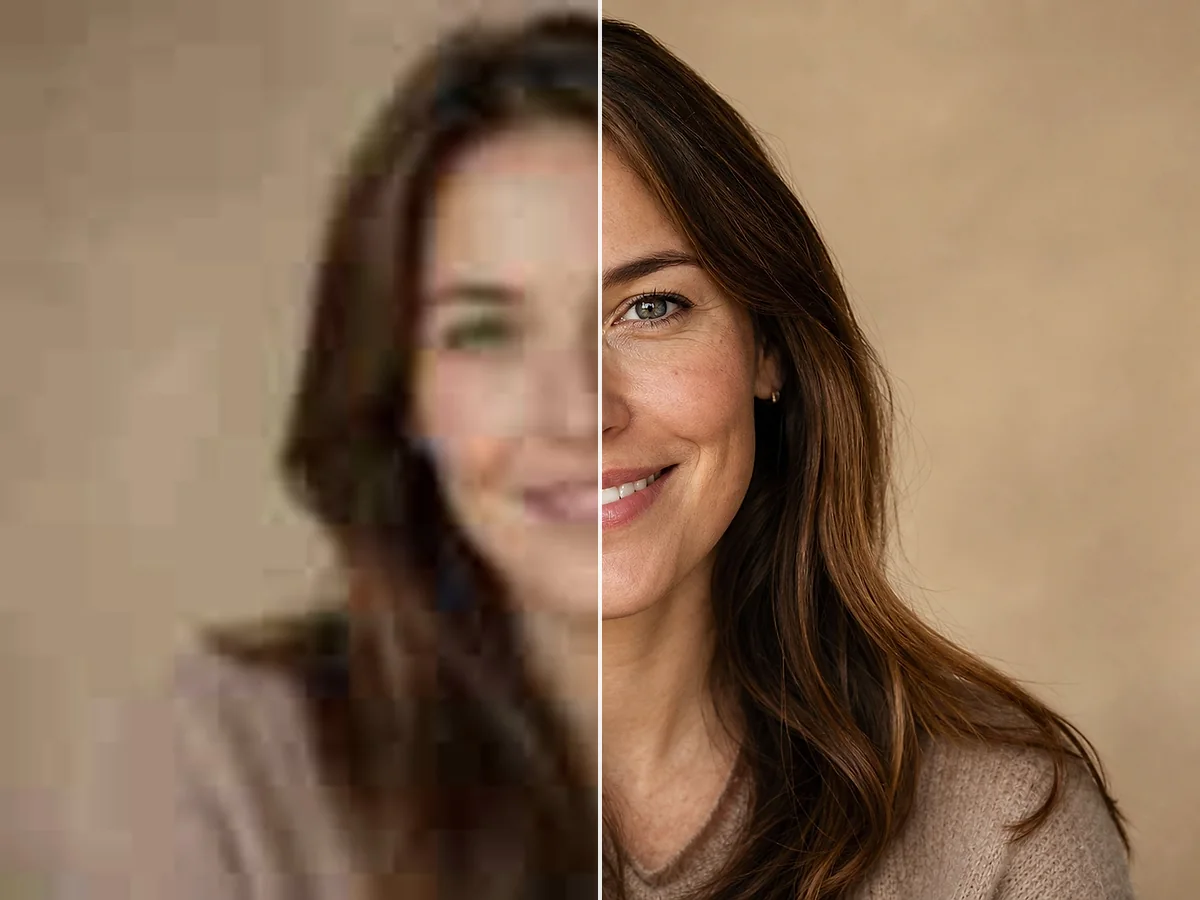
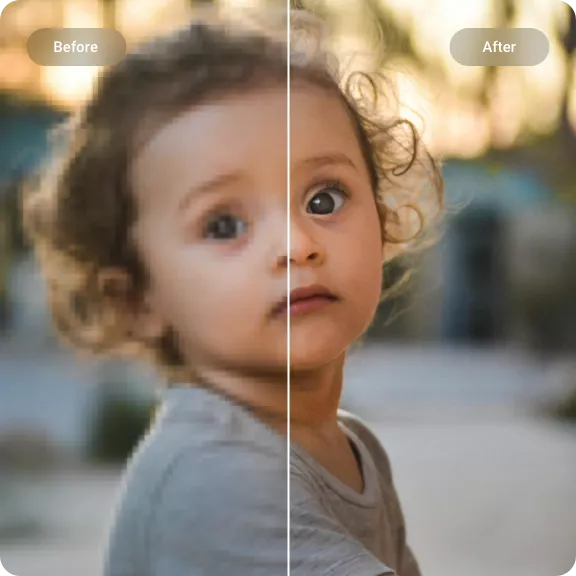
Face-aware processing sharpens eyes, smooths skin noise, and defines facial features naturally. Ideal for portraits, headshots, and group photos.

Old Photo and Vintage Image Enhancement background remover preview

Old Photo and Vintage Image Enhancement

Reduce grain, clear up compression artifacts, and recover lost sharpness in old digital photos and scanned images — while keeping the original character intact.

Works in Your Browser background remover preview

Works in Your Browser

No software to install, no complex settings to learn. Upload your photo, enhance it with AI, and download the result — all from your browser on any device.

AI Image Enhancement for Every Type of Photo

Portraits

Sharper Faces and Natural Skin Detail

Enhance portraits, headshots, and group photos with face-aware AI. Eyes sharpen, skin texture looks natural, and fine details like hair become more defined — without looking over-processed.

Enhance a Portrait
Sharper Faces and Natural Skin Detail background remover preview
Old Photos

Restore Clarity to Vintage and Scanned Images

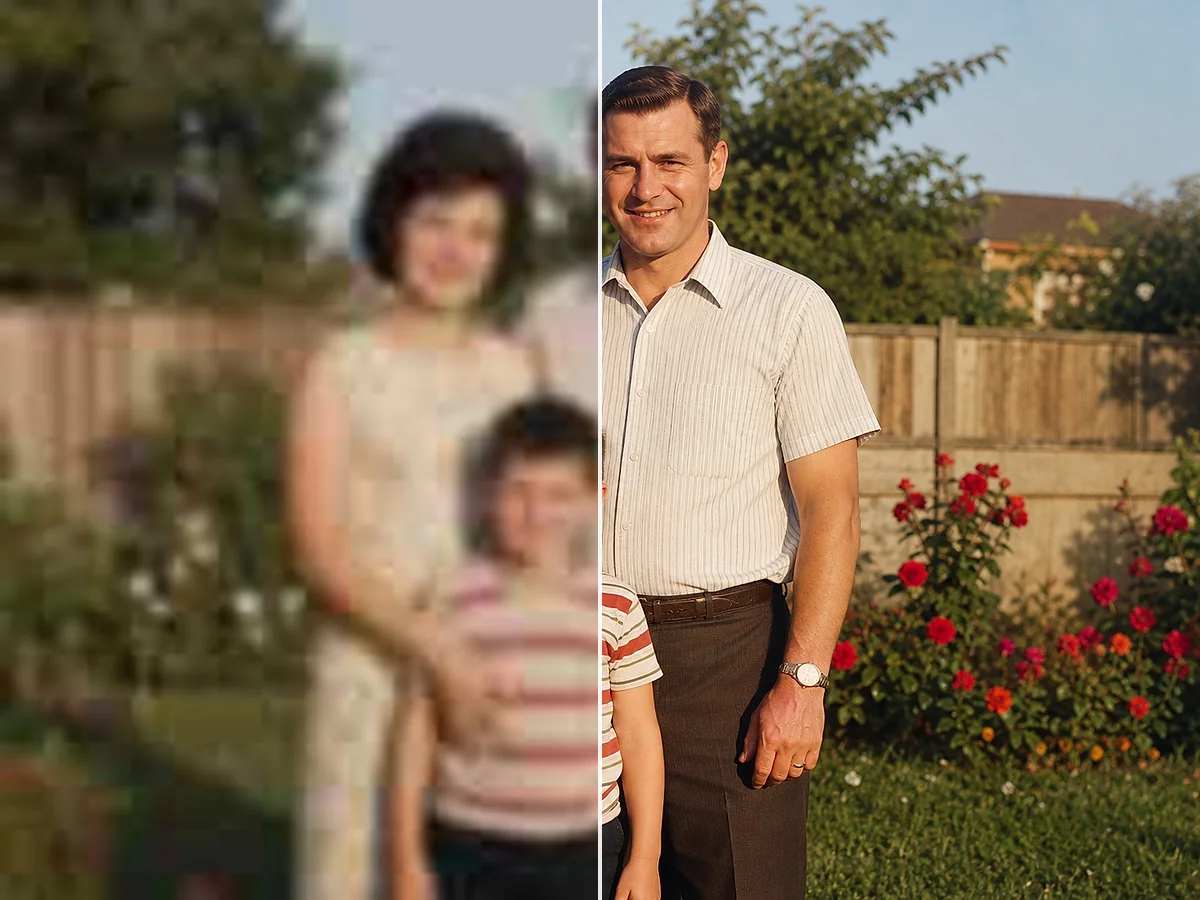
Old digital photos, scanned prints, and vintage images gain new life. The AI reduces grain, clears compression artifacts, and recovers lost sharpness while preserving the original character and memories.

Enhance an Old Photo
Restore Clarity to Vintage and Scanned Images background remover preview
Ecommerce

Cleaner Product Photos for Online Stores

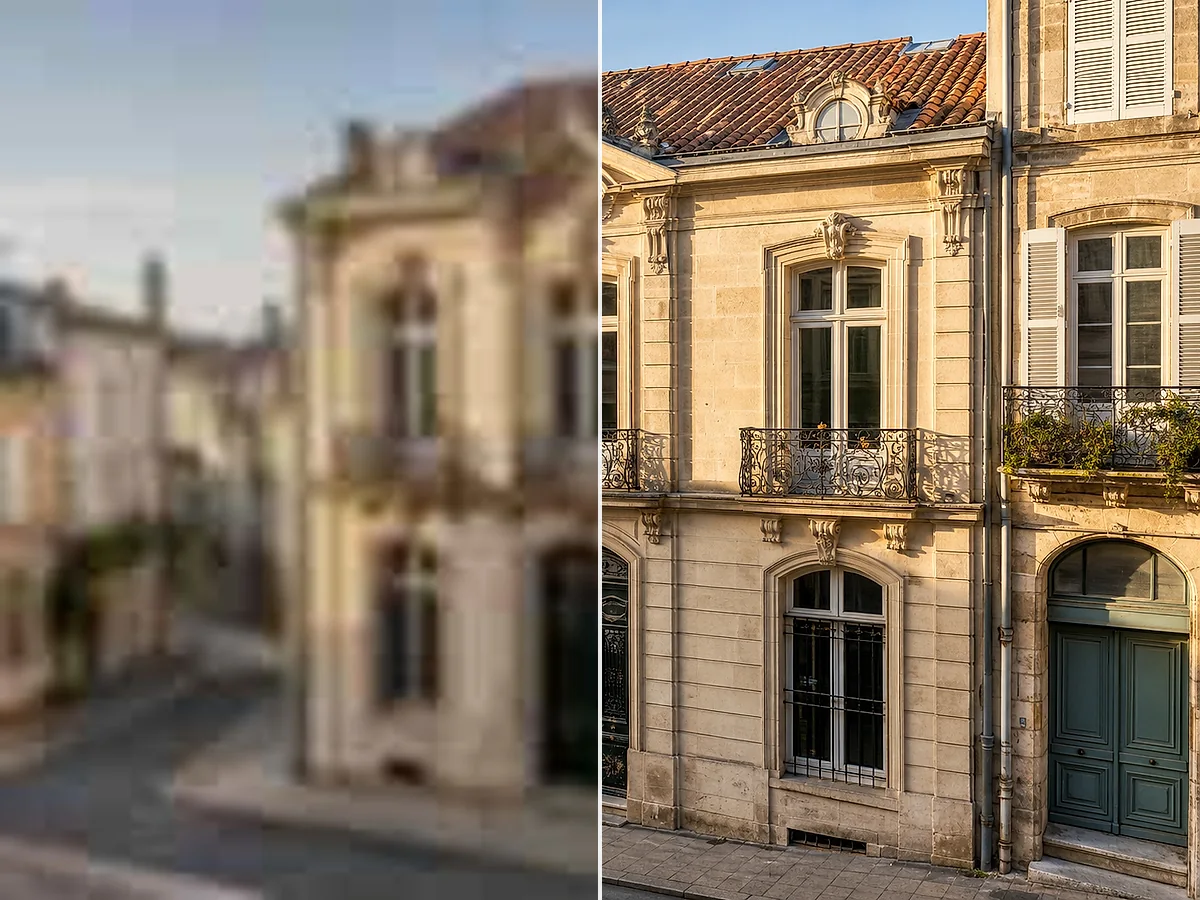
Product photos need to look sharp at every zoom level. The AI enhancer cleans up compression artifacts, sharpens labels and packaging details, and delivers a higher-resolution image for listings and ads.

Enhance a Product Photo
Cleaner Product Photos for Online Stores background remover preview

Image Enhancement Workflows

Photo Archive Cleanup background removal example background remover preview

Old family photos scanned at low resolution come out noticeably cleaner — less grain, sharper faces, and the original character stays intact.

Photo Archive Cleanup

For personal photo restoration

Ecommerce Image Prep background removal example background remover preview

Product photos from phone cameras look sharp enough for listings after enhancement — no need to reshoot or bring in a photographer.

Ecommerce Image Prep

For small online sellers

Web Image Cleanup background removal example background remover preview

Compressed web downloads and social media exports clean up well — the AI brings back detail you thought was lost to JPEG artifacts.

Web Image Cleanup

For designers and content creators

准备好增强您的图像了吗?

上传照片,几秒钟即可查看结果。

增强您的图像

AI 图像增强器 — 常见问题

关于使用AI提升图像质量、修复模糊照片和提高分辨率的常见问题。

什么是AI图像增强器?

AI图像增强器是一种利用人工智能自动改善照片质量的工具。它可以锐化模糊图像、提高分辨率、降低噪点并恢复丢失的细节 — 无需手动编辑。

AI图像增强器如何工作?

上传照片后,AI会分析其内容。它会识别需要改进的区域 — 柔和的边缘、噪点、低分辨率 — 并重建缺失的细节。结果是原始图像更干净、更清晰、分辨率更高的版本。

它能修复模糊照片吗?

可以。AI增强器可以减少模糊并锐化失焦区域。效果取决于模糊的严重程度 — 轻度到中度模糊改善明显,而极端运动模糊或严重失焦则有限。

它能提高图像分辨率吗?

可以。AI在保持图像清晰的同时将您的图像放大到更高分辨率。您可以根据需要选择多种输出尺寸。

我能获得4K质量吗?

可以。增强器支持适合4K显示器和大幅打印的输出分辨率,前提是源图像有足够可用的细节。

AI图像增强器免费吗?

新帐户会获得试用积分来测试增强器。每成功增强一张图像消耗1积分。如果任务因任何原因失败,您无需付费。

使用它需要注册吗?

需要帐户才能处理图像和下载结果。注册很快,注册后您可以查看增强后的图像和剩余积分。

支持哪些图像格式?

您可以上传JPG、JPEG、PNG和WebP文件。支持的输出格式包括PNG和JPG。

它能增强模糊的文字或文档吗?

可以。扫描的文档、文字密集页面的照片以及带有小字体的图像可以得到显著锐化。AI减少字符边缘周围的柔和感,使文字更易读 — 适用于文档数字化和档案清理。

我可以增强老照片吗?

可以。旧数字照片、扫描打印件和复古图像对AI增强效果良好。该工具在保持照片原始特征的同时减少颗粒感并锐化细节。

它适用于肖像照吗?

可以。面部增强模式专为肖像、头像和集体照设计。它在保持皮肤纹理自然的同时锐化眼睛和面部特征。

我可以用它准备打印用的图像吗?

可以。增强器提高分辨率和锐度,有助于图像在更大的打印尺寸下看起来更清晰。在准备海报、传单或照片打印图像时,选择更高的输出分辨率。

增强后的图像会有水印吗?

不会。下载的结果不包含水印。

我可以在手机上使用它吗?

可以。该工具适用于任何现代浏览器,包括iOS和Android上的Safari和Chrome。您可以直接在手机上上传、增强和下载。