01
Foto realistiche
Crea ritratti realistici, luoghi, foto di cibo e scene quotidiane con illuminazione e dettagli naturali.
Crediti gratuiti per i nuovi utenti
Trasforma il tuo prompt in un’immagine, scegli un formato e scarica il tuo risultato preferito.
Descrivi la tua idea, scegli le impostazioni e genera.
The created image result will appear here
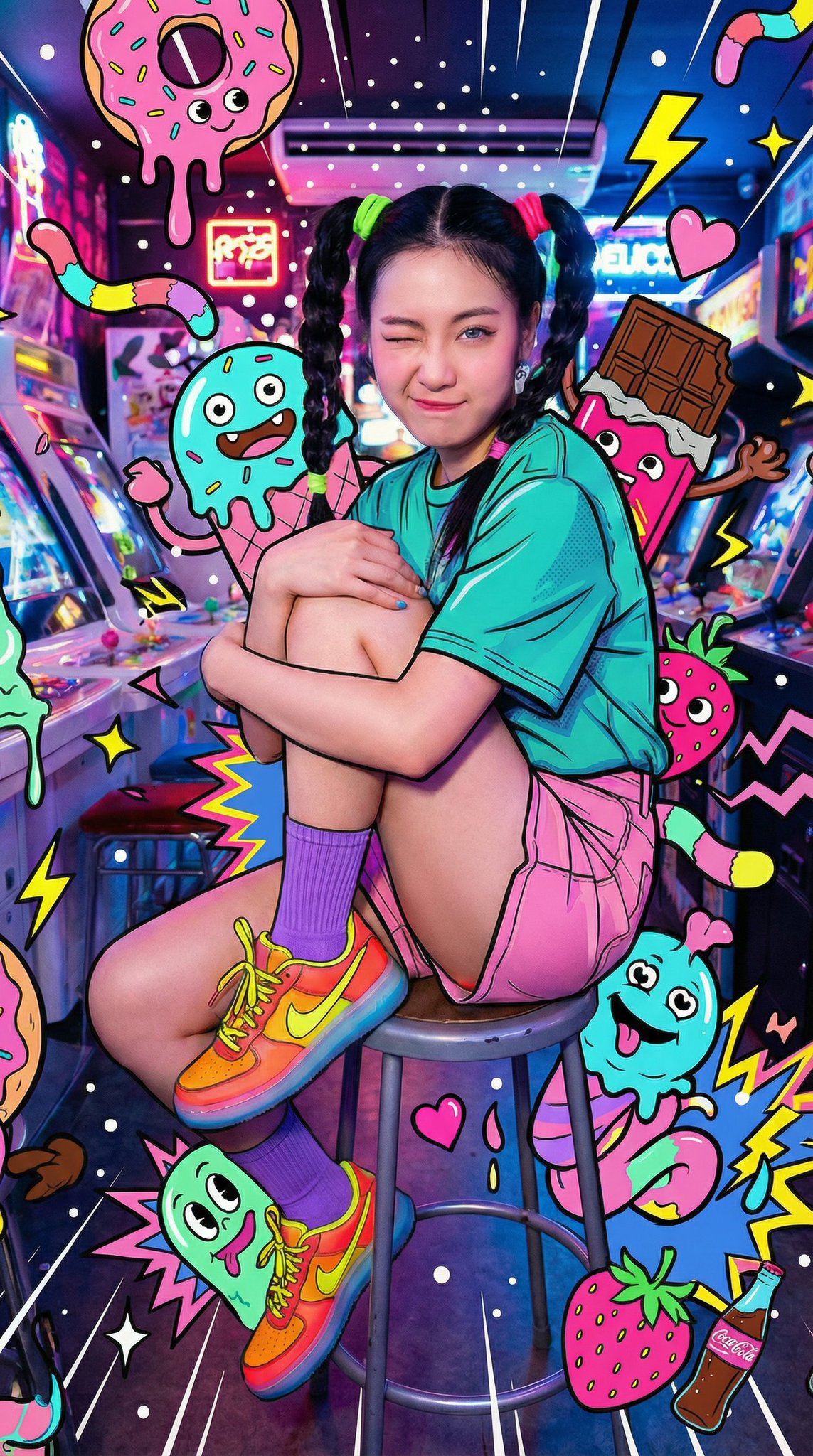
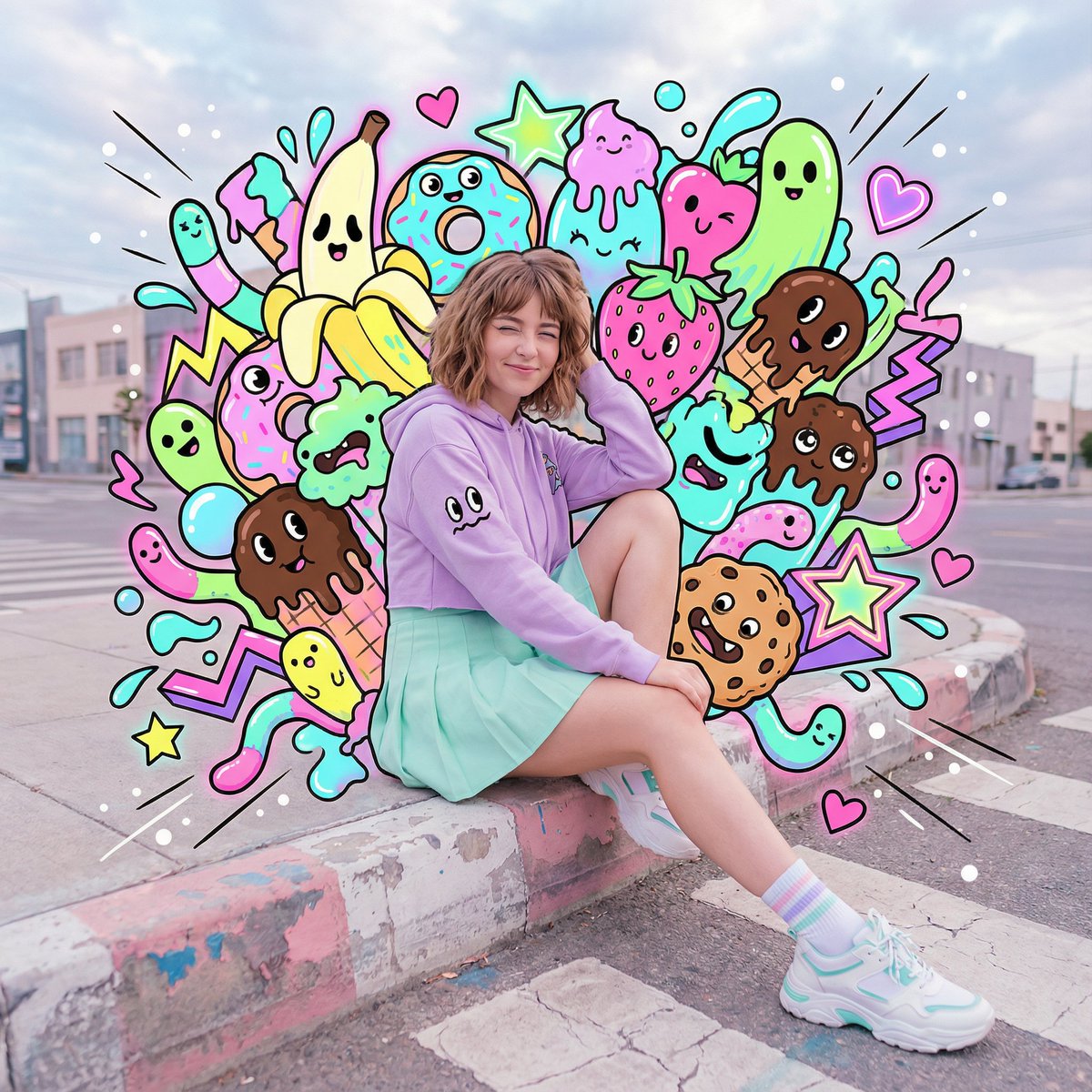
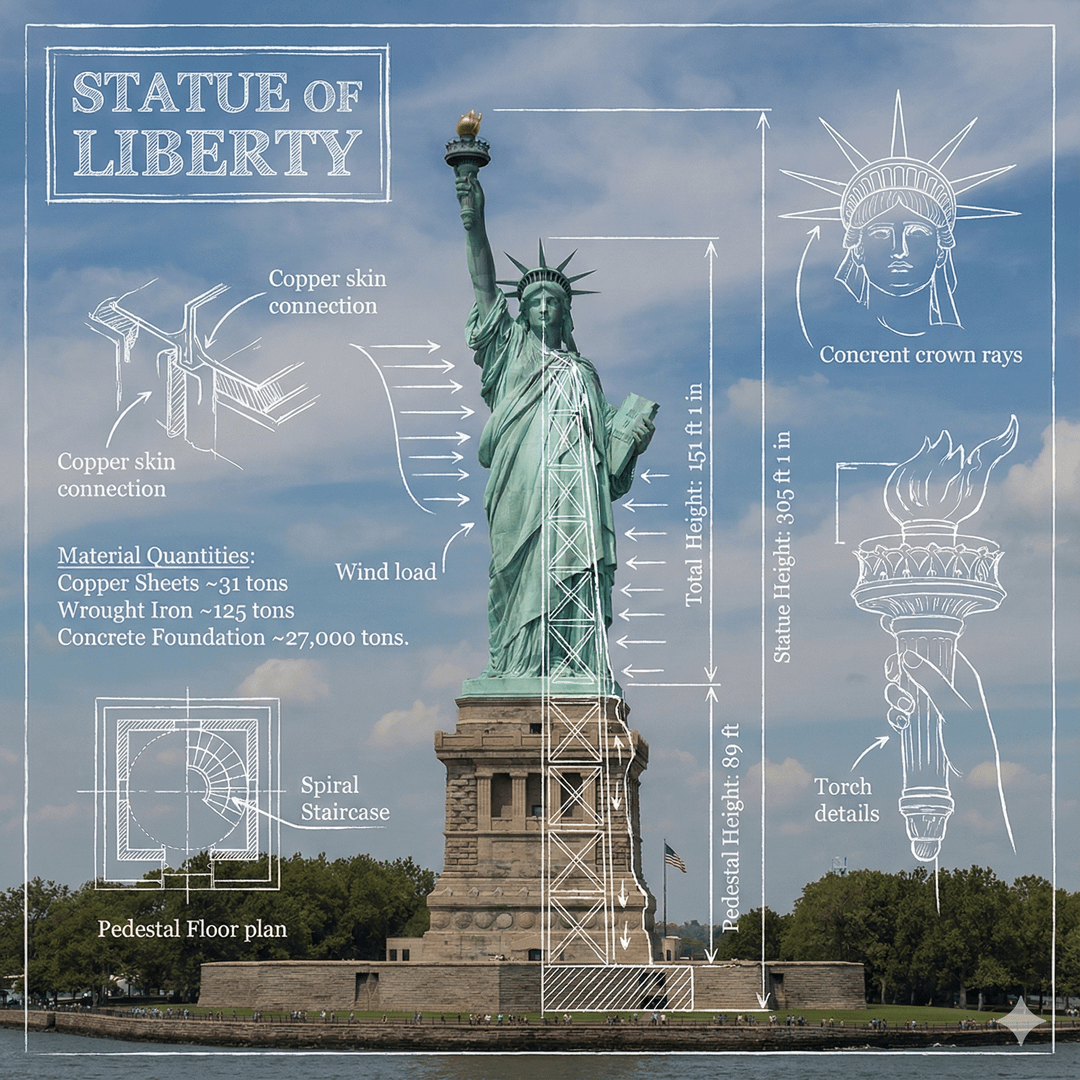
Click image to view full size • Swipe or use arrows to see more
Crea immagini da testo
Crea foto, visual di prodotto, illustrazioni e altro da un semplice prompt.
Crea ritratti realistici, luoghi, foto di cibo e scene quotidiane con illuminazione e dettagli naturali.
Esplora sfondi di prodotto, illuminazione da studio, materiali, colori e idee di presentazione prima dello shooting finale.
Genera personaggi anime, scene da libro illustrato, dipinti digitali, poster e altri stili illustrati.
Crea visual per post, storie, miniature, banner e campagne stagionali nel formato che ti serve.
Visualizza personaggi, abiti, oggetti di scena, ambienti e scene chiave per storie, giochi, fumetti o progetti personali.
Crea vedute cittadine, interni, paesaggi, mondi fantasy e sfondi puliti per modifiche successive.
Inizia con un prompt chiaro
Usa questi esempi per trasformare un prompt chiaro in un’immagine curata.
Foto realistica
Combina un soggetto chiaro, una location, la luce e uno stile fotografico.
Prompt di esempio
Un golden retriever amichevole che si rilassa in un soggiorno soleggiato, fotografia editoriale, caldi colori naturali, morbida luce della finestra.
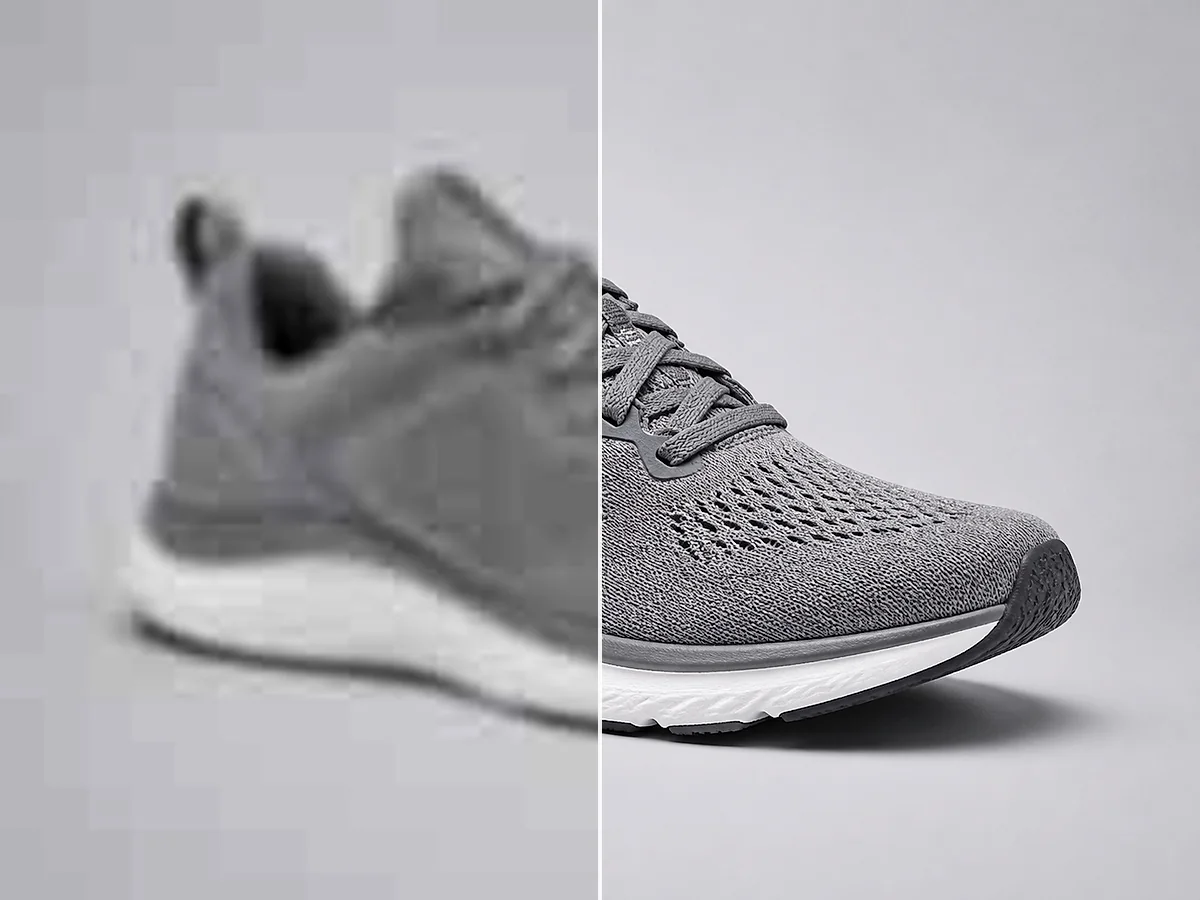
Immagine di prodotto
Descrivi il prodotto, la superficie, lo sfondo e il tipo di illuminazione.
Prompt di esempio
Un flacone di skincare minimalista su pietra chiara, morbida illuminazione da studio, sfondo beige caldo, fotografia di prodotto realistica, composizione pulita.
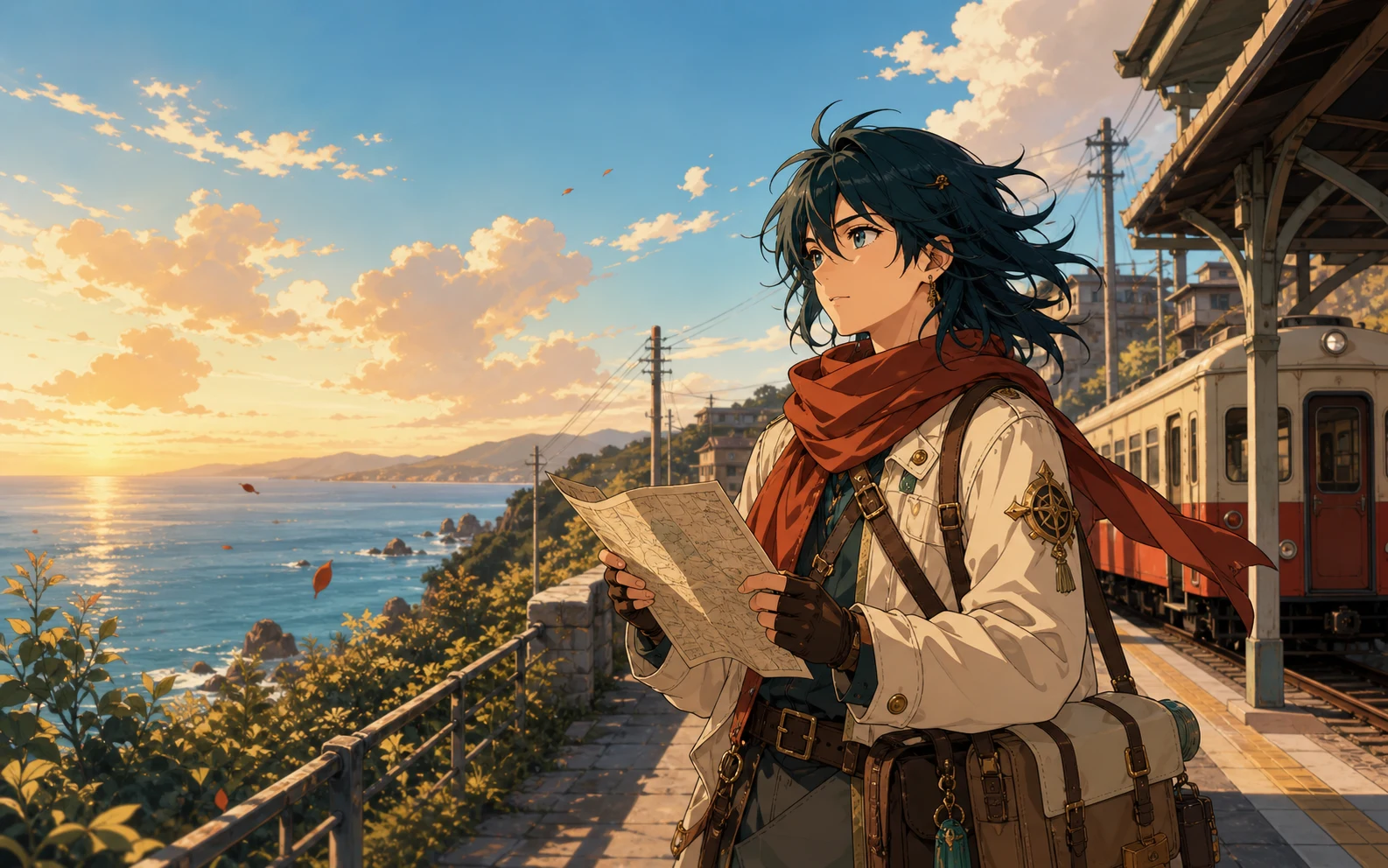
Illustrazione anime
Indica il personaggio, l’ambientazione, l’atmosfera, i colori e lo stile di illustrazione.
Prompt di esempio
Una viaggiatrice anime in attesa in una tranquilla stazione costiera al tramonto, dolce brezza marina, caldi colori pastello, sfondo dettagliato.
Concept art
Costruisci una scena chiara con location, atmosfera, momento e direzione visiva.
Prompt di esempio
Un piccolo astronauta che esplora un giardino interno luminoso, soffitto in vetro, piante blu e verdi, illuminazione cinematografica, concept art dettagliato.
Descrivi, genera, scarica
Descrivi la tua idea, scegli le impostazioni e scarica il risultato.
Scrivi cosa vuoi vedere. Includi soggetto principale, ambientazione, stile, colori, illuminazione e angolo di ripresa quando questi dettagli contano.
Seleziona un modello AI, scegli un rapporto d’aspetto e decidi se creare una, due, tre o quattro immagini.
Crea le tue immagini, confronta i risultati e scarica la versione che corrisponde meglio alla tua idea.
Più idee, meno preparazione
Crea e confronta immagini senza partire da una tela bianca.
Descrivi l’immagine in linguaggio quotidiano invece di disegnare ogni elemento da zero.
Genera fino a quattro immagini da un prompt e confronta diverse composizioni, colori e dettagli.
Usa rapporti quadrati, verticali, orizzontali o panoramici per post, storie, presentazioni, miniature e banner.
Prosegui con modifica, miglioramento, rimozione dello sfondo o upscaling quando la tua immagine richiede una rifinitura.
Idee per progetti quotidiani
Crea visual originali per marketing, prodotti, storie e presentazioni.
Social media e marketing
Genera immagini per post social, annunci, miniature, banner e campagne stagionali.
Design di prodotto
Prova sfondi, illuminazione, materiali, colori, idee di packaging e stili di presentazione prima della produzione.
Storie e giochi
Crea personaggi, ambienti, oggetti di scena e scene chiave per una storia, un gioco, un fumetto o un progetto personale.
Blog e presentazioni
Crea un visual adatto al tuo argomento e al tuo tono quando una foto stock generica non funziona.
Completa la tua immagine generata
Modifica, migliora o ingrandisci la tua immagine generata.
Modifica oggetti, sfondi, illuminazione e altri dettagli con un prompt di testo.
Modifica un’immagineMigliora nitidezza, colore, illuminazione e qualità complessiva dell’immagine.
Migliora un’immagineAumenta la risoluzione dell’immagine e prepara il risultato per display o export più grandi.
Ingrandisci un’immagineDomande sulla generazione di immagini AI
Risposte rapide su prompt, crediti, modelli e download.
Un generatore di immagini AI trasforma un prompt scritto in una nuova immagine. Legge dettagli come soggetto, ambientazione, stile, colori, illuminazione e composizione, poi crea un visual basato su quella descrizione.
Sì. I nuovi utenti ricevono crediti gratuiti che possono usare per provare il generatore di immagini AI. I tuoi crediti disponibili e il costo totale vengono mostrati prima della generazione.
Ogni immagine generata usa 4 crediti. Se richiedi più immagini da un prompt, lo spazio di lavoro mostra il costo totale in crediti prima di generarli.
Inserisci un prompt che descriva l’immagine che vuoi, scegli un modello AI e un rapporto d’aspetto, seleziona il numero di immagini e clicca su Genera immagine.
Inizia con il soggetto principale e l’ambientazione. Aggiungi stile, colori, illuminazione, atmosfera e angolo di ripresa quando sono importanti. I dettagli chiari danno di solito una direzione migliore al modello.
Lo spazio di lavoro include Nano Banana 2, Nano Banana Pro, Nano Banana e GPT Image 2. Puoi confrontare le descrizioni e i tempi di generazione stimati prima di scegliere un modello.
Sì. Puoi generare fino a quattro immagini da un prompt e confrontare i risultati prima di scaricare la tua preferita.
Puoi scegliere tra nove rapporti d’aspetto, inclusi formati quadrati, verticali, orizzontali e panoramici per diverse esigenze di pubblicazione.
Sì. Puoi usare le immagini che generi per progetti commerciali, inclusi materiali di marketing, contenuti per social media, presentazioni, concept di prodotto e grafiche per siti web.
La generazione privata e le opzioni senza filigrana sono disponibili per gli utenti Pro. Puoi attivare una delle due opzioni nello spazio di generazione.
La tua prossima immagine inizia con un prompt
Descrivi la tua idea, scegli le impostazioni e genera.
Apri il generatore di immagini AI