
01
Fotos realistas
Crea retratos realistas, lugares, fotos de comida y escenas cotidianas con iluminación y detalle naturales.
Créditos gratis para usuarios nuevos
Convierte tu indicación en una imagen, elige un formato y descarga tu resultado favorito.
Describe tu idea, elige tu configuración y genera.
El resultado de la imagen creada aparecerá aquí
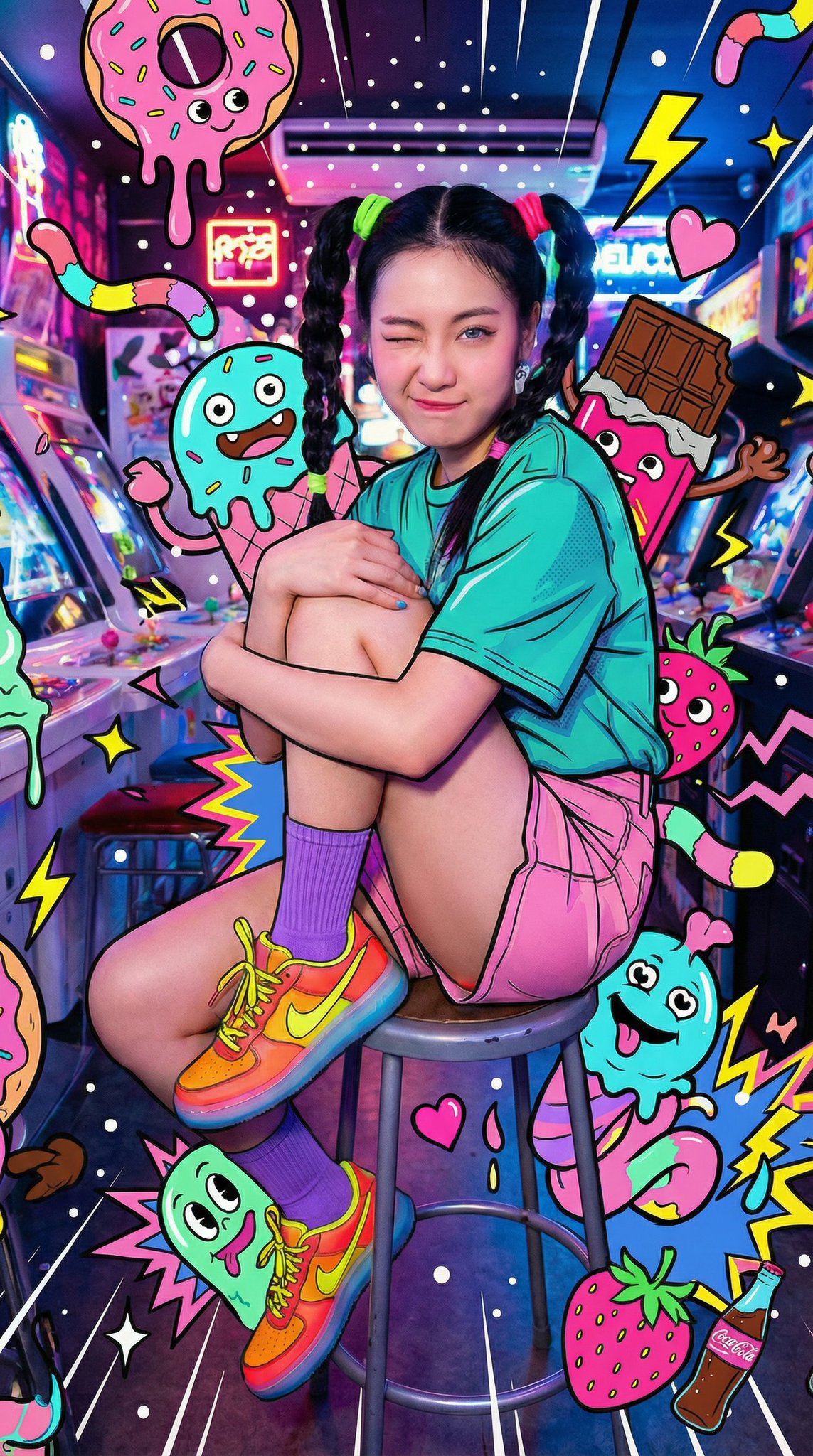
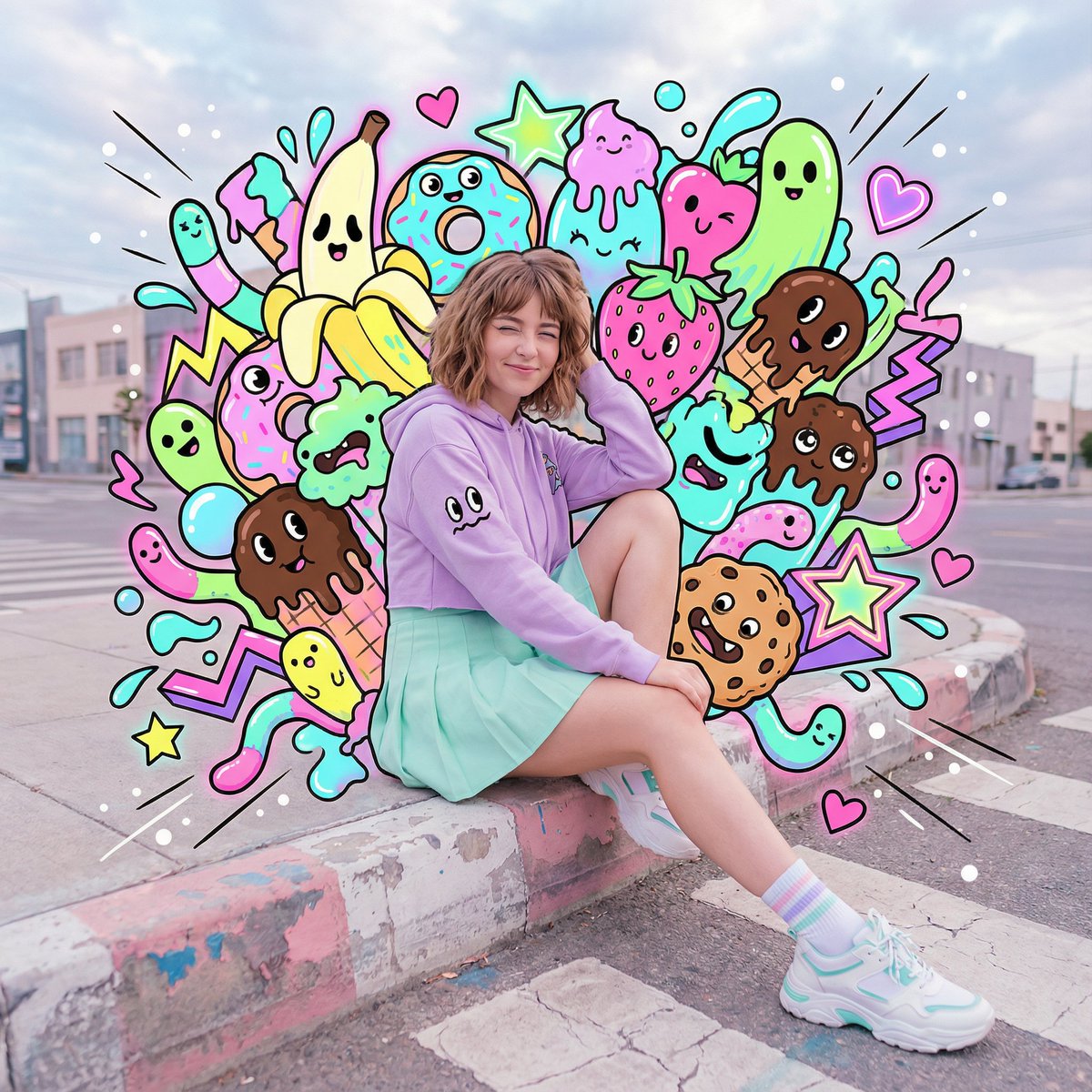
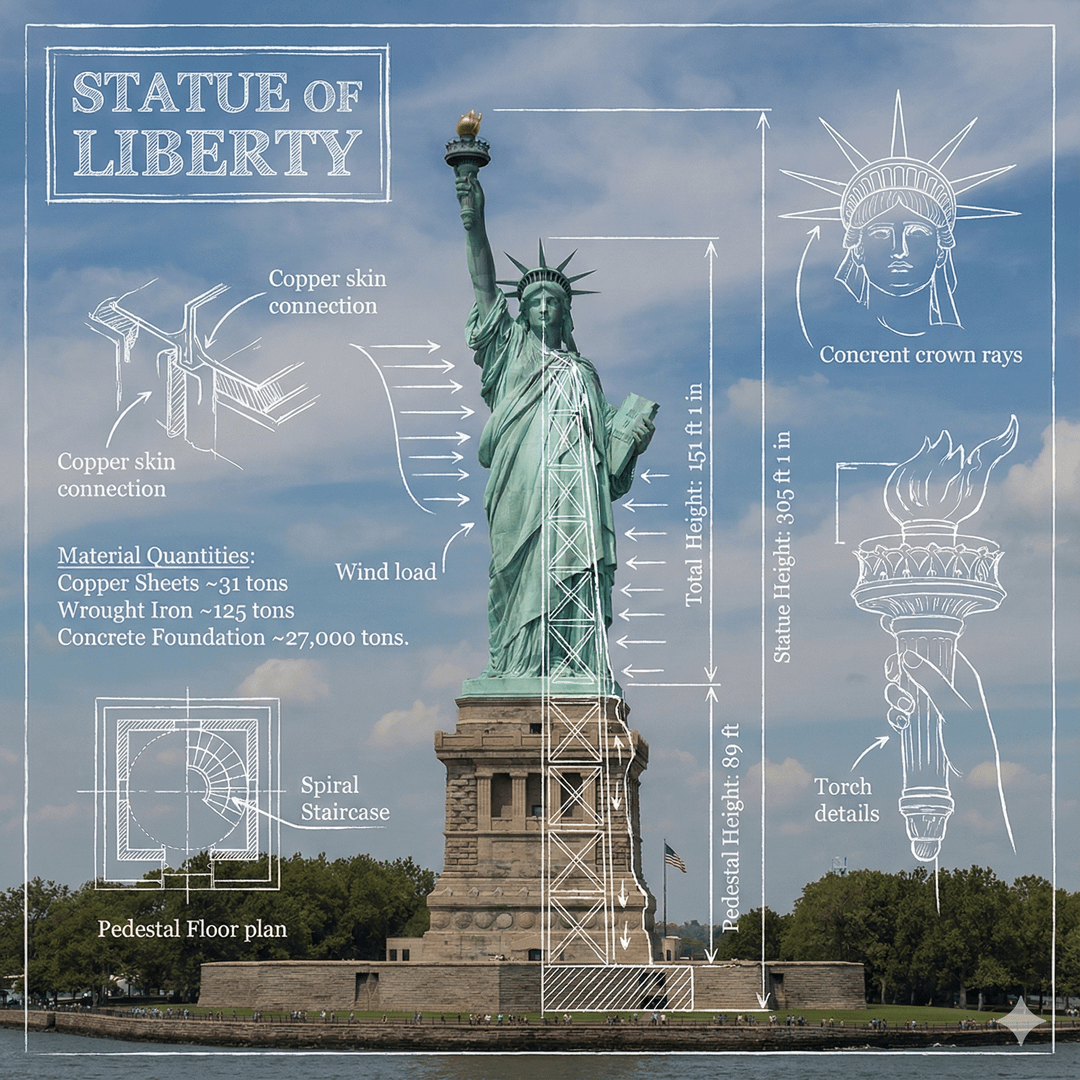
Haz clic en la imagen para ver tamaño completo • Desliza o usa las flechas para ver más
Crea imágenes a partir de texto
Crea fotos, visuales de producto, ilustraciones y más a partir de una simple indicación.
Crea retratos realistas, lugares, fotos de comida y escenas cotidianas con iluminación y detalle naturales.
Explora fondos de producto, iluminación de estudio, materiales, colores e ideas de presentación antes de la sesión final.
Genera personajes de anime, escenas de cuentos, pinturas digitales, pósteres y otros estilos ilustrados.
Crea visuales para publicaciones, historias, miniaturas, banners y campañas de temporada en el formato que necesites.
Visualiza personajes, ropa, accesorios, entornos y escenas clave para historias, juegos, cómics o proyectos personales.
Crea vistas urbanas, interiores, paisajes, mundos de fantasía y fondos limpios para seguir editando.
Empieza con una indicación clara
Usa estos ejemplos para convertir una indicación clara en una imagen pulida.
Foto realista
Combina un sujeto claro, una ubicación, luz y un estilo fotográfico.
Indicación de ejemplo
Un golden retriever amigable descansando en una sala soleada, fotografía editorial, cálidos colores naturales, suave luz de ventana.
Imagen de producto
Describe el producto, la superficie, el fondo y el tipo de iluminación.
Indicación de ejemplo
Un frasco de cuidado de la piel minimalista sobre piedra pálida, suave iluminación de estudio, fondo beige cálido, fotografía de producto realista, composición limpia.
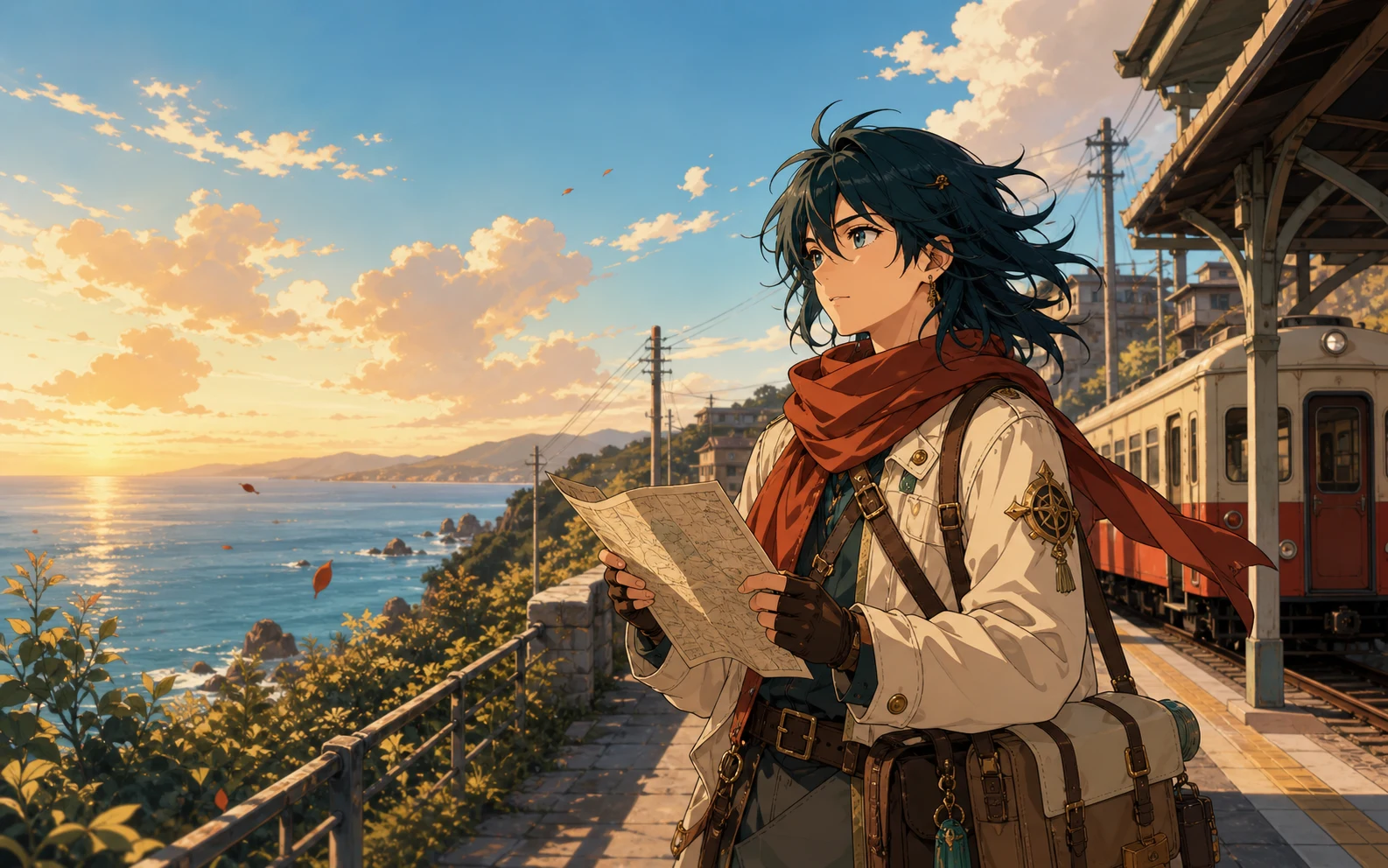
Ilustración anime
Nombra el personaje, el entorno, el ambiente, los colores y el estilo de ilustración.
Indicación de ejemplo
Una viajera de anime esperando en una tranquila estación costera al atardecer, suave brisa marina, cálidos colores pastel, fondo detallado.
Arte conceptual
Construye una escena clara con ubicación, atmósfera, momento y dirección visual.
Indicación de ejemplo
Un pequeño astronauta explorando un jardín interior luminoso, techo de cristal, plantas azules y verdes, iluminación cinematográfica, arte conceptual detallado.
Indica, genera, descarga
Describe tu idea, elige la configuración y descarga tu resultado.
Escribe lo que quieres ver. Incluye el sujeto principal, el entorno, el estilo, los colores, la iluminación y el ángulo de cámara cuando esos detalles importen.
Selecciona un modelo de IA, elige una proporción y decide si crearás una, dos, tres o cuatro imágenes.
Crea tus imágenes, compara los resultados y descarga la versión que mejor coincida con tu idea.
Más ideas, menos preparación
Crea y compara imágenes sin empezar desde un lienzo en blanco.
Describe la imagen con lenguaje cotidiano en lugar de dibujar cada elemento desde cero.
Genera hasta cuatro imágenes a partir de una indicación y compara distintas composiciones, colores y detalles.
Usa proporciones cuadradas, verticales, horizontales o panorámicas para publicaciones, historias, presentaciones, miniaturas y banners.
Continúa con edición de imágenes, mejora, eliminación de fondos o escalado cuando tu imagen necesite un toque final.
Ideas para proyectos cotidianos
Crea visuales originales para marketing, productos, historias y presentaciones.
Redes sociales y marketing
Genera imágenes para publicaciones, anuncios, miniaturas, banners y campañas de temporada.
Diseño de producto
Prueba fondos, iluminación, materiales, colores, ideas de empaque y estilos de presentación antes de la producción.
Historias y juegos
Crea personajes, entornos, accesorios y escenas clave para una historia, juego, cómic o proyecto personal.
Blogs y presentaciones
Crea un visual que coincida con tu tema y tono cuando una foto de stock genérica no encaje.
Termina tu imagen generada
Edita, mejora o escala tu imagen generada.
Cambia objetos, fondos, iluminación y otros detalles con una indicación de texto.
Editar una imagenMejora la nitidez, el color, la iluminación y la calidad general de la imagen.
Mejorar una imagenAumenta la resolución de la imagen y prepara tu resultado para una pantalla o exportación más grande.
Escalar una imagenPreguntas sobre generación de imágenes IA
Respuestas rápidas sobre indicaciones, créditos, modelos y descargas.
Un generador de imágenes IA convierte una indicación escrita en una imagen nueva. Lee detalles como el sujeto, el entorno, el estilo, los colores, la iluminación y la composición, y crea un visual basado en esa descripción.
Sí. Los nuevos usuarios reciben créditos gratis que pueden usar para probar el generador de imágenes IA. Tus créditos disponibles y el costo total se muestran antes de la generación.
Cada imagen generada usa 4 créditos. Si solicitas varias imágenes a partir de una indicación, el espacio de trabajo muestra el costo total de créditos antes de generarlas.
Ingresa una indicación que describa la imagen que quieres, elige un modelo de IA y una proporción, selecciona el número de imágenes y haz clic en Generar imagen.
Comienza con el sujeto principal y el entorno. Añade el estilo, los colores, la iluminación, el ambiente y el ángulo de cámara cuando sean importantes. Los detalles claros suelen dar mejor dirección al modelo.
El espacio de trabajo incluye Nano Banana 2, Nano Banana Pro, Nano Banana y GPT Image 2. Puedes comparar las descripciones y los tiempos estimados de generación antes de elegir un modelo.
Sí. Puedes generar hasta cuatro imágenes a partir de una indicación y comparar los resultados antes de descargar tu favorita.
Puedes elegir entre nueve proporciones, incluidas formatos cuadrados, verticales, horizontales y panorámicos para distintas necesidades de publicación.
Sí. Puedes usar las imágenes que generes para proyectos comerciales, incluidos materiales de marketing, contenido para redes sociales, presentaciones, conceptos de producto y gráficos para sitios web.
La generación privada y las opciones sin marca de agua están disponibles para usuarios Pro. Puedes activar cualquiera de las dos opciones en el espacio de generación.
Tu próxima imagen comienza con una indicación
Describe tu idea, elige tu configuración y genera.
Abrir el generador de imágenes IA