Mejorador de imágenes — Mejora la calidad de tus fotos online

Subir imagen

Añade hasta 10 imágenes a la vez.

Haz clic para subir una imagen o arrástrala aquí

Admite JPG, PNG, WEBP, máximo 20.00MB cada una

Puedes seleccionar o arrastrar hasta 10 imágenes.

Sube archivos o pega

Aplicar mejora facial GFPGAN junto con la ampliación

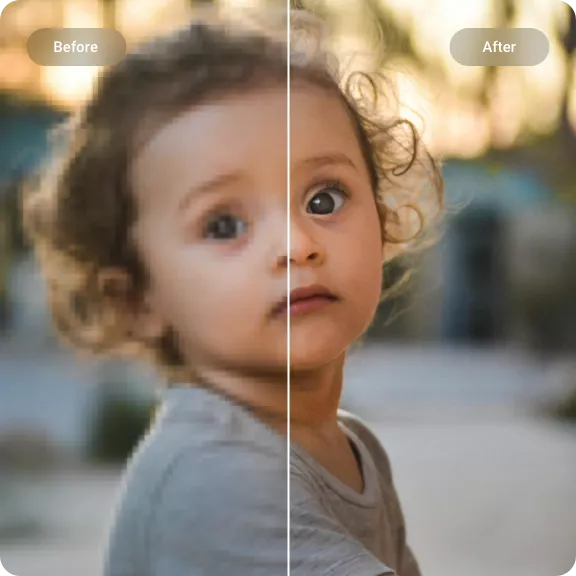
Upscayl AI Upscaler Example - Before and After AI Enhancement
JPG, PNG, and WebP
20 MB per file
4K-ready output

How to Enhance Image Quality in 3 Simple Steps

Upload Your Photo background remover preview
1

Upload Your Photo

Choose a JPG, PNG, or WebP file up to 20 MB. You can also paste a direct HTTPS image URL or add multiple photos to a queue.

AI Analyzes and Enhances the Image background remover preview
2

AI Analyzes and Enhances the Image

The AI identifies areas that need improvement — soft edges, noise, low resolution — and reconstructs missing detail. Sharpening, denoising, and upscaling happen in a single pass.

Preview and Download the Result background remover preview
3

Preview and Download the Result

Compare the enhanced image with the original side by side. Download the high-resolution version for social media, printing, ecommerce listings, or personal use.

Why Use This AI Image Enhancer

Detail Reconstruction background remover preview

Detail Reconstruction

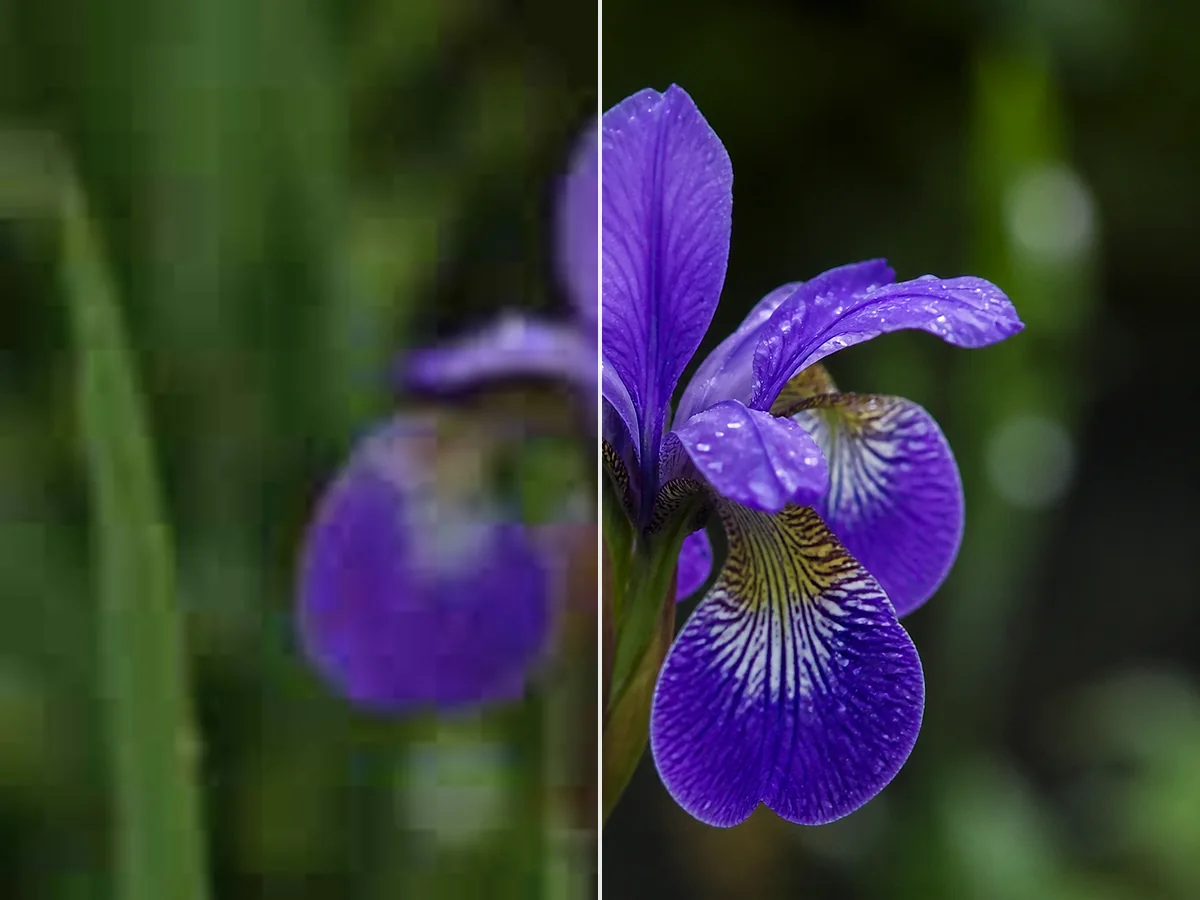
Missing or softened details are rebuilt by the AI — not just sharpened with a filter. The result is genuine-looking texture and clarity rather than an artificially crisp overlay.

Resolution Upscaling to 4K background remover preview

Resolution Upscaling to 4K

Increase image resolution without losing quality. The AI generates new pixels that match the original content, so the enlarged image stays sharp and natural.

Blur and Softness Reduction background remover preview

Blur and Softness Reduction

Out-of-focus areas, motion blur, and lens softness are identified and sharpened automatically. The result is a cleaner image with visible improvement in edge definition.

Portrait and Face Enhancement background remover preview

Portrait and Face Enhancement

Face-aware processing sharpens eyes, smooths skin noise, and defines facial features naturally. Ideal for portraits, headshots, and group photos.

Old Photo and Vintage Image Enhancement background remover preview

Old Photo and Vintage Image Enhancement

Reduce grain, clear up compression artifacts, and recover lost sharpness in old digital photos and scanned images — while keeping the original character intact.

Works in Your Browser background remover preview

Works in Your Browser

No software to install, no complex settings to learn. Upload your photo, enhance it with AI, and download the result — all from your browser on any device.

AI Image Enhancement for Every Type of Photo

Portraits

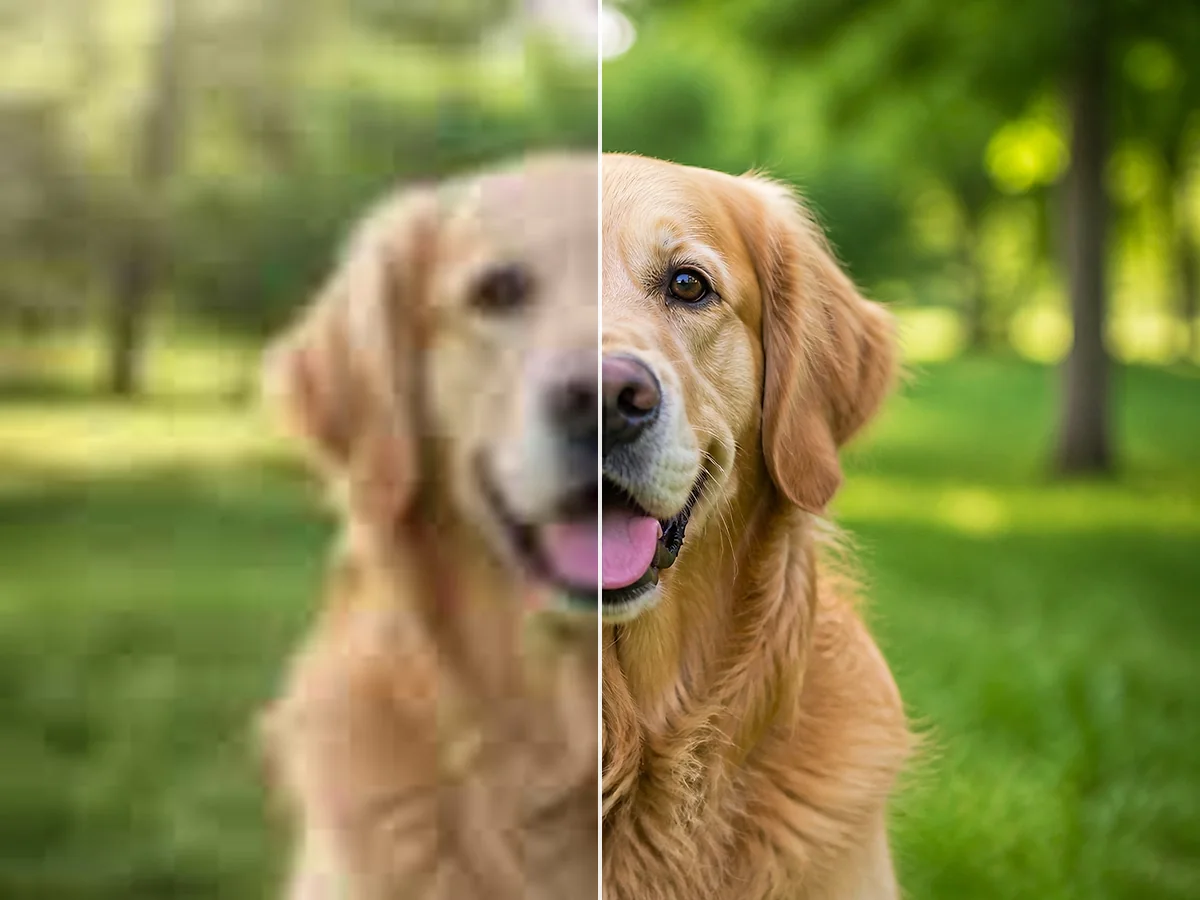
Sharper Faces and Natural Skin Detail

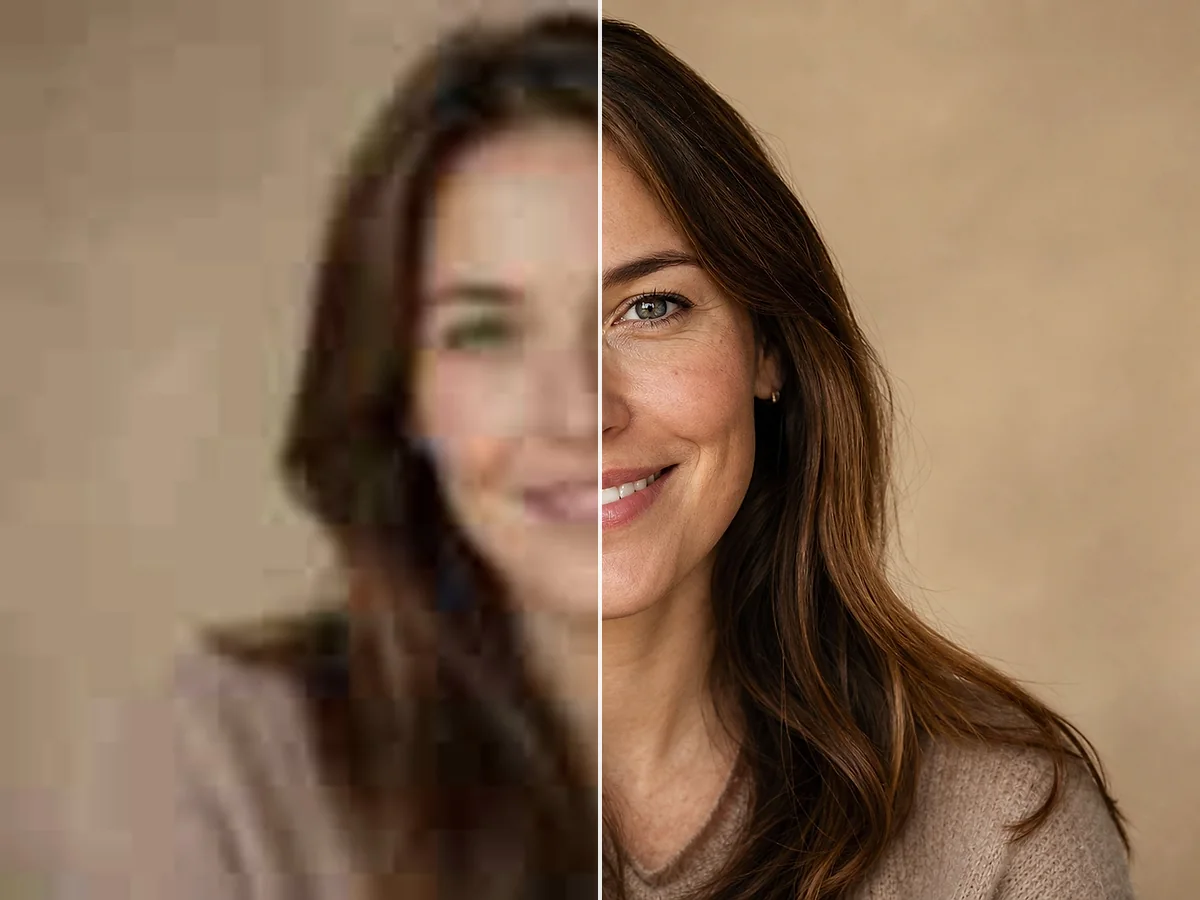
Enhance portraits, headshots, and group photos with face-aware AI. Eyes sharpen, skin texture looks natural, and fine details like hair become more defined — without looking over-processed.

Enhance a Portrait
Sharper Faces and Natural Skin Detail background remover preview
Old Photos

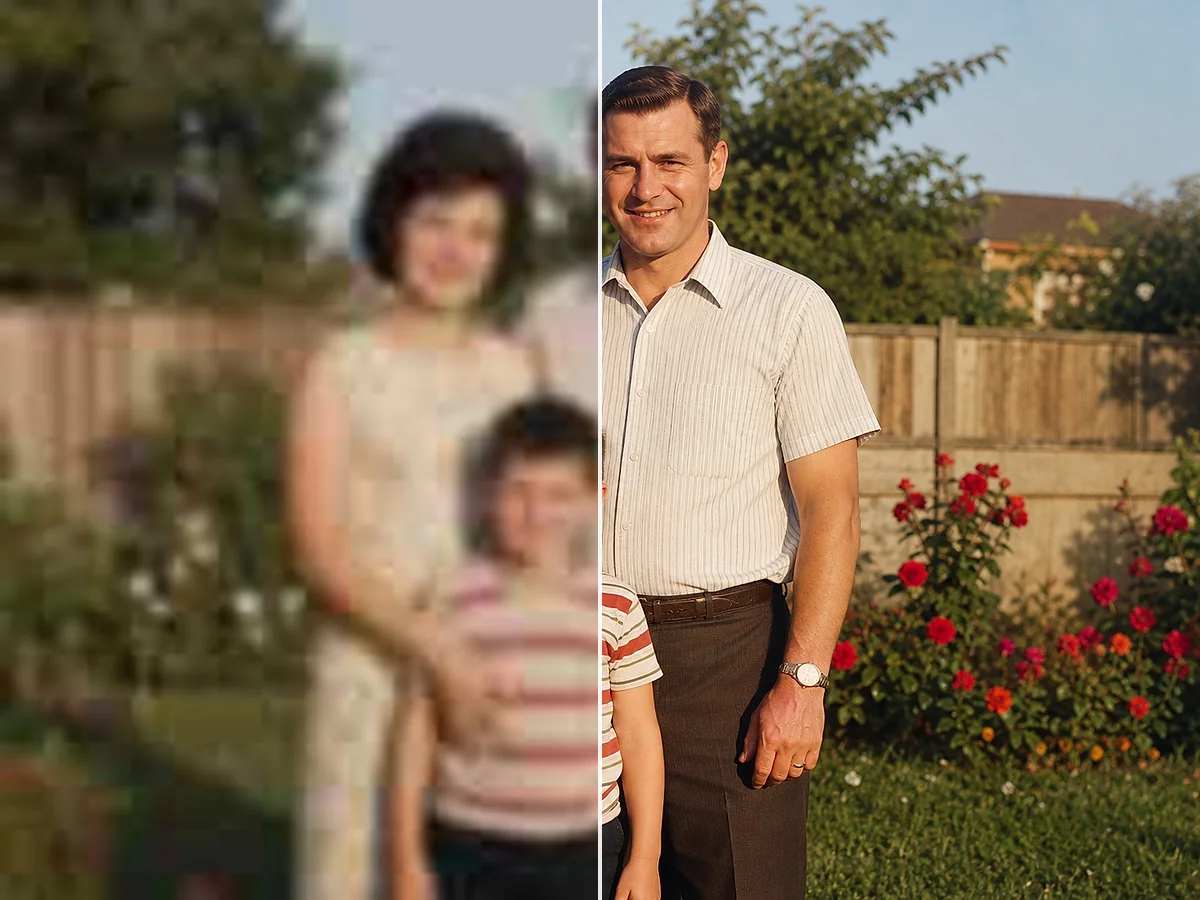
Restore Clarity to Vintage and Scanned Images

Old digital photos, scanned prints, and vintage images gain new life. The AI reduces grain, clears compression artifacts, and recovers lost sharpness while preserving the original character and memories.

Enhance an Old Photo
Restore Clarity to Vintage and Scanned Images background remover preview
Ecommerce

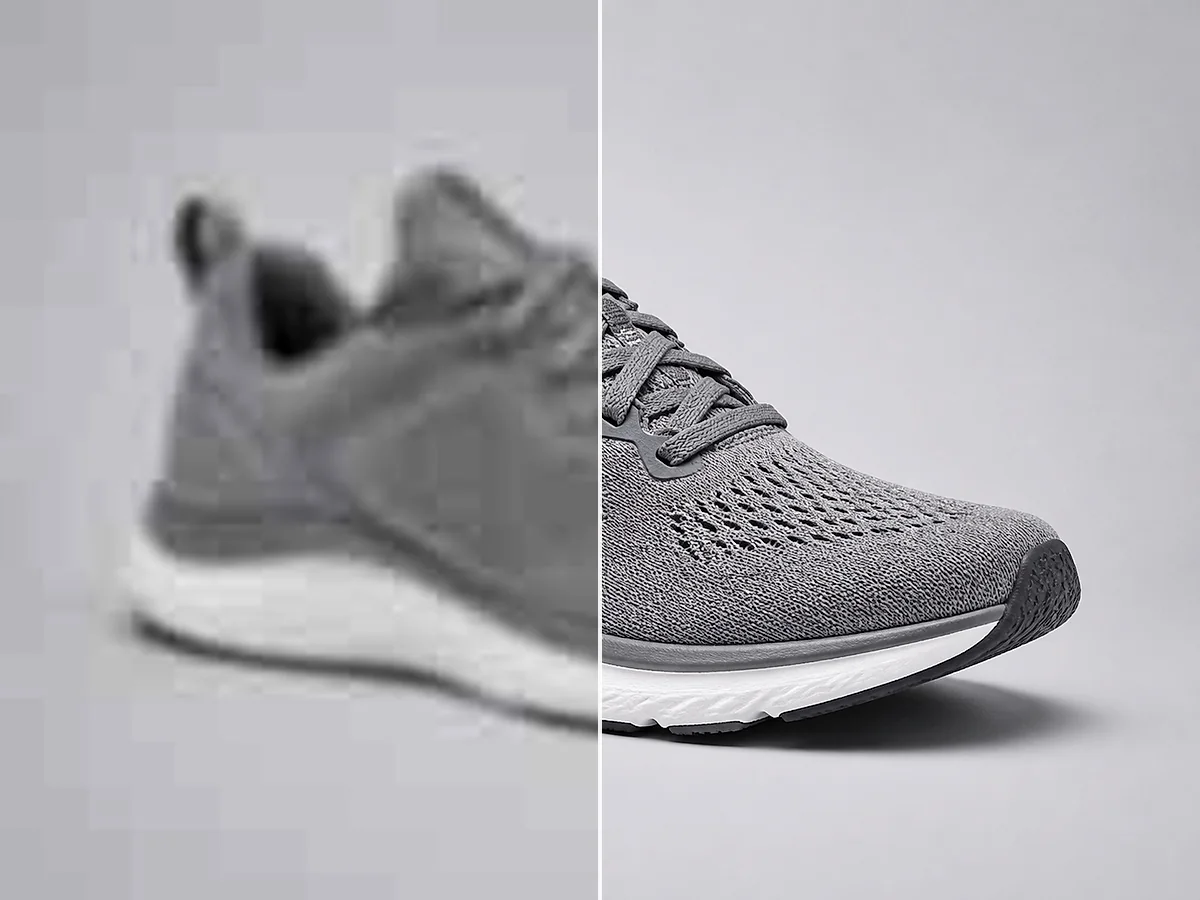
Cleaner Product Photos for Online Stores

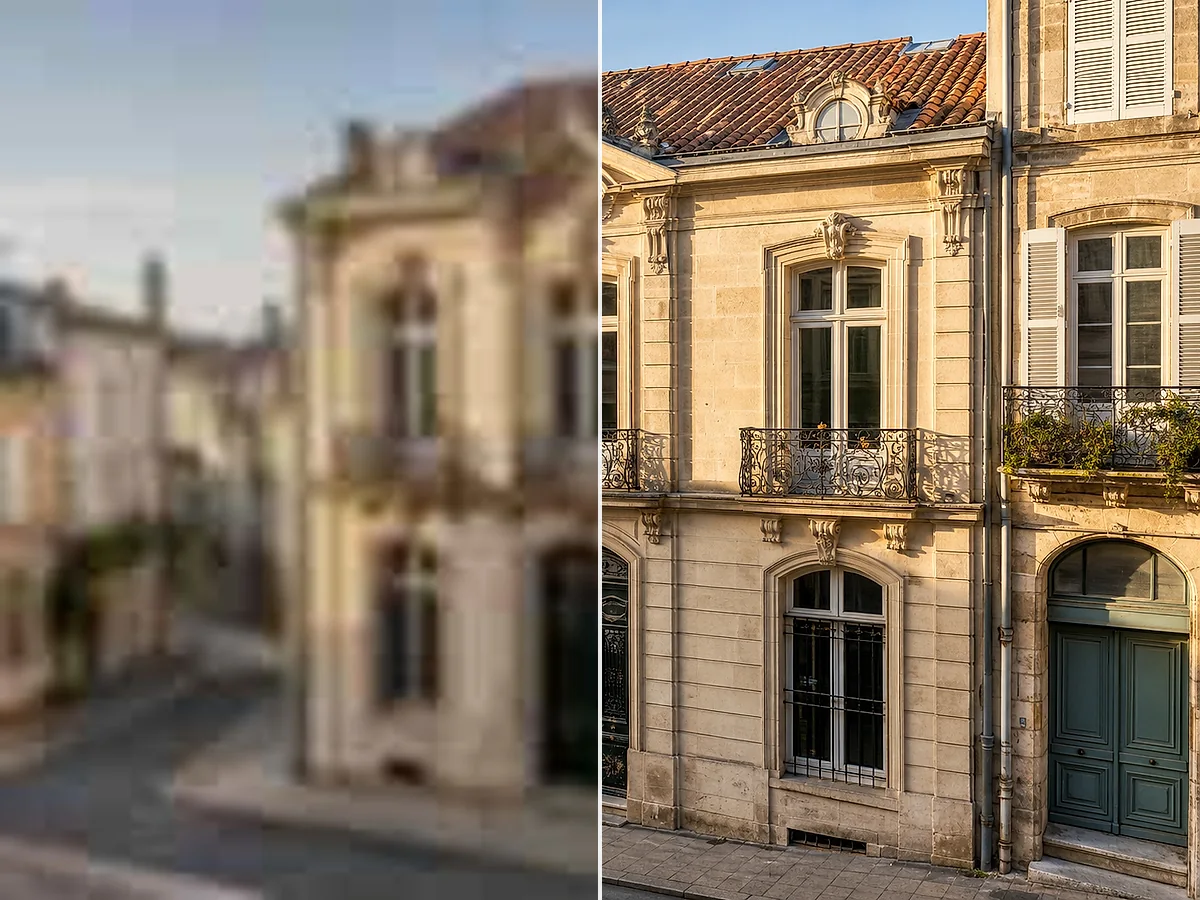
Product photos need to look sharp at every zoom level. The AI enhancer cleans up compression artifacts, sharpens labels and packaging details, and delivers a higher-resolution image for listings and ads.

Enhance a Product Photo
Cleaner Product Photos for Online Stores background remover preview

Image Enhancement Workflows

Photo Archive Cleanup background removal example background remover preview

Old family photos scanned at low resolution come out noticeably cleaner — less grain, sharper faces, and the original character stays intact.

Photo Archive Cleanup

For personal photo restoration

Ecommerce Image Prep background removal example background remover preview

Product photos from phone cameras look sharp enough for listings after enhancement — no need to reshoot or bring in a photographer.

Ecommerce Image Prep

For small online sellers

Web Image Cleanup background removal example background remover preview

Compressed web downloads and social media exports clean up well — the AI brings back detail you thought was lost to JPEG artifacts.

Web Image Cleanup

For designers and content creators

¿Listo para mejorar tu imagen?

Sube una foto y ve tus resultados en segundos.

Mejorar tu imagen

Mejorador de imágenes con IA — Preguntas frecuentes

Preguntas comunes sobre cómo mejorar la calidad de imagen, corregir fotos borrosas y aumentar la resolución con IA.

¿Qué es un mejorador de imágenes con IA?

Un mejorador de imágenes con IA es una herramienta que utiliza inteligencia artificial para mejorar la calidad de las fotos automáticamente. Puede afinar imágenes borrosas, aumentar la resolución, reducir el ruido y restaurar detalles perdidos — sin edición manual.

¿Cómo funciona el mejorador de imágenes con IA?

Sube una foto y la IA analiza su contenido. Identifica áreas que necesitan mejora — bordes suaves, ruido, baja resolución — y reconstruye los detalles faltantes. El resultado es una versión más limpia, nítida y de mayor resolución del original.

¿Puede corregir fotos borrosas?

Sí. El mejorador con IA puede reducir el desenfoque y afinar áreas desenfocadas. Los resultados dependen de la severidad del desenfoque — el desenfoque leve a moderado mejora notablemente, mientras que el desenfoque extremo por movimiento o la desenfocación severa tienen límites.

¿Aumenta la resolución de la imagen?

Sí. La IA escala tu imagen a una resolución más alta mientras añade detalles para mantenerla nítida. Puedes elegir entre varios tamaños de salida según tus necesidades.

¿Puedo obtener calidad 4K?

Sí. El mejorador admite resoluciones de salida adecuadas para pantallas 4K e impresiones grandes, siempre que la imagen original tenga suficientes detalles utilizables.

¿Es gratis el mejorador de imágenes con IA?

Las cuentas nuevas reciben créditos de prueba para probar el mejorador. Cada imagen mejorada exitosamente usa 1 crédito. Si el proceso falla por cualquier motivo, no se te cobra.

¿Necesito registrarme para usarlo?

Se necesita una cuenta para procesar imágenes y descargar resultados. Registrarse es rápido y te da acceso a tus imágenes mejoradas y créditos restantes.

¿Qué formatos de imagen son compatibles?

Puedes subir archivos JPG, JPEG, PNG y WebP. Los formatos de salida compatibles incluyen PNG y JPG.

¿Puede mejorar texto borroso o documentos?

Sí. Los documentos escaneados, fotos de páginas con mucho texto e imágenes con letras pequeñas pueden afinarse significativamente. La IA reduce la suavidad alrededor de los bordes de los caracteres, haciendo que el texto sea más legible — útil para la digitalización de documentos y limpieza de archivos.

¿Puedo mejorar fotos antiguas?

Sí. Las fotos digitales antiguas, impresiones escaneadas e imágenes vintage responden bien a la mejora con IA. La herramienta reduce el grano y afila los detalles mientras mantiene el carácter original de la foto.

¿Funciona para retratos?

Sí. El modo de mejora facial está diseñado específicamente para retratos, primeros planos y fotos grupales. Afina ojos y rasgos faciales mientras mantiene la textura de la piel natural.

¿Puedo usarlo para preparar imágenes para impresión?

Sí. El mejorador aumenta la resolución y la nitidez, lo que ayuda a que las imágenes se vean más limpias en tamaños de impresión más grandes. Elige una resolución de salida más alta al preparar imágenes para pósters, flyers o impresiones fotográficas.

¿La imagen mejorada tendrá una marca de agua?

No. Los resultados descargados no incluyen marcas de agua.

¿Puedo usarlo en mi teléfono?

Sí. La herramienta funciona en cualquier navegador moderno, incluidos Safari y Chrome en iOS y Android. Sube, mejora y descarga directamente desde tu teléfono.