
01
Fotos realistas
Crie retratos realistas, lugares, fotos de comida e cenas cotidianas com iluminação e detalhes naturais.
Créditos grátis para novos usuários
Crie imagens com IA a partir da sua instrução, escolha um formato e baixe seu resultado favorito.
Descreva sua ideia, escolha suas configurações e gere.
O resultado da imagem criada aparecerá aqui
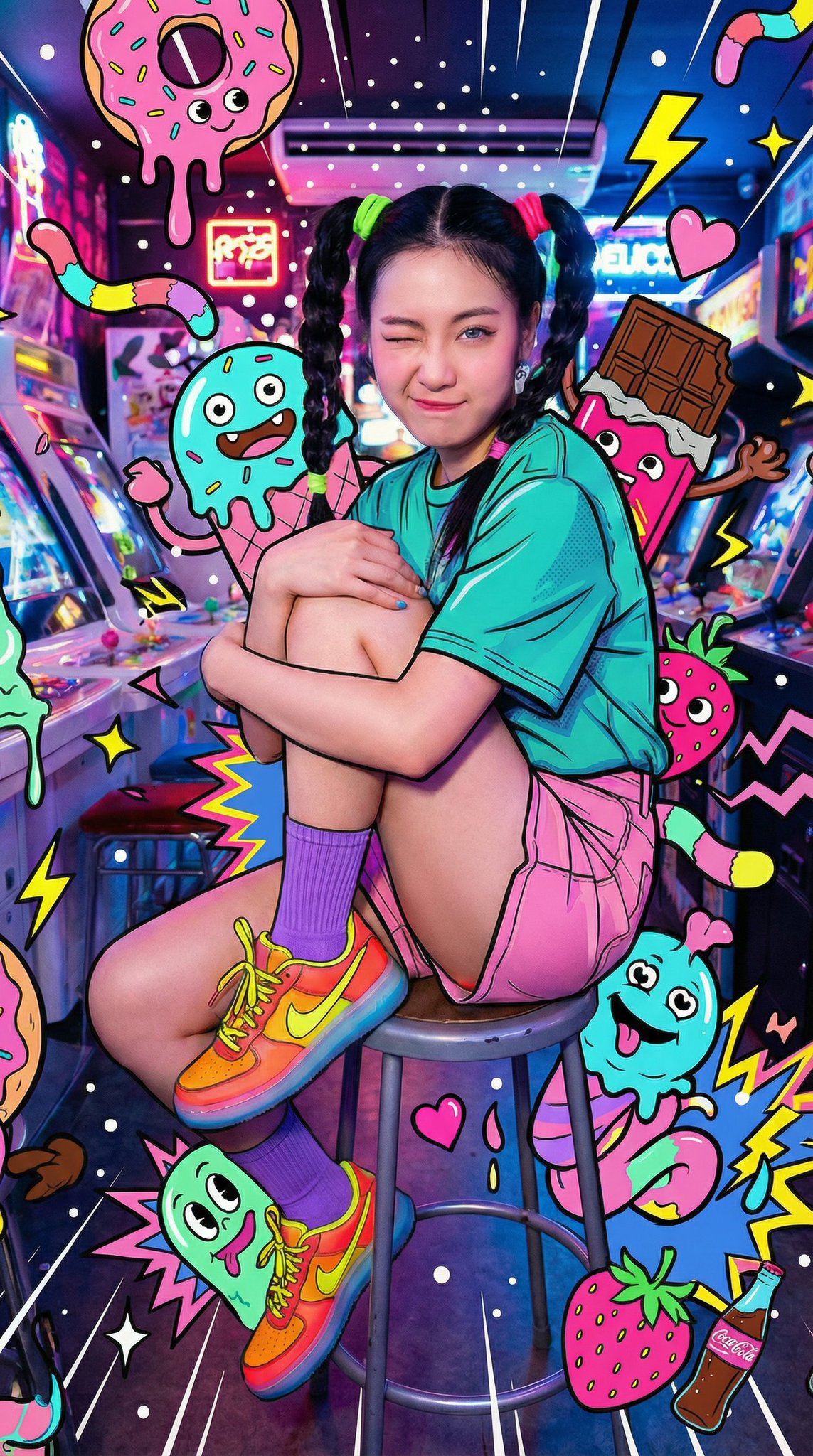
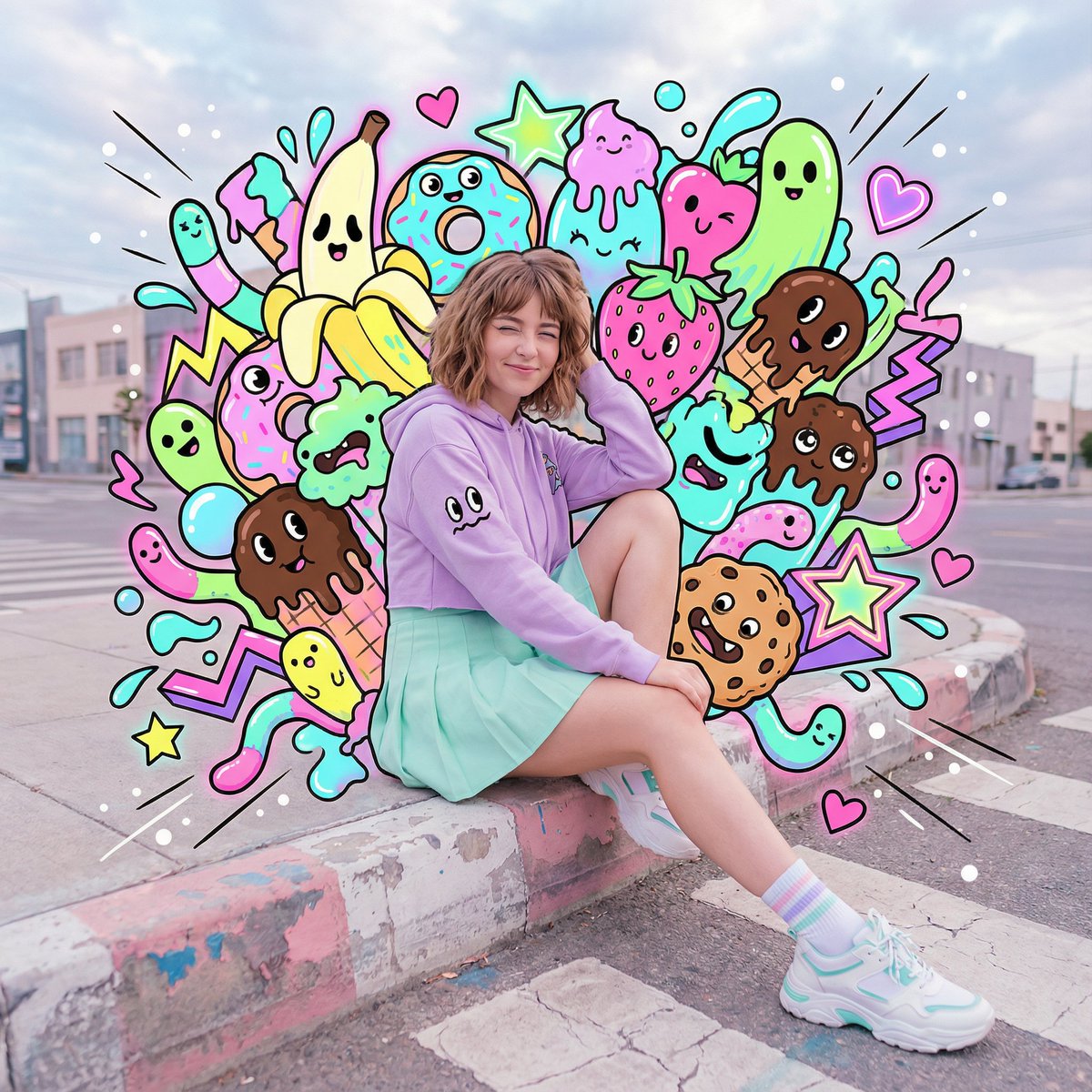
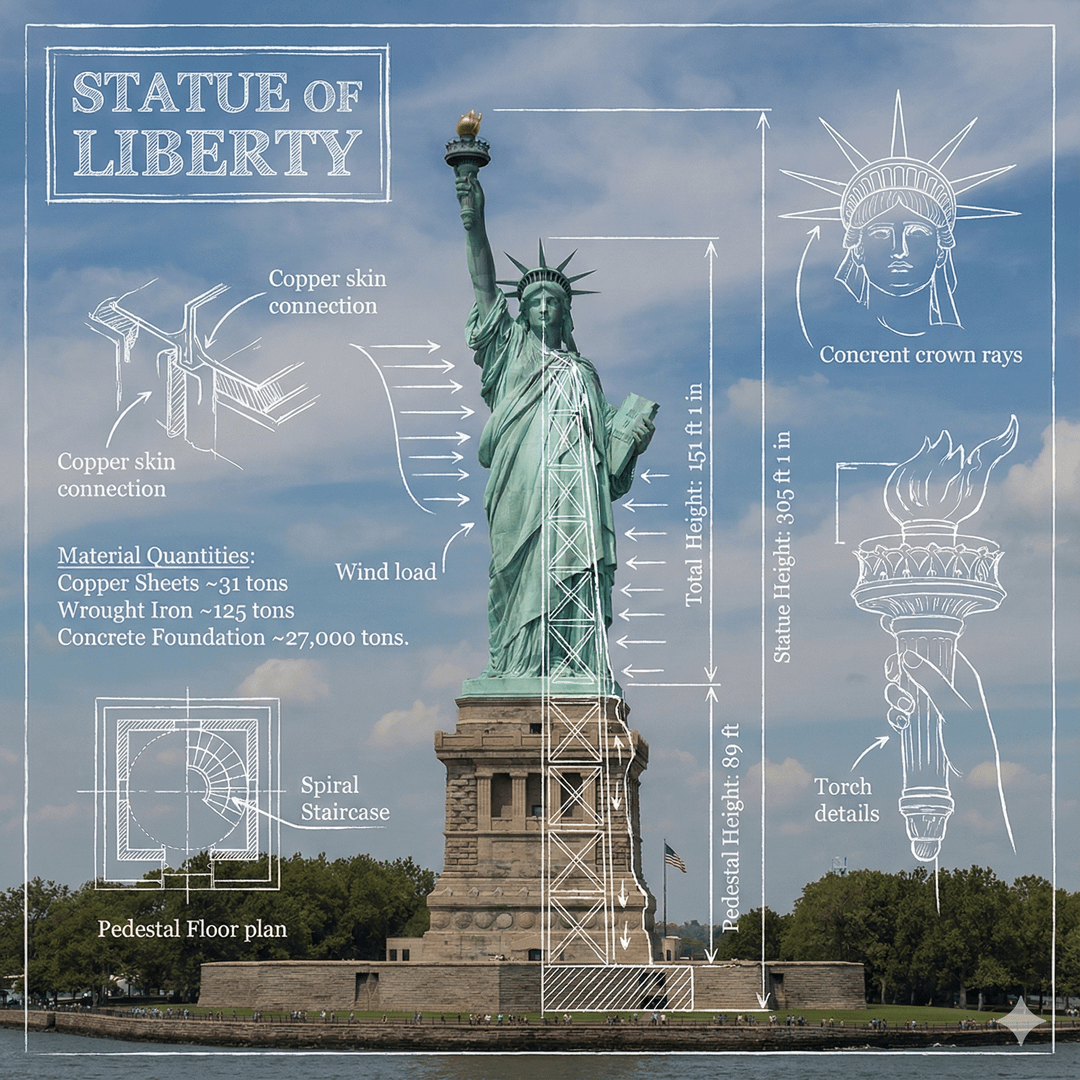
Clique na imagem para ver em tamanho real • Deslize ou use as setas para ver mais
Crie imagens a partir de texto
Crie fotos, visuais de produto, ilustrações e muito mais a partir de uma instrução simples.
Crie retratos realistas, lugares, fotos de comida e cenas cotidianas com iluminação e detalhes naturais.
Explore fundos de produto, iluminação de estúdio, materiais, cores e ideias de apresentação antes da sessão final.
Gere personagens de anime, cenas de livros ilustrados, pinturas digitais, pôsteres e outros estilos ilustrados.
Crie visuais para posts, stories, miniaturas, banners e campanhas sazonais no formato que você precisar.
Visualize personagens, roupas, adereços, ambientes e cenas-chave para histórias, jogos, quadrinhos ou projetos pessoais.
Crie vistas urbanas, interiores, paisagens, mundos de fantasia e fundos limpos para edições posteriores.
Comece com uma instrução clara
Use estes exemplos para transformar uma instrução clara em uma imagem refinada.
Foto realista
Combine um assunto claro, um local, luz e um estilo fotográfico.
Instrução de exemplo
Um golden retriever amigável descansando em uma sala ensolarada, fotografia editorial, cores naturais quentes, luz suave da janela.
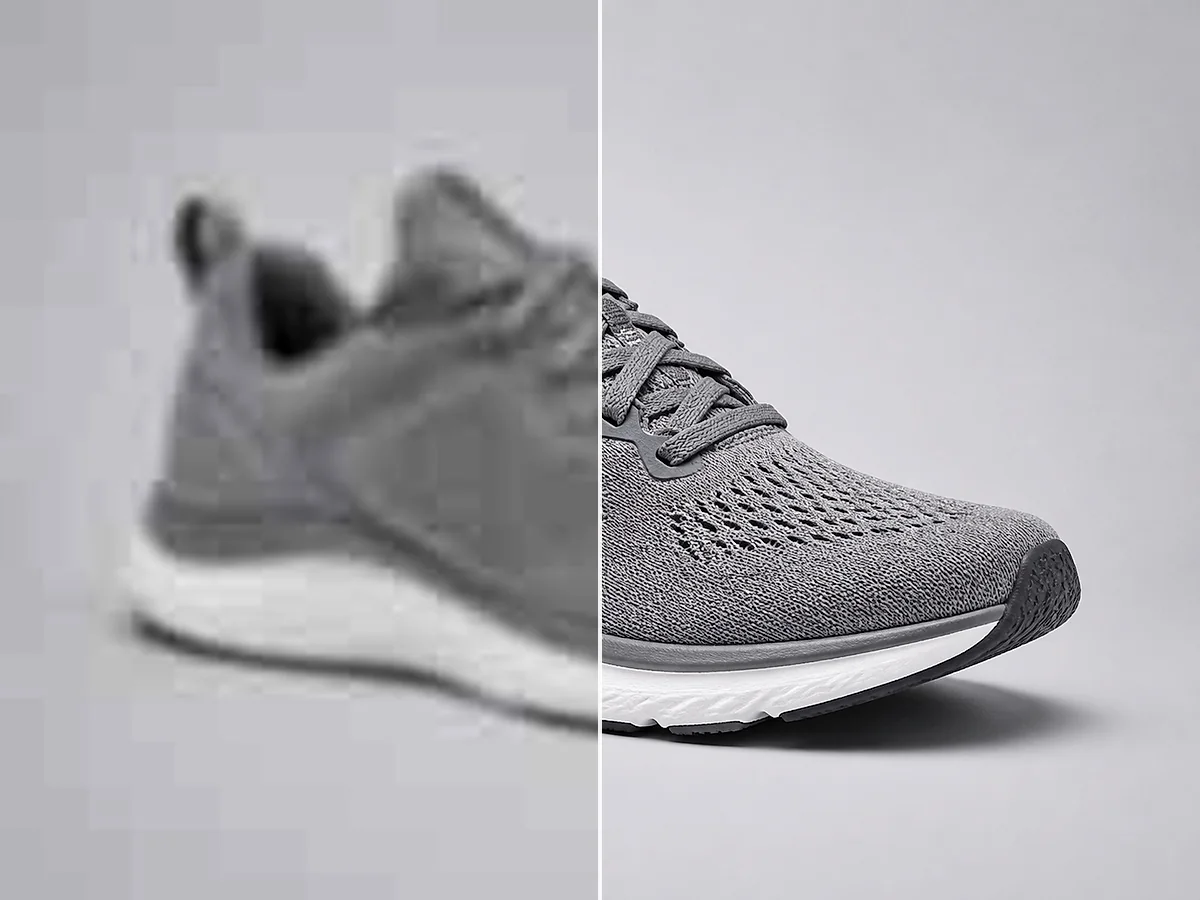
Imagem de produto
Descreva o produto, a superfície, o fundo e o tipo de iluminação.
Instrução de exemplo
Um frasco minimalista de cuidados com a pele sobre pedra clara, iluminação suave de estúdio, fundo bege quente, fotografia de produto realista, composição limpa.
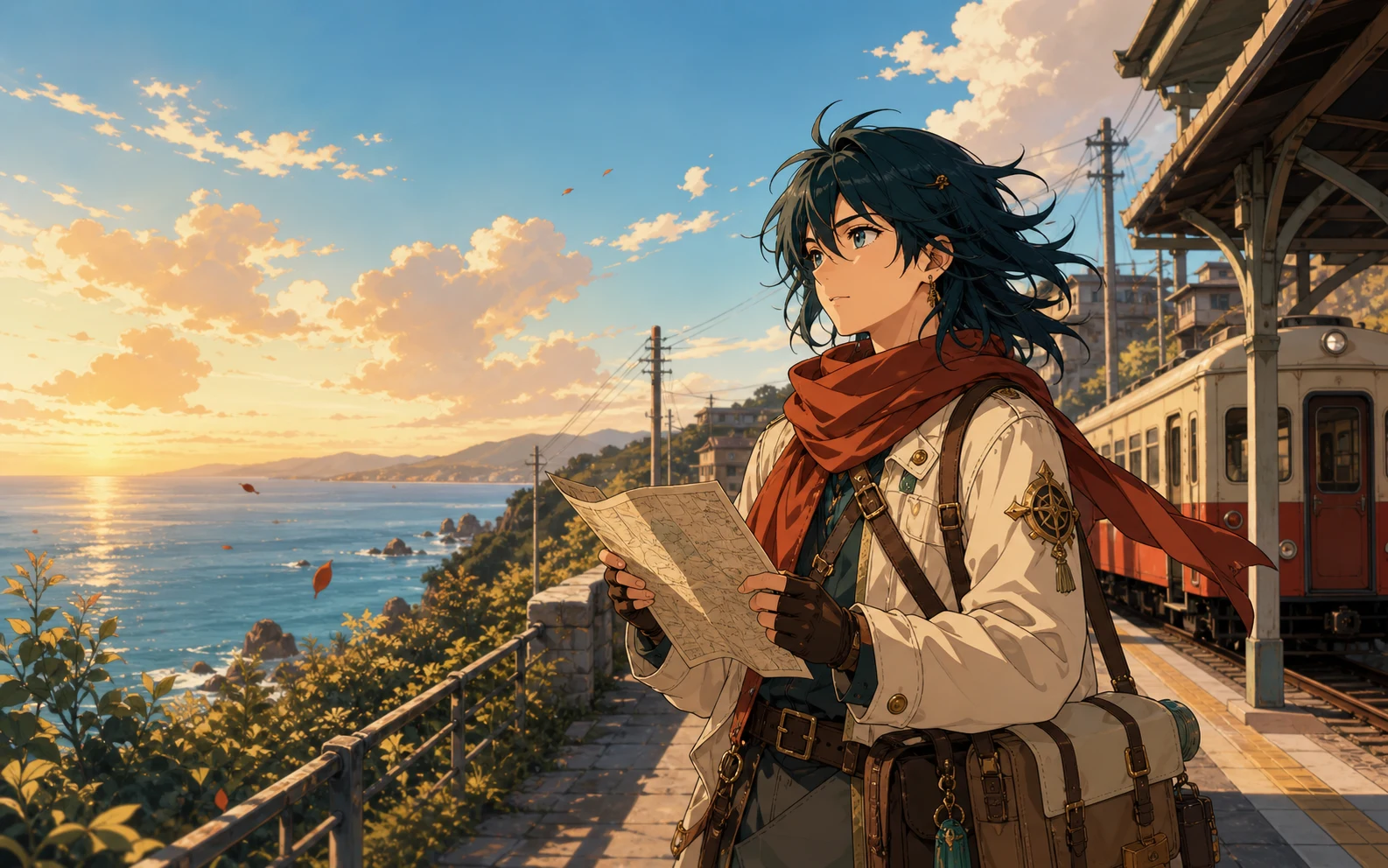
Ilustração anime
Informe o personagem, o ambiente, o clima, as cores e o estilo de ilustração.
Instrução de exemplo
Uma viajante de anime esperando em uma estação costeira tranquila ao pôr do sol, brisa suave do mar, cores pastel quentes, fundo detalhado.
Arte conceitual
Construa uma cena clara com local, atmosfera, momento e direção visual.
Instrução de exemplo
Um pequeno astronauta explorando um jardim interno luminoso, teto de vidro, plantas azuis e verdes, iluminação cinematográfica, arte conceitual detalhada.
Descreva, gere, baixe
Descreva sua ideia, escolha as configurações e baixe seu resultado.
Escreva o que você quer ver. Inclua o assunto principal, o ambiente, o estilo, as cores, a iluminação e o ângulo de câmera quando esses detalhes importarem.
Selecione um modelo de IA, escolha uma proporção e decida se criará uma, duas, três ou quatro imagens.
Crie suas imagens, compare os resultados e baixe a versão que melhor corresponde à sua ideia.
Mais ideias, menos preparação
Crie e compare imagens sem começar de uma tela em branco.
Descreva a imagem em linguagem cotidiana em vez de desenhar cada elemento do zero.
Gere até quatro imagens a partir de uma instrução e compare diferentes composições, cores e detalhes.
Use proporções quadradas, verticais, horizontais ou panorâmicas para posts, stories, apresentações, miniaturas e banners.
Siga com edição de imagem, aprimoramento, remoção de fundo ou ampliação quando sua imagem precisar de um acabamento final.
Ideias para projetos do dia a dia
Crie visuais originais para marketing, produtos, histórias e apresentações.
Redes sociais e marketing
Gere imagens para posts sociais, anúncios, miniaturas, banners e campanhas sazonais.
Design de produto
Teste fundos, iluminação, materiais, cores, ideias de embalagem e estilos de apresentação antes da produção.
Histórias e jogos
Crie personagens, ambientes, adereços e cenas-chave para uma história, jogo, quadrinho ou projeto pessoal.
Blogs e apresentações
Crie um visual que combine com seu tema e tom quando uma foto de banco de imagens genérica não servir.
Finalize sua imagem gerada
Edite, aprimore ou amplie sua imagem gerada.
Altere objetos, fundos, iluminação e outros detalhes com uma instrução de texto.
Editar uma imagemMelhore a nitidez, a cor, a iluminação e a qualidade geral da imagem.
Aprimorar uma imagemAumente a resolução da imagem e prepare seu resultado para uma tela ou exportação maior.
Ampliar uma imagemPerguntas sobre geração de imagens IA
Respostas rápidas sobre instruções, créditos, modelos e downloads.
Um gerador de imagens IA transforma uma instrução escrita em uma imagem nova. Ele lê detalhes como assunto, ambiente, estilo, cores, iluminação e composição e cria um visual com base nessa descrição.
Sim. Novos usuários recebem créditos grátis que podem ser usados para experimentar o gerador de imagens IA. Seus créditos disponíveis e o custo total são exibidos antes da geração.
Cada imagem gerada usa 4 créditos. Se você solicitar várias imagens a partir de uma instrução, o espaço de trabalho mostra o custo total em créditos antes de gerá-las.
Digite uma instrução descrevendo a imagem desejada, escolha um modelo de IA e uma proporção, selecione o número de imagens e clique em Gerar imagem.
Comece pelo assunto principal e o ambiente. Adicione estilo, cores, iluminação, clima e ângulo de câmera quando forem importantes. Detalhes claros geralmente dão uma direção melhor ao modelo.
O espaço de trabalho inclui Nano Banana 2, Nano Banana Pro, Nano Banana e GPT Image 2. Você pode comparar as descrições e os tempos estimados de geração antes de escolher um modelo.
Sim. Você pode gerar até quatro imagens a partir de uma instrução e comparar os resultados antes de baixar sua favorita.
Você pode escolher entre nove proporções, incluindo formatos quadrados, verticais, horizontais e panorâmicos para diferentes necessidades de publicação.
Sim. Você pode usar as imagens que gerar para projetos comerciais, incluindo materiais de marketing, conteúdo para redes sociais, apresentações, conceitos de produto e gráficos para sites.
A geração privada e as opções sem marca d'água estão disponíveis para usuários Pro. Você pode ativar qualquer uma das opções no espaço de geração.
Sua próxima imagem começa com uma instrução
Descreva sua ideia, escolha suas configurações e gere.
Abrir o gerador de imagens IA